
Vosko AI
AI video localization platform for 99 languages.Translate and dub your videos into 99 languages.
Highlights
What you can do with it
- Localize a YouTube or course video so international audiences can watch it in their own language
- Translate a product demo for overseas marketing campaigns without re-recording the narration
- Prepare multilingual training material for a company or educational institution
How to use it
- 1 Upload the video you want to localize
- 2 Choose the target languages from the supported list of over 99 languages
- 3 Let the platform generate the AI dubbing, cloned voice track, and subtitles
- 4 Review the terminology and emotional tone of the output
- 5 Export the localized video and publish it to your target audience
Who it is for
Pros
- Breaks language barriers so one video can serve many markets
- Preserves the original voice and background audio instead of flattening the soundtrack
- Handles dubbing, subtitles, and terminology in one workflow
Limitations
- The 200 free credits are a trial allowance, and ongoing localization will require a paid plan
- Cloned voices and automated dubbing still need human review for nuance and accuracy
- Free rules and credit policies may change over time, so check the current terms before relying on the tool
What Vosko AI is
Vosko AI is an AI video localization and dubbing platform built to break language barriers and help video content travel globally. According to its own description, it can translate videos into more than 99 languages while retaining the original vocal emotions and background audio, which means the localized version does not lose the atmosphere of the source material. The platform combines high quality AI dubbing, voice cloning, and accurate subtitle translation, and it adapts professional terminology so technical or industry specific content stays correct after translation. For anyone who has produced a video once and wants it to serve audiences in many countries, this is a practical workflow rather than a raw translation tool. The service offers 200 free credits for trial use, so you can test the dubbing quality on a real project before spending anything. It is positioned for global content creators, businesses, and educational institutions that want to expand their audience and increase their international reach.
What you can do with it
- Translate an existing video into any of the supported 99 plus languages without re-recording the narration yourself.
- Use voice cloning so the dubbed track keeps the tone and emotional delivery of the original speaker.
- Generate accurate subtitle translations alongside the audio work, in a single pass.
- Localize specialized content, because the platform adapts professional terminology instead of producing generic translations.
Who it is for
- Content creators who publish on platforms with international audiences and want one video to work everywhere.
- Businesses that need product demos, onboarding material, or advertising localized for overseas markets.
- Educational institutions converting lectures or training videos into multiple languages for students in different regions.
- Small teams that cannot afford a full dubbing studio but still need presentable multilingual output.
What to watch out for
The 200 free credits are a trial allowance, not a permanent free tier, so regular localization work will eventually require a paid plan. Automated dubbing and voice cloning are strong starting points, but they still benefit from human review, especially for humor, idioms, and culturally sensitive phrasing. Also keep in mind that free rules and credit policies may change over time, so confirm the current terms on the official site before building a publishing workflow around the tool. If you localize videos featuring other people, make sure you have the right to modify and redistribute their voice and likeness.
FAQ
How many languages does Vosko AI support?
The platform can convert videos into more than 99 languages, according to its own description.
Does it replace the original voice completely?
No. It aims to retain the original vocal emotions and background sound, and it offers voice cloning so the localized track stays close to the source performance.
Is there a free way to try it?
Yes. New users receive 200 free credits for trial use before committing to any paid option.
Why it is free
What the official page says: 免费
Free limits, trial length and features are decided by the official site and can change at any time.
Product preview
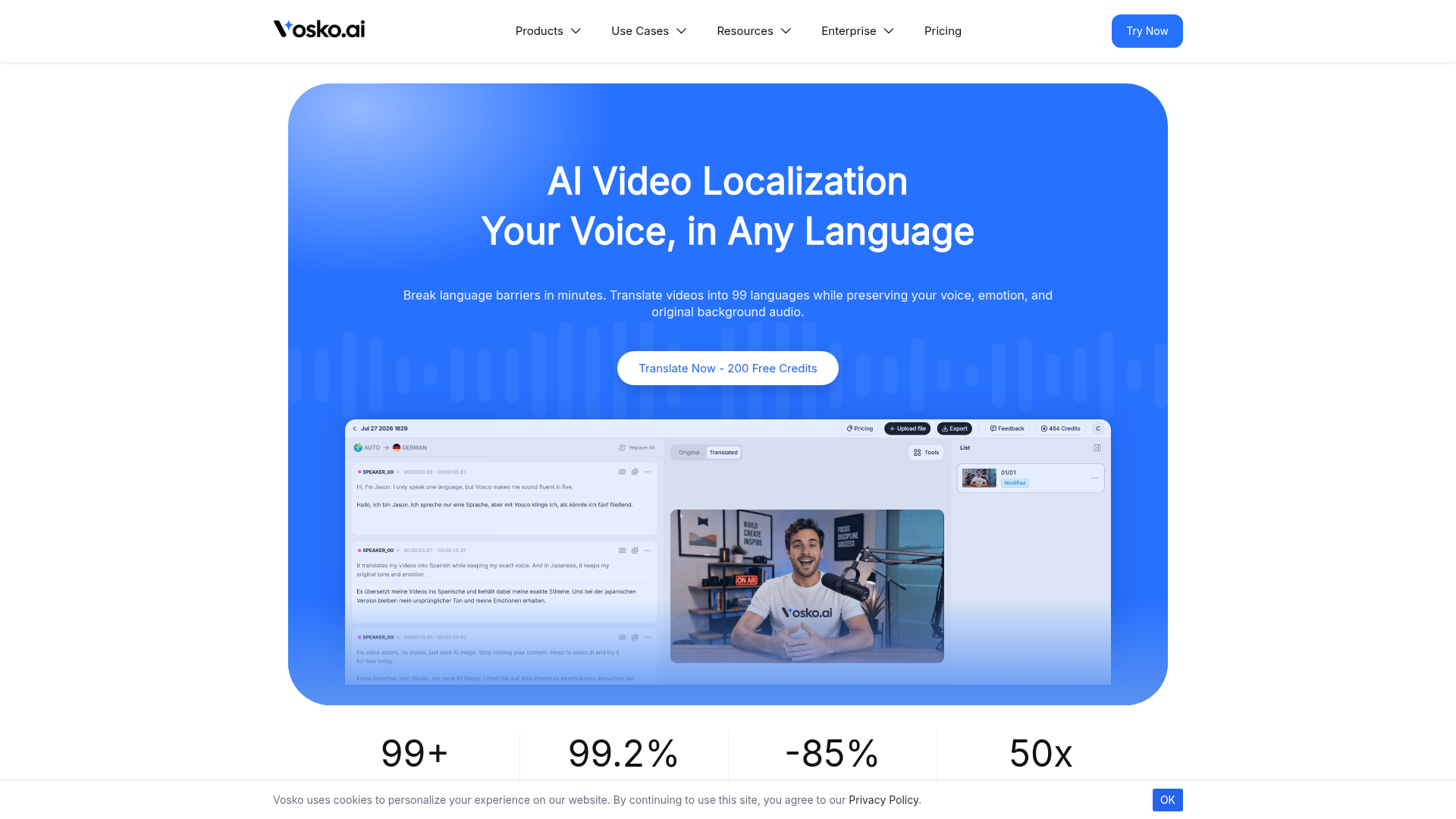
Screenshot archived from the listing page, for preview only.