
Voscribe
Free audio to text transcription toolTurn MP3 and MP4 into editable text
Highlights
What you can do with it
- Convert recorded lecture audio into editable text
- Transcribe meeting recordings for a written backup
- Turn interview recordings into organized text
How to use it
- 1 Open the Voscribe free transcript page.
- 2 Upload the audio or video file you want transcribed.
- 3 Let the tool process the file into text.
- 4 Edit and clean up the transcript.
- 5 Copy or save the finished text.
Who it is for
Pros
- Free to use for basic transcription
- Handles common formats such as MP3 and MP4
- Transcripts are editable for cleanup
Limitations
- Accuracy is around 95 percent, so review is still needed
- Free tool, so access and limits can change
- Long or noisy recordings may need heavier editing
What Voscribe is
Voscribe is a free transcription tool that converts audio files into text. It supports common formats, including MP3 to text and MP4 to text, and the vendor says it can produce editable transcripts with roughly 95 percent accuracy within about 2 minutes. Because it runs online, there is nothing to install, and you can upload a recording and get text back quickly. It is aimed at practical jobs: turning lecture audio into notes, backing up meeting recordings, and converting interview audio into organized text. The transcripts are editable, so you can fix mistakes, but the stated accuracy means you should plan a review pass rather than trust the output word for word.
What you can do with it
- Convert MP3 and MP4 audio into editable text
- Turn recorded lectures into study notes
- Back up meeting recordings as written transcripts
- Organize interview audio into readable text
Who it is for
- Students who want text from recorded lectures
- Professionals who need meeting transcripts for records
- Anyone turning interview or voice audio into written notes
What to watch out for
Accuracy is around 95 percent, not perfect, so allow time to review and edit, especially for names and technical terms. It is a free tool, so availability and any usage limits can change without notice. Very long or noisy recordings are likely to need more cleanup, and you should confirm the current terms before uploading sensitive audio. Behavior may vary across browsers and devices, so test before production use and consult the help docs if errors appear. Features and interface details may change between versions, so review the latest notes on the page before you start.
FAQ
Is Voscribe free?
Yes. It is offered as a free transcription tool.
What formats does it support?
It supports common formats, including MP3 to text and MP4 to text.
How accurate is it?
The vendor states about 95 percent accuracy, so transcripts should still be reviewed and edited.
Why it is free
What the official page says: 免费
Free limits, trial length and features are decided by the official site and can change at any time.
Product preview
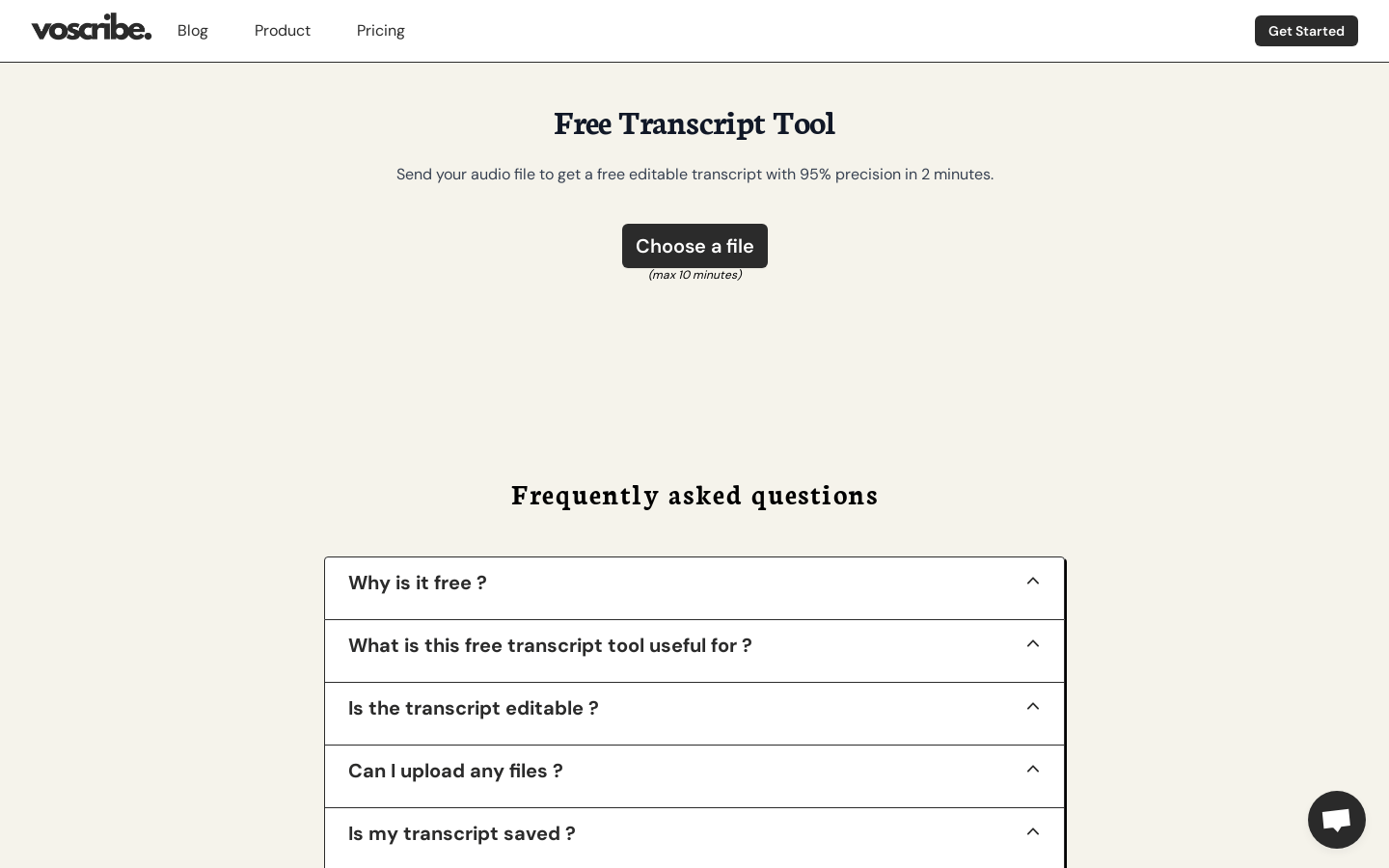
Screenshot archived from the listing page, for preview only.











