Voicefy
Text to speech in several languagesTurn a script into spoken audio
Highlights
What you can do with it
- Narrating an audiobook
- Producing advertising voiceovers
- Recording medical or instructional guidance
How to use it
- 1 Start the free trial on the Voicefy site
- 2 Paste in your script
- 3 Pick a language and voice
- 4 Adjust pacing and pronunciation
- 5 Generate and download the audio
Who it is for
Pros
- Free trial to test voices before paying
- Multiple languages available
- Usage-based pricing suits variable volume
Limitations
- Trial then paid usage, so it is not a free tool
- Voice quality differs noticeably across languages
- Scripts need pronunciation cleanup for names and jargon
What Voicefy is
Voicefy is a platform that turns written text into natural-sounding speech. You paste in a script, choose a language and a voice, and it produces audio you can download. It offers a variety of languages and voices, and the site positions it for audiobooks, automated advertising, recorded medical guidance, and general content accessibility. Pricing is based on usage, and a free trial is available so you can audition voices before committing. That structure suits people who need narration in volume rather than a one-off recording.
What you can do with it
- Convert a text script into spoken audio
- Choose from multiple languages and voices
- Produce audiobook narration
- Generate advertising voiceovers and guidance recordings
Who it is for
- Audiobook producers who need consistent narration
- Advertisers and agencies producing voiceover spots
- Teams recording instructional, medical, or guidance audio
What to watch out for
Voice naturalness is not uniform. Some languages and voices sound convincing while others sound flat or mispronounce common words, so always audition your actual script rather than a demo sentence. Names, technical terms, and acronyms usually need manual pronunciation fixes, which adds editing time to any long project. The trial becomes usage-based billing, so a long audiobook can cost more than expected. Read the usage terms before putting generated voice into paid advertising, since rights questions around synthetic speech are still settling. Name and archive exported files consistently so you can find and reuse them, and keep a backup copy of key data. When quality matters, export a small draft first to confirm the result before producing the final file. Save a backup of the original file before large batch jobs, and keep an exported copy of key results in case the page or service becomes temporarily unavailable.
FAQ
Is Voicefy free?
It offers a free trial, with pricing based on usage afterwards.
What is it used for?
Audiobooks, automated ads, medical guidance recordings, and general content accessibility.
How many languages does it support?
The description says it offers a variety of languages and voice options.
Why it is free
What the official page says: free trial
Free limits, trial length and features are decided by the official site and can change at any time.
Product preview
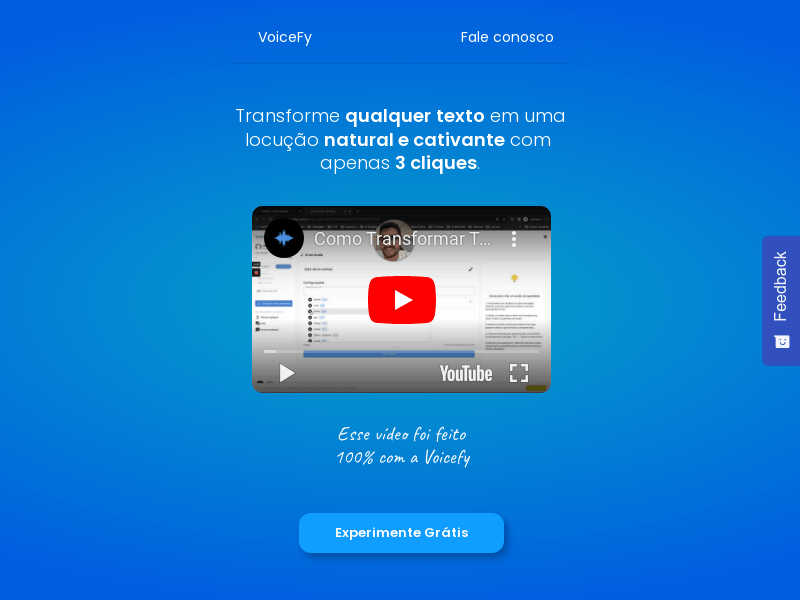
Screenshot archived from the listing page, for preview only.