
Voe 4 AI
Fast AI video generator from text or imagesText or image to video in about two seconds
Highlights
What you can do with it
- Turning a text script into a social media promo video
- Turning product images into an e-commerce video
- Turning study material into a short learning video
- Editing and enhancing images before publishing
How to use it
- 1 Open voe4ai.com and sign in or register
- 2 Choose text-to-video or image-to-video
- 3 Enter your prompt or upload your image
- 4 Use the prompt guide to tune the result
- 5 Click generate and wait a couple of seconds
- 6 Preview, download, or optimize and generate again
Who it is for
Pros
- Very fast turnaround between prompt and video
- 100 language support is unusually broad
- Image editing is included in the same tool
Limitations
- Free use is limited and the annual plan carries a time-limited discount
- The two second claim is a best case, not a guarantee
- Layout preservation can fight creative framing choices
- Commercial use of generated video needs checking
What Voe 4 AI is
Voe 4 AI is an AI video generator powered by the Voe 4.0 model. It takes text or an uploaded image and produces video, and the site claims a generation time of about two seconds with high fidelity output. Language support is unusually broad at 100 languages, which matters if you publish to audiences in more than one market. A second design choice is that it keeps the original layout of your input during generation, so the structure you supply survives into the video. The tool also includes image editing and enhancement, where you upload an image and describe the change you want. It can be used free online, and there is an annual plan with a limited-time discount, so check current pricing and free limits on the site.
What you can do with it
- Turn a text script into a short video
- Turn a still product image into a moving clip
- Edit and enhance images with text prompts
- Produce the same content across 100 languages
- Keep the layout of your input intact in the output
Who it is for
- Content creators producing short-form video
- Marketers making product promotion clips
- Students building video reports and presentations
- Anyone who wants image editing in the same tool as video
- Teams publishing the same message in several languages
What to watch out for
Free use is limited and the annual plan carries a time-limited discount, so treat current offers as temporary and check the site before you renew. The two second claim is a best case rather than a guarantee, and real time depends on queue length and prompt complexity. Layout preservation is useful for accuracy but it can fight you when you want a different framing, so expect to adjust prompts rather than get a perfect composition first time. Output quality also depends on the model and on how specific your prompt is, so budget for retries. If generated video is going into paid advertising or client work, check the license terms first.
FAQ
Is Voe 4 free?
It can be used free online, and there is an annual plan with a limited-time discount. Check current limits on the site.
How fast is generation?
The site claims about two seconds per video from text or an uploaded image.
How many languages are supported?
It supports 100 languages for input and generation.
Can I edit images with it?
Yes. You can upload an image and use text prompts to edit and enhance it.
Why it is free
What the official page says: for free
Free limits, trial length and features are decided by the official site and can change at any time.
Product preview
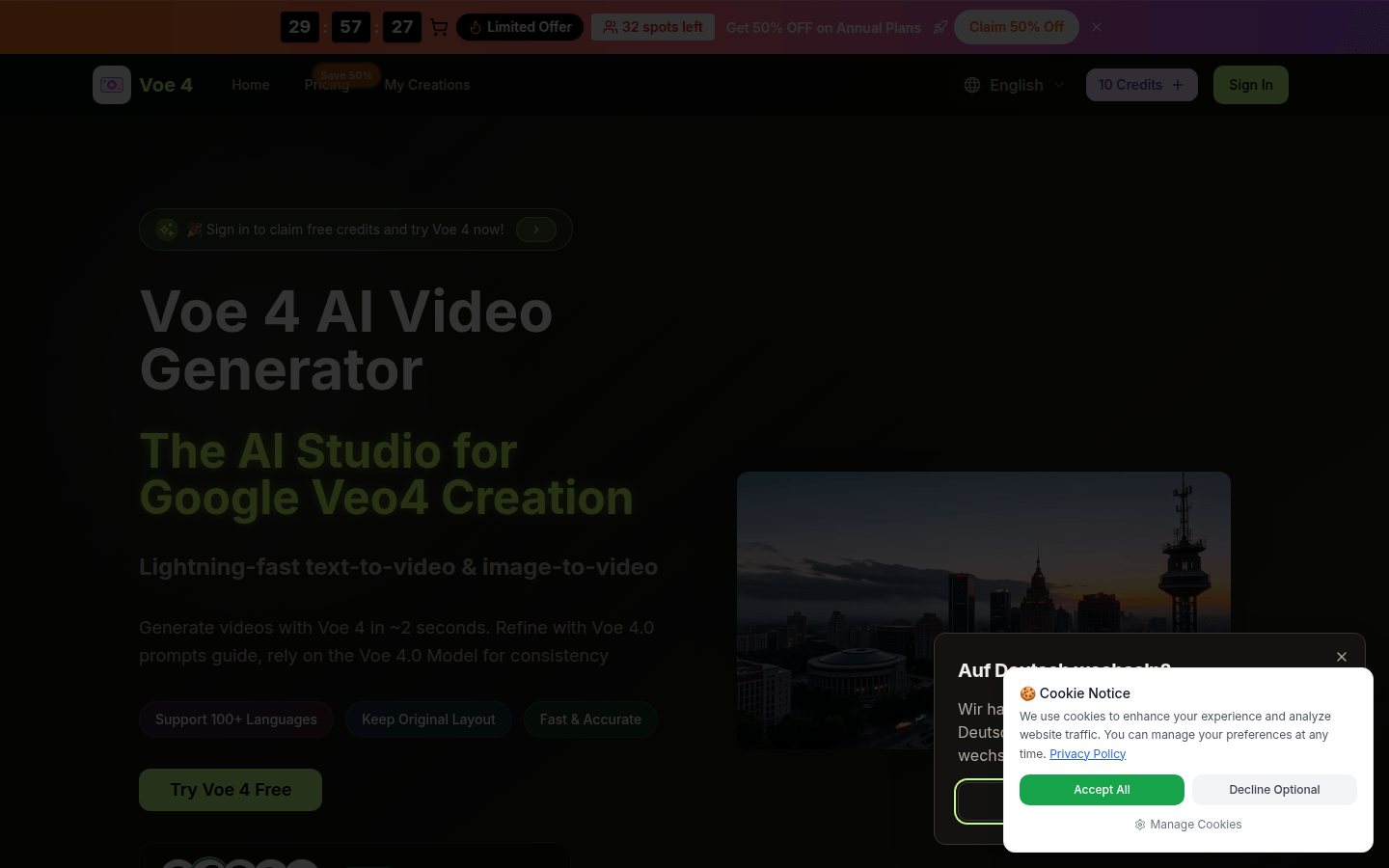
Screenshot archived from the listing page, for preview only.











