
Vocal Remover Online
Free online tool that splits vocals from instrumentalsPull vocals or backing tracks out of any song
Highlights
What you can do with it
- Create a karaoke backing track from a song
- Extract vocals for a remix or sample
- Pull audio out of a video file for editing
How to use it
- 1 Open the Vocal Remover Online website.
- 2 Upload a file or paste a YouTube video link.
- 3 Click the button to start separating vocals and instrumentals.
- 4 Wait for processing to finish, then download the tracks.
Who it is for
Pros
- Basic use is free with no registration
- Works from files or YouTube links
- Handles common audio and video formats
Limitations
- Advanced features and batch processing may cost money
- Separation quality varies with the source track
- Processing can take a few minutes per file
What Vocal Remover Online is
Vocal Remover Online is a website powered by deep learning that isolates vocals and instrumentals from audio or video files. You can upload a local file or paste a YouTube link, and the tool splits the tracks while trying to keep the original sound quality. It supports common formats such as MP3, WAV, and MP4 and offers a one click path for pulling audio out of a video. The basic vocal removal is free and needs no registration or subscription. Advanced features and batch processing may carry a fee, so the free path suits occasional use.
What you can do with it
- Split a song into separate vocal and instrumental tracks.
- Turn a track into a karaoke style backing by removing the voice.
- Pull the audio out of a video file for separate editing.
- Feed a YouTube link straight in without downloading it first.
Who it is for
- Music producers who need quick stems for a remix or sample.
- Video creators who want to reuse or swap a soundtrack.
- Karaoke and cover fans making backing tracks at home.
What to watch out for
Separation quality depends on the source track, and dense or heavily produced mixes will not always split cleanly. Processing can take a few minutes per file, and larger files take longer. The basic service is free, but advanced features and batch processing may cost money, so check what is included before you plan a big job. Behavior may vary across browsers and devices, so test before production use and consult the help docs if errors appear. Features and interface details may change between versions, so review the latest notes on the page before you start.
FAQ
Is Vocal Remover Online free?
The basic vocal removal is free and needs no registration; advanced and batch features may be paid.
Can I use a YouTube link?
Yes, you can upload a local file or paste a YouTube video link.
What formats does it support?
It supports common formats such as MP3, WAV, and MP4.
Why it is free
What the official page says: 免费
Free limits, trial length and features are decided by the official site and can change at any time.
Product preview
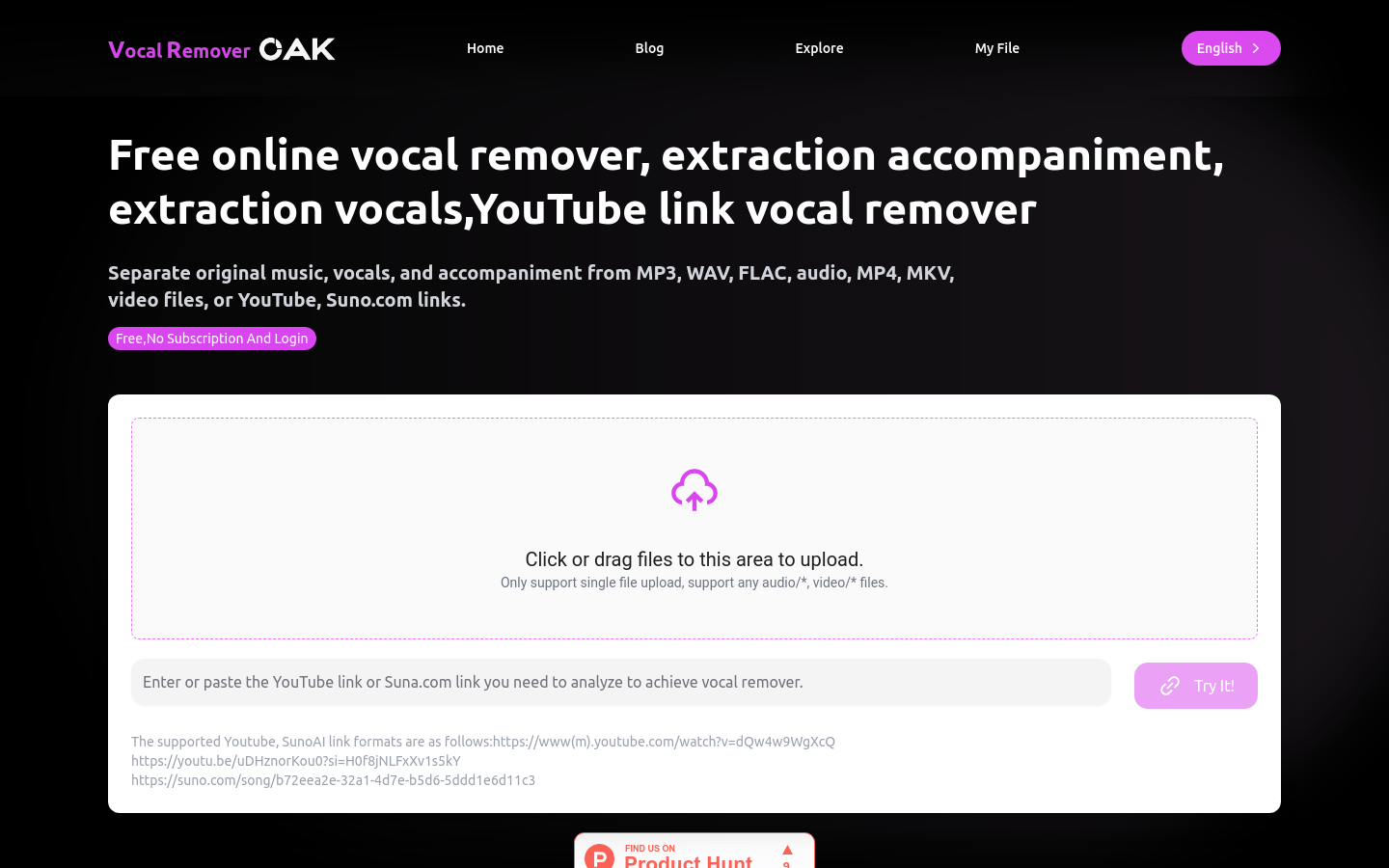
Screenshot archived from the listing page, for preview only.










