
VO4 AI Video Art
AI text and image to video generator1080p video from a prompt or a photo
Highlights
What you can do with it
- Turning scenic photos into shareable video
- Producing a product promo from written copy
- Creating course video from written lessons
How to use it
- 1 Upload images or type a text prompt.
- 2 Choose aspect ratio, resolution, and duration.
- 3 Let the AI generate the video.
- 4 Download the 1080p result.
Who it is for
Pros
- 1080p output with cinematic styling claims
- Both text and image inputs supported
- Parameter control over ratio, resolution, and length
Limitations
- Free trial is limited and Pro pricing applies after
- Consistency across shots is hard and may vary
- Complex prompts need several attempts
What VO4 AI Video Art is
VO4 AI is a video generation tool built on what the vendor calls the VO4 Model, which it says handles motion synthesis and multi shot storytelling. You can start from text or from a still image, and the system returns a video. The multi shot feature is meant to keep characters, visual style, and atmosphere consistent as the clip moves between shots, which is one of the harder problems in generated video. Output is described as 1080p with smooth motion and a cinematic look, and you can set the aspect ratio, resolution, and duration. A free trial is offered with a paid Pro plan.
What you can do with it
- Turn a written prompt into a multi shot video.
- Animate a still image with motion synthesis.
- Keep character and style consistency across shots.
- Set aspect ratio, resolution, and duration.
- Download a 1080p clip for social or professional use.
Who it is for
- Professional video creators who need high quality output.
- Social media creators producing short form content.
- Marketers making product and brand video.
- Photographers who want to animate their stills.
What to watch out for
The free trial is limited and a paid Pro plan applies afterwards, and pricing can change, so check current terms before you plan a campaign. Consistency across shots is difficult, and characters or styles can drift between them, so review the whole clip rather than a single frame. Complex prompts usually need several attempts before the result is close to what you described. Generation speed depends on server load, and cinematic quality is a vendor claim that will vary by scene.
FAQ
What resolution does it output?
1080p high definition is the stated output, with 720p also mentioned.
Can I use my own photos?
Yes, image to video conversion is supported.
Is there a free trial?
Yes, a free trial is offered alongside a paid Pro plan.
Why it is free
What the official page says: free trial
Free limits, trial length and features are decided by the official site and can change at any time.
Product preview
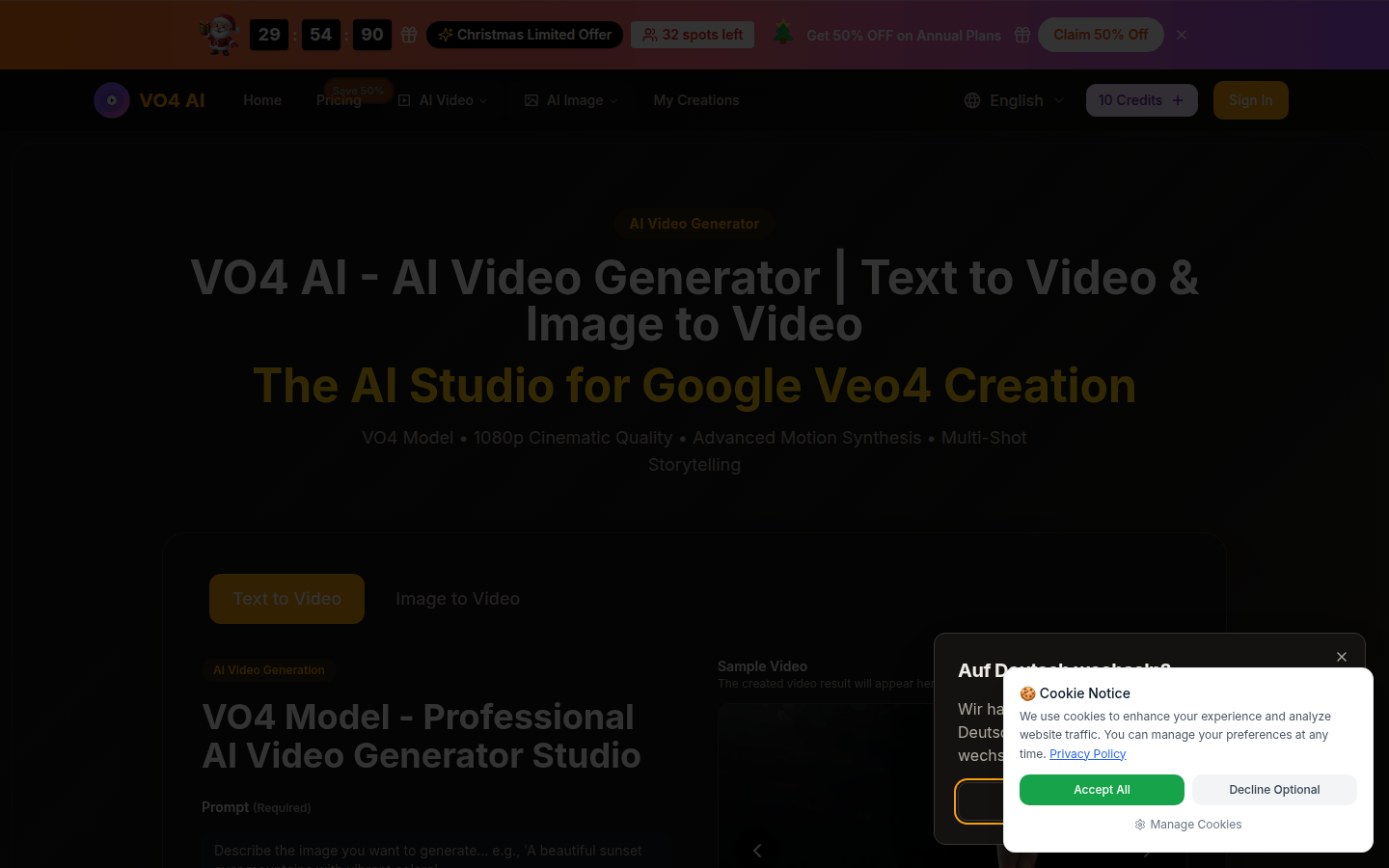
Screenshot archived from the listing page, for preview only.











