
Vmaker Ai
AI video creation and editing platformRecord, generate and edit video in minutes
Highlights
What you can do with it
- A marketing manager recording, editing and resizing a video for YouTube
- A marketing director creating and sharing videos on the move
- A support agent uploading and editing 4K video
- A creator turning a long recording into short clips
How to use it
- 1 Visit the Vmaker AI site and register or log in
- 2 Pick the function you need, such as recording, generation or editing
- 3 Record content or supply text, audio or documents as input
- 4 Edit by adding subtitles, removing the background or applying a style
- 5 Save and publish the finished video
Who it is for
Pros
- Recording, generation and editing sit in one product
- Long-to-short automation saves manual clipping time
- Subtitle coverage is broad across generation and translation
- 4K recording avoids a separate capture tool
Limitations
- The free trial is limited and paid plans follow
- Automatic clips and subtitles still need review before publishing
- AI editing quality varies with source footage
- Reported user numbers and awards are vendor claims
What Vmaker AI is
Vmaker AI is a video platform that covers creation and editing in one place. There is a full editing suite for turning raw footage into something publishable, and there is generation from a text prompt for when you have no footage at all. A long-to-short feature takes recordings such as podcasts, webinars, interviews and gameplay and cuts them into short clips automatically. The screen recorder captures screen and webcam in 4K and feeds straight into the editor, so capture and edit do not need separate tools. Subtitles are generated automatically in more than 35 languages, with 10 animation styles and translation into 100 languages. Conversion works across text, audio, documents and video, and there are extras such as background removal, video reuse and a style library. A free trial is offered, and the vendor reports an AI Startup of the Year award along with 25,000,000 users.
What you can do with it
- Edit raw footage or generate video from a text prompt
- Cut long recordings into short clips automatically
- Record screen and webcam in 4K and edit in the same app
- Generate subtitles in 35+ languages and translate into 100
- Convert text, audio, documents or video into new video
Who it is for
- YouTubers and creators publishing on a schedule
- Marketers producing channel and campaign video
- Learning and development teams making training content
- Everyday users with raw footage and no editing experience
What to watch out for
The free trial is limited and paid plans follow, so work out the per-month cost against how much video you actually produce. Automatic clipping and subtitles are a first draft, not a final cut: check timing, names and terminology before publishing, because those are the errors viewers notice. Output quality tracks source quality, so shaky or poorly lit footage limits what the tools can fix. Finally, the award and user count are vendor claims rather than independent verification, so weigh them accordingly.
FAQ
Is Vmaker AI free?
It offers a free trial. The vendor does not itemise pricing in the source material, so check the current plans on the site.
Can it record my screen?
Yes. The screen recorder captures screen and webcam in 4K, and the recording can be imported directly into the editor.
How many subtitle languages are supported?
Automatic subtitles are generated in more than 35 languages, with 10 animation styles and translation into 100 languages.
Why it is free
What the official page says: free trial
Free limits, trial length and features are decided by the official site and can change at any time.
Product preview
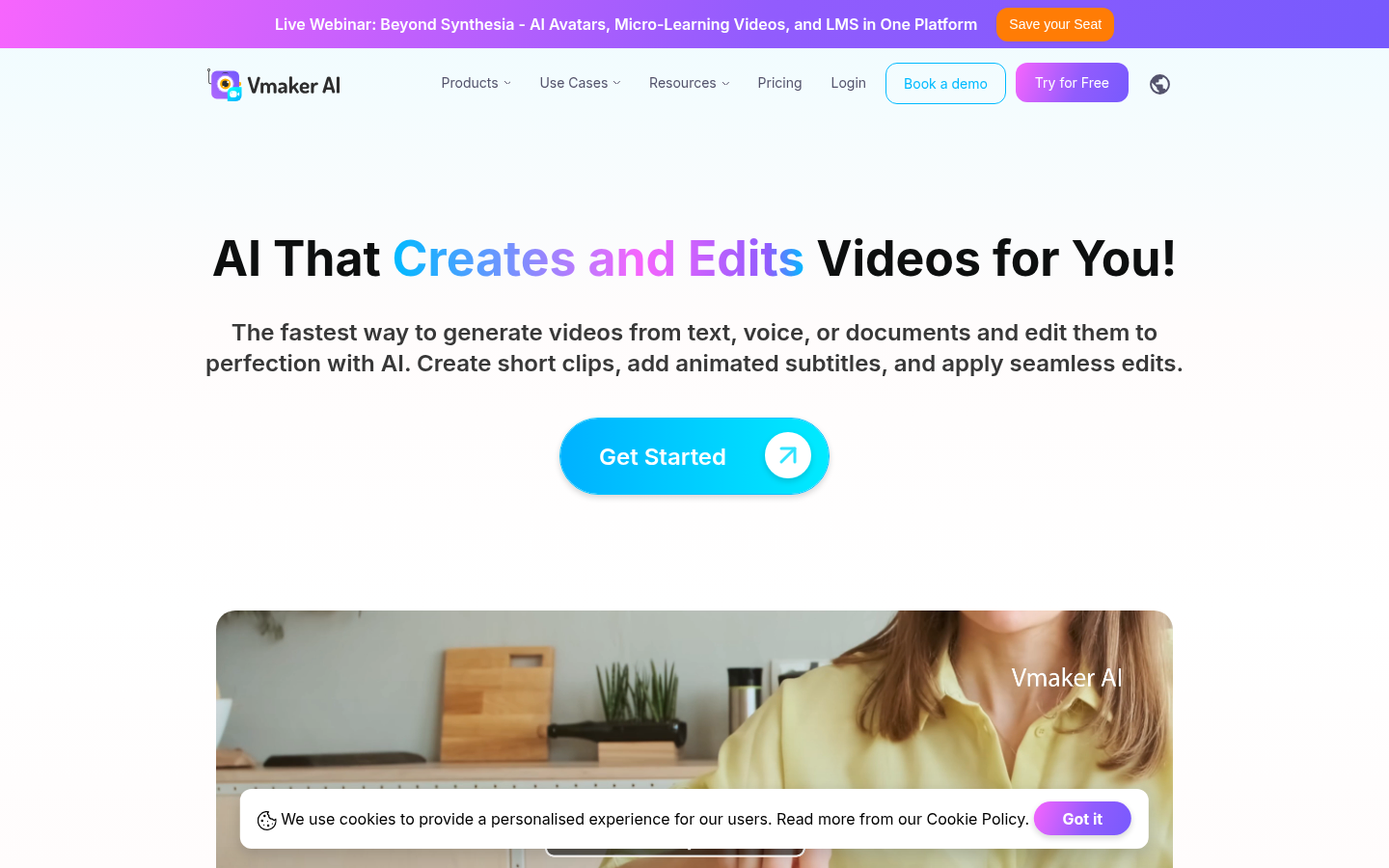
Screenshot archived from the listing page, for preview only.











