
Viva
Free AI image and video generation toolText and images to video, free to try
Highlights
What you can do with it
- Turn a text idea into a short video clip
- Upscale and redraw a photo to higher quality
- Share creations and find inspiration in the community
How to use it
- 1 Visit the Viva website
- 2 Register or log in to an account
- 3 Upload text or an image and pick the function you want
- 4 Adjust settings such as motion amount, around 20 for best results
- 5 Generate, then share your work in the community
Who it is for
Pros
- Free to use across image and video features
- Good vertical video output for short-form platforms
- Community for sharing and inspiration
Limitations
- Free access may change as the product develops
- Consistency is not always maintained, and clips are short
- Best results need setting tweaks, so expect some trial and error
What Viva is
Viva is a free AI generation tool and community. It offers Text-to-Image, Image-to-Image, Text-to-Video, and Image-to-Video, plus AI editing tools such as upscaling and redrawing to reach higher quality and 4K resolution. The team released an open-source Sora-architecture video generation model, and the tool is currently free to use. Each text-to-video run makes roughly a 5-second clip, and image-to-video makes about a 4-second clip, so it is built for short pieces rather than long films. Reviews note it does well on vertical video, which matters because most short-form content is shot that way.
What you can do with it
- Turn a text prompt into a short video clip
- Turn an image into a short animated clip
- Upscale and redraw images for higher quality
- Share work and find inspiration in the community
Who it is for
- Creators making short vertical videos
- People who want to upscale or redraw images
- Anyone exploring free AI video generation
What to watch out for
The free status is a current offer and may change as the product grows, so do not build a paid workflow around it. Consistency is not always maintained in tests, and it does not match the physical simulation of some larger models, so expect variation between runs. Clips are short by design, and the best results come from adjusting settings such as motion amount, which means some trial and error. Plan to generate several versions and pick the one that works. Start with a small sample to confirm the output meets your expectations before processing the full batch. Free tiers and usage limits can change, so check the current rules on the official page before relying on it long term.
FAQ
Is Viva free?
The generation features are described as free to use, though terms can change.
How long are the generated videos?
Text-to-video makes about a 5-second clip and image-to-video about 4 seconds.
What is it good at?
It is noted for strong vertical video output, which suits short-form content.
Why it is free
What the official page says: free to use
Free limits, trial length and features are decided by the official site and can change at any time.
Product preview
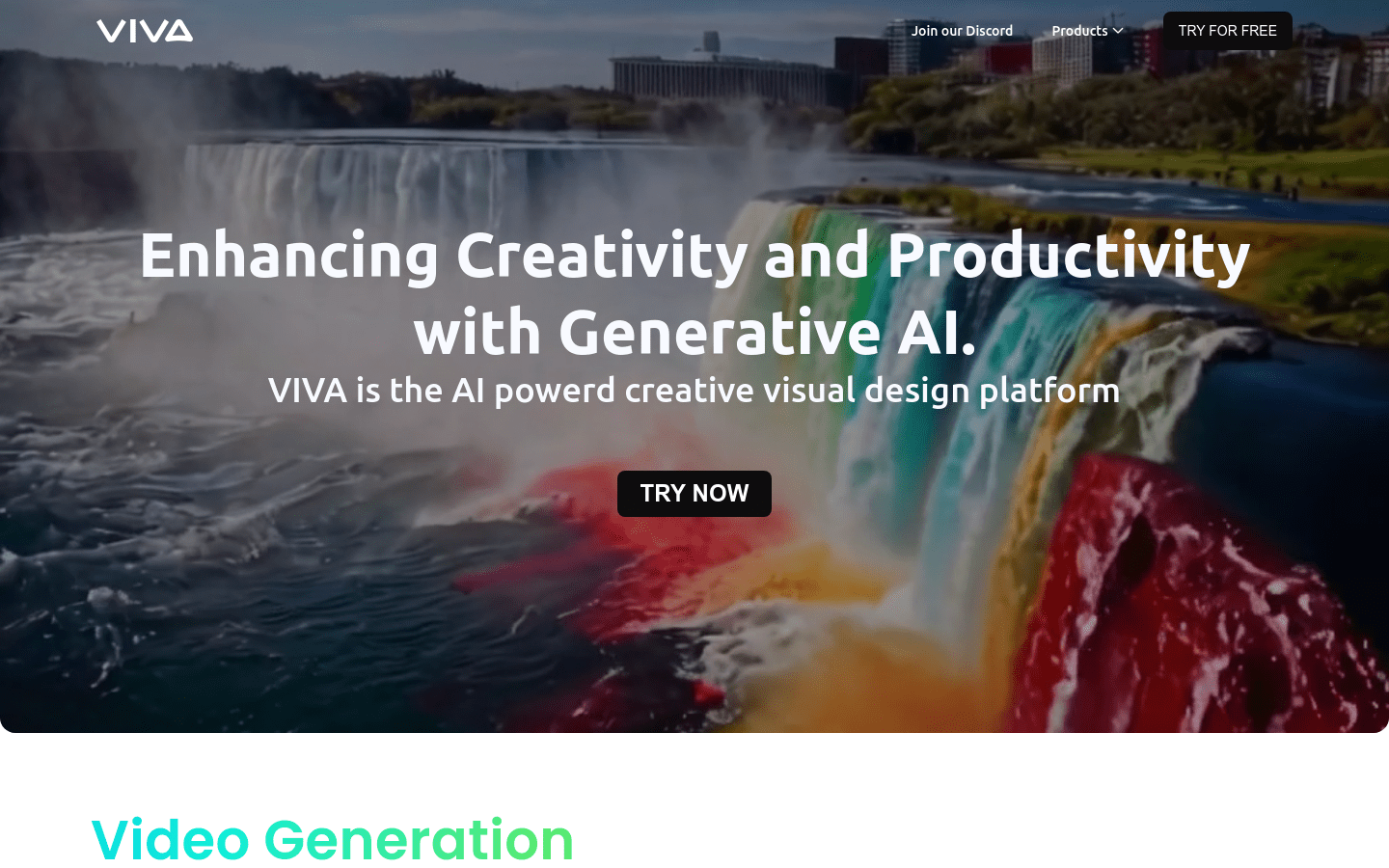
Screenshot archived from the listing page, for preview only.











