
Visuali
AI image generation toolType a description, get an image
Highlights
What you can do with it
- Turning a concept into artwork
- Generating images for a design project
- Exploring styles for a personal piece
How to use it
- 1 Create a free account on visuali.io
- 2 Write a description of the image you want
- 3 Pick a style
- 4 Generate and review the result
- 5 Download it, or upgrade for commercial needs
Who it is for
Pros
- Nothing to install
- Free account to start
- Multiple styles from one prompt
Limitations
- Free account limits, paid plans for heavier use
- Commercial terms sit on the paid side
- Prompt writing takes practice to get good output
What Visuali is
Visuali is an AI image generation platform. The interaction is deliberately simple: write a description, choose a style, and the AI produces the image. There is no coding and no installation, so it runs in the browser and can be tried within a couple of minutes of signing up. Several artistic styles are available, which means the same prompt can be pushed toward different looks without rewriting it. Free accounts are offered alongside paid plans, and the site describes the output as suitable for both personal and commercial use.
What you can do with it
- Generate art style images from a written description.
- Switch between styles to explore different looks.
- Use the output in design projects or personal work.
- Start on a free account and move up only when needed.
Who it is for
- Artists who want to see a concept quickly.
- Designers who need custom visuals without a photoshoot.
- Hobbyists exploring what different styles look like.
What to watch out for
Free accounts come with limits, and heavier or commercial work sits on paid plans, so check the current terms before you build a project around it. Getting good output takes practice: vague prompts produce vague images, and learning to describe composition, lighting and subject takes a few rounds. Review results before you use them anywhere public, since generated details such as hands and text often need fixing. Features and interface details may change between versions, so review the latest notes on the page before you start. For team use, agree on naming and editing conventions in advance to avoid version conflicts or duplicated work.
FAQ
Is Visuali free?
Free accounts are offered, with paid plans for more usage.
Do I need to install anything?
No. The platform runs without coding or installation.
Can I use the images commercially?
The site says it is suitable for personal and commercial use, with paid plans available.
Why it is free
What the official page says: free account
Free limits, trial length and features are decided by the official site and can change at any time.
Product preview
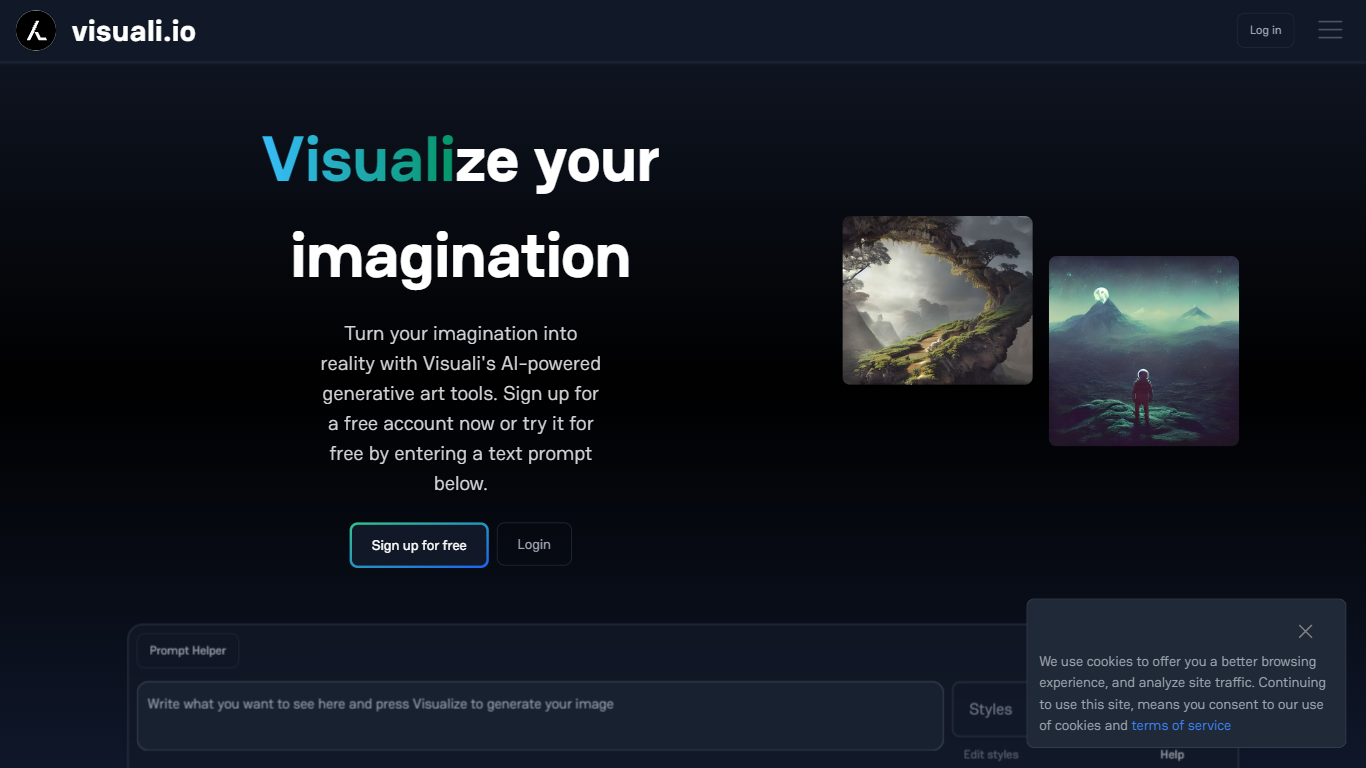
Screenshot archived from the listing page, for preview only.











