
Vireel AI
AI video and image editorMake watermark-free AI video and images
Highlights
What you can do with it
- Create short romantic or story clips for social media
- Extend and polish trailer footage with camera moves
- Produce advertising images and video from text prompts
How to use it
- 1 Visit the Vireel AI website and register an account
- 2 Pick the function you need, such as the video or image generator
- 3 Enter a text description or upload your pictures
- 4 Edit the result with camera control or the video extender
- 5 Save or share the finished video and images
Who it is for
Pros
- New users get a free quota at registration
- Output is watermark-free
- Several AI video models are available in one place
Limitations
- After the free quota, faster rendering and higher resolution need a premium plan
- Free quota terms and model access can change
- Editing photos of real people can raise consent and platform rule issues, and any consequences fall on the user
What Vireel AI is
Vireel AI is an online platform for AI video and image work. It turns text or images into clips and stills, and it bundles several leading AI video models behind one interface so you are not juggling separate accounts. New users get a free quota at registration, and the finished files come out without watermarks. The toolset spans a video generator, an image generator, image-to-video conversion, a video extender that adds frames while holding quality steady, and camera movement control for panning, tracking, and tilting. Faster rendering, higher resolution, and priority model access sit behind a premium plan.
What you can do with it
- Generate video scenes from a text description.
- Turn a still photo into a moving clip.
- Extend a short video by adding frames without visible seams.
- Control camera movement for a film-style look.
- Create still images in a wide range of styles.
Who it is for
- Content creators who need a steady supply of video and image material.
- Social media bloggers looking for clips that stop the scroll.
- Film production teams that want trailer polish without a full edit suite.
What to watch out for
The free quota is a starting point, not an ongoing plan. Once it runs out, faster rendering and higher resolution sit behind a premium subscription, and those terms can change. Several features work on photos of people, so think about consent before you upload someone else's image, and check the rules of any platform you post to. Generating video of real people without their agreement can break platform policies and, in some places, the law, and any consequences land on you rather than the tool.
FAQ
Do I get anything for free?
Yes. New users receive a free quota when they register.
Will my exports have a watermark?
The platform advertises watermark-free creation.
What do paid plans add?
Faster rendering speed, higher resolution, and priority access to models.
Why it is free
What the official page says: 免费额度免费
Free limits, trial length and features are decided by the official site and can change at any time.
Product preview
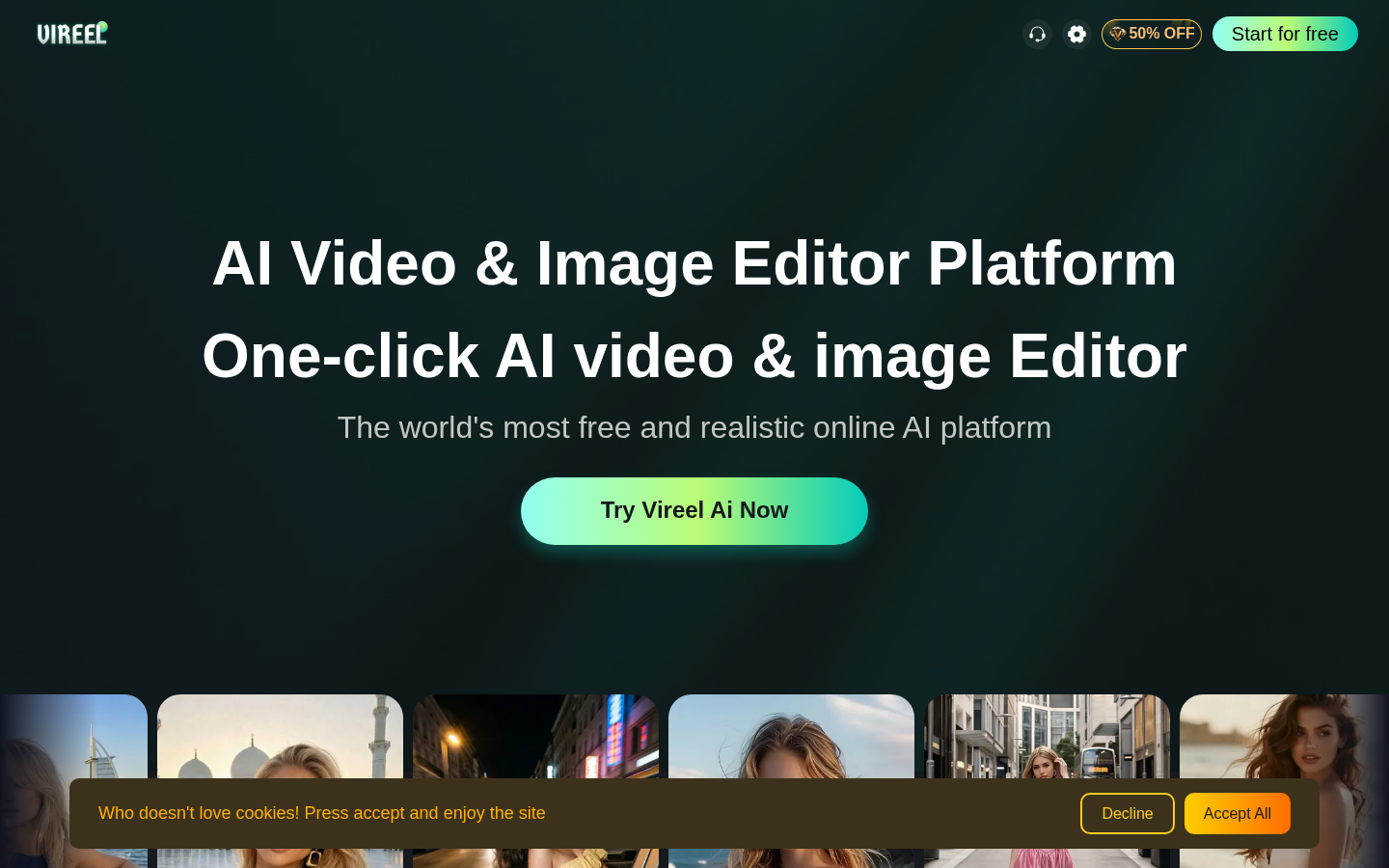
Screenshot archived from the listing page, for preview only.











