
ViNano AI
AI image and video toolsEdit images with plain language prompts
Highlights
What you can do with it
- Designers generate multiple concepts quickly
- E-commerce owners create product photos
- Game developers draft characters and scenes
How to use it
- 1 Register at vinano.ai to get free credits
- 2 Choose image or video generation
- 3 Upload an image or type a description
- 4 Generate and edit with prompts
- 5 Download the final file
Who it is for
Pros
- Prompt-based editing needs no manual masking
- Keeps faces and identity consistent
- Free trial credits on signup
Limitations
- Free credits run out and Pro requires payment
- Comparison claims about other models are vendor statements
- Complex edits may need several attempts
What ViNano AI is
ViNano AI is a platform for AI image editing and video generation. Instead of manual masking, you describe what you want in plain language, and the model applies the change, which makes editing feel closer to a conversation than a design tool. It is designed to keep character faces and identity consistent across edits and to blend new content with the original background for natural results. It also supports multi-image workflows, AI UGC content such as consistent virtual influencers, and image repair for e-commerce listings. New users get free credits on registration, and a free trial is offered, while the Pro version adds faster generation and exclusive models for a fee.
What you can do with it
- Edit images by typing instructions
- Generate new images and video clips from prompts
- Process multiple images in one workflow
- Create consistent AI influencer and UGC content
Who it is for
- Designers and artists iterating on concepts
- E-commerce sellers improving product photos
- Game developers drafting characters and scenes
What to watch out for
Free credits are limited, so continued use means upgrading to a paid plan. The site compares its scene fusion with other models, but those are the vendor's own claims and should be tested rather than trusted. Prompt editing is powerful yet not perfect: complex requests may need several rounds to land the result you want. Output that involves real people should be handled with care and used only with permission. Start with a small sample to confirm the output meets your expectations before processing the full batch. Free tiers and usage limits can change, so check the current rules on the official page before relying on it long term.
FAQ
What is ViNano AI?
A platform for AI image editing and video generation.
How does editing work?
You describe changes in natural language and the model applies them.
Is it free?
There is a free trial and signup credits; Pro features are paid.
Why it is free
What the official page says: free trial
Free limits, trial length and features are decided by the official site and can change at any time.
Product preview
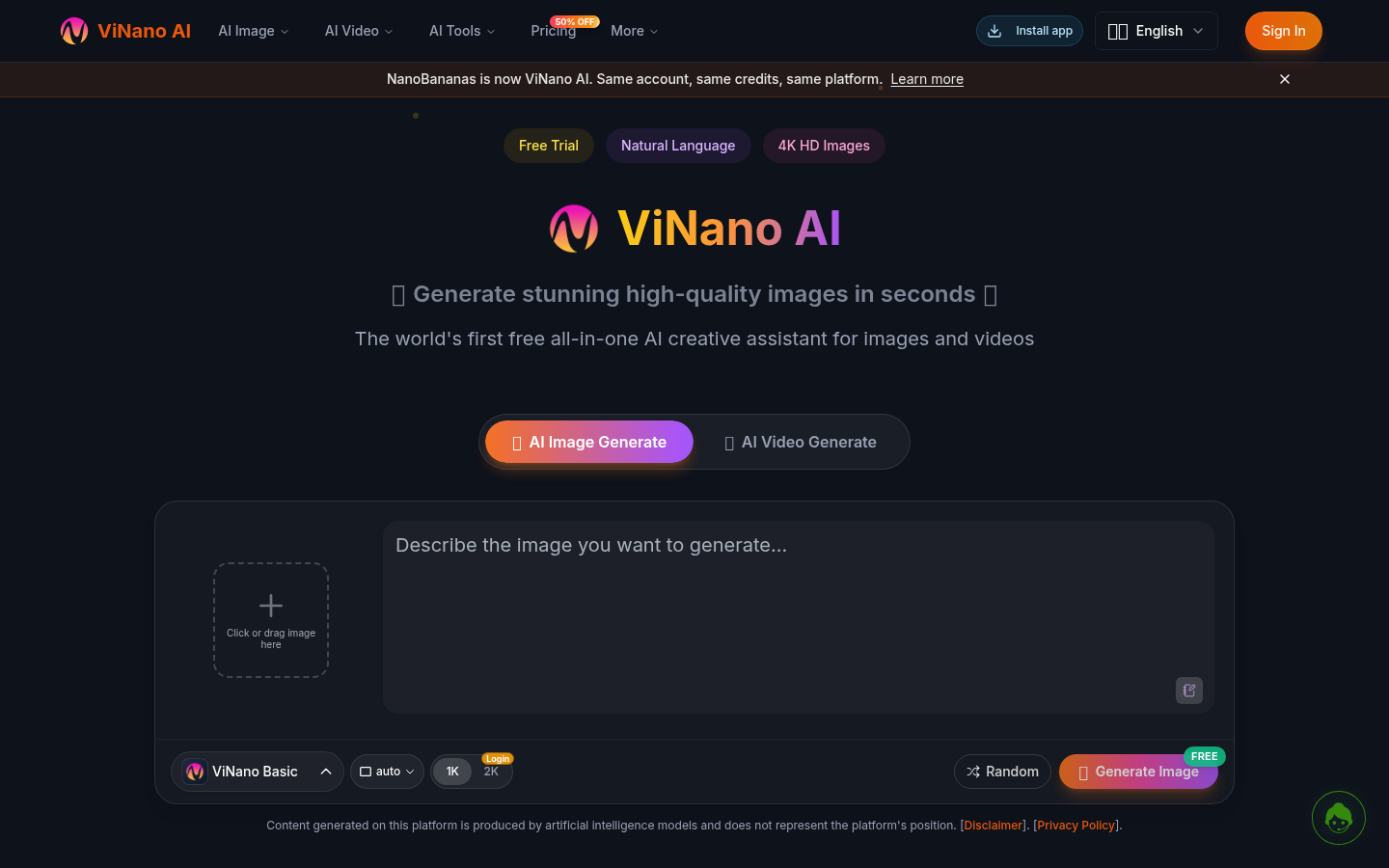
Screenshot archived from the listing page, for preview only.











