
Vidu Studio AI
Text and image to video converterTurn text and photos into short videos
Highlights
What you can do with it
- Creating short social media clips
- Building a product demonstration video
- Making teaching material for a class
How to use it
- 1 Log in to Vidu Studio AI and start a new video
- 2 Upload text and images or choose a template
- 3 Let AI pick effects or adjust them yourself
- 4 Preview in real time and fix anything that looks off
- 5 Choose a format and export
Who it is for
Pros
- Beginner friendly with no editing experience needed
- Preview reduces wasted exports
- Templates cover common video types
Limitations
- Template output can look samey if you do not customise it
- Free access, watermark rules and limits can change
- Fine control is limited compared with a full editor
What Vidu Studio AI is
Vidu Studio AI is an online platform that turns text and images into video. Rather than editing on a timeline, you supply the material and the system selects templates, animations and transition effects for you. There is a real-time preview so you can see the result before exporting, and output can be produced in several formats to suit different platforms. The interface is aimed at beginners as well as people who have edited before, and the listing says most users can create and export a video within minutes.
What you can do with it
- Convert text and images into a finished video
- Use automatic template, animation and transition selection
- Preview the video in real time and adjust it
- Export in multiple formats for social, web or internal use
Who it is for
- Social media creators who need short clips on a schedule
- Small businesses putting together product demonstrations
- Educators producing simple teaching videos
What to watch out for
Template driven output is fast but it can look samey, so spend a few minutes on customisation if the video represents your brand. The automatic choices are a starting point, not a creative decision, and they will not know your audience. Free access, export limits and any watermark rules can change, so confirm current terms before you rely on it for client work. For anything needing precise timing, layered audio or detailed motion graphics, a conventional editor still gives more control. Name and archive exported files consistently so you can find and reuse them, and keep a backup copy of key data. When quality matters, export a small draft first to confirm the result before producing the final file.
FAQ
What does Vidu Studio AI do?
It converts text and images into professional-quality videos.
Do I need editing experience?
No, the platform is designed to be usable without video editing experience.
Is it free?
The listing describes it as a free online text and image to video converter.
Why it is free
What the official page says: 免费
Free limits, trial length and features are decided by the official site and can change at any time.
Product preview
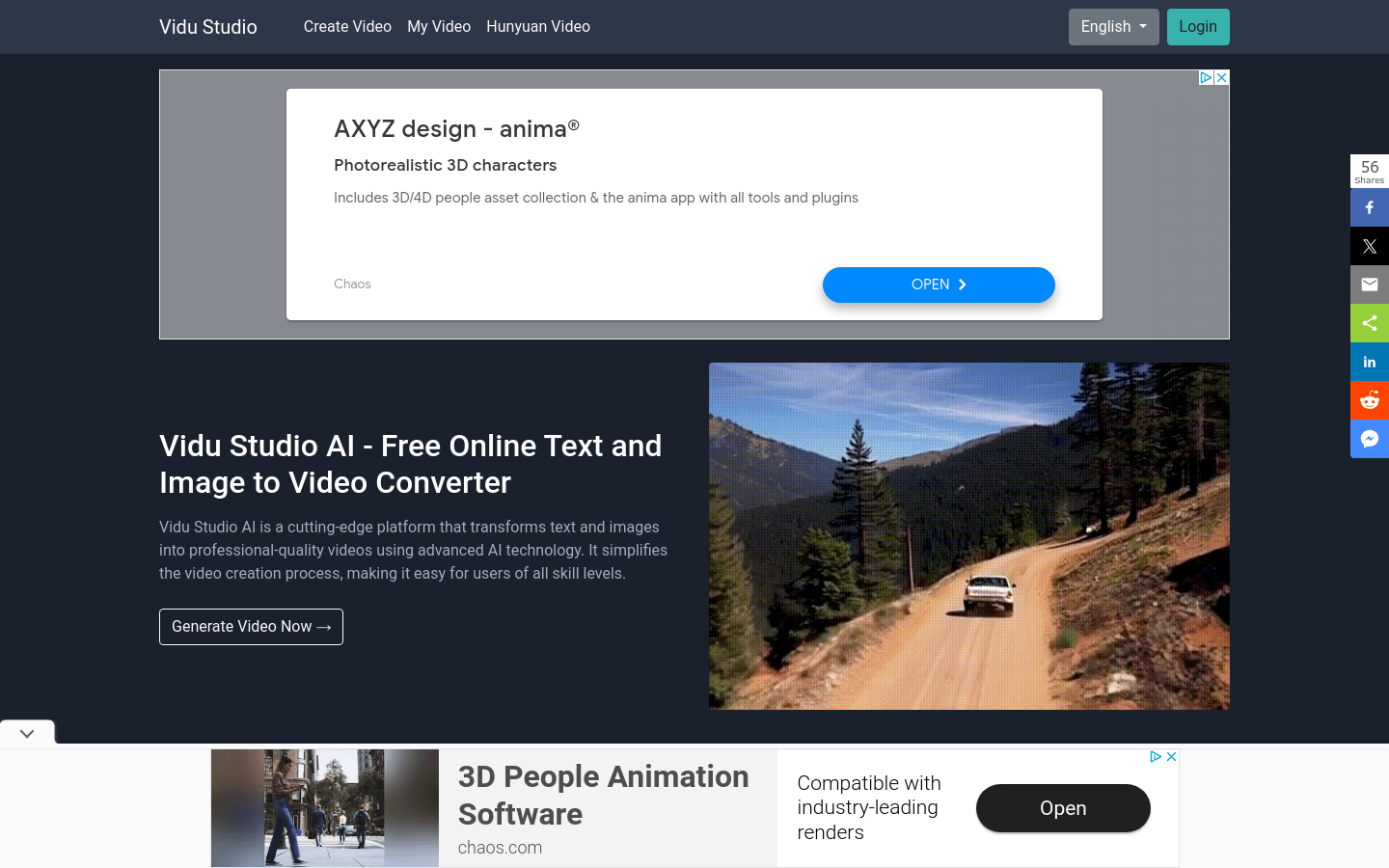
Screenshot archived from the listing page, for preview only.











