VidTranslate
AI video translation and dubbing toolSubtitles and voice in 100+ languages
Highlights
What you can do with it
- Brands producing multilingual marketing videos
- Educators translating courses for global students
- News teams localizing interviews quickly
How to use it
- 1 Start the free trial or log in
- 2 Upload a file or paste a YouTube or Drive link
- 3 Select the target language
- 4 Preview and edit subtitles in the dashboard
- 5 Download SRT, VTT, or an embedded video
Who it is for
Pros
- Free trial to test quality
- Wide language coverage
- Lip-sync alignment reduces manual timing work
- Flexible export formats
Limitations
- Voice cloning raises consent and platform-policy issues; misuse consequences fall on the user
- Free trial limits length or volume
- Translation still needs human review for nuance
What VidTranslate is
VidTranslate is an AI-driven video editing tool focused on making video work across languages. You bring in a local file, a YouTube link, or a Google Drive address, and the platform transcribes the speech, translates it into one of more than 100 languages, and generates subtitles and dubbing. Subtitle timing is adjusted automatically to line up with the speaker's lip movements, and you can customize subtitle style, font, and position to keep your video's look. A voice cloning feature is included so the translated audio retains the tone and personality of the original speaker. A free trial is available, with paid plans lifting limits and adding features.
What you can do with it
- Translate video into more than 100 languages
- Generate subtitles synced to lip movement
- Dub with a cloned voice that keeps the original tone
- Customize subtitle font, style, and placement
- Export SRT, VTT, or a video with embedded subtitles
Who it is for
- Creators and media teams spreading content to new markets
- Enterprises producing multilingual marketing and product video
- Educational institutions localizing courses and lectures
What to watch out for
Voice cloning carries real risk. Cloning a voice without clear permission can violate platform rules and, in some places, the law, and any consequences fall on the user, so only clone voices you own or have explicit rights to use. The free trial limits volume or length, and paid plans are required for heavier work. Machine translation can miss nuance, idiom, or sensitive wording, so have a native speaker review important content. Uploading video to a third-party service also means your files leave your machine, so check the privacy terms before sending confidential material, and verify commercial rights before using translated video in a paid campaign.
FAQ
How many languages are supported?
The platform says it can translate video content into more than 100 languages.
Is there a free trial?
Yes, a free trial is offered, and paid plans add higher limits and features.
What is the voice cloning feature?
It keeps the unique tone and intonation of the source speaker in the translated dubbing. Cloning a voice without permission can violate platform rules, and any consequences fall on the user.
What can I export?
SRT, VTT subtitle files, or a video file with embedded subtitles.
Why it is free
What the official page says: free trial
Free limits, trial length and features are decided by the official site and can change at any time.
Product preview
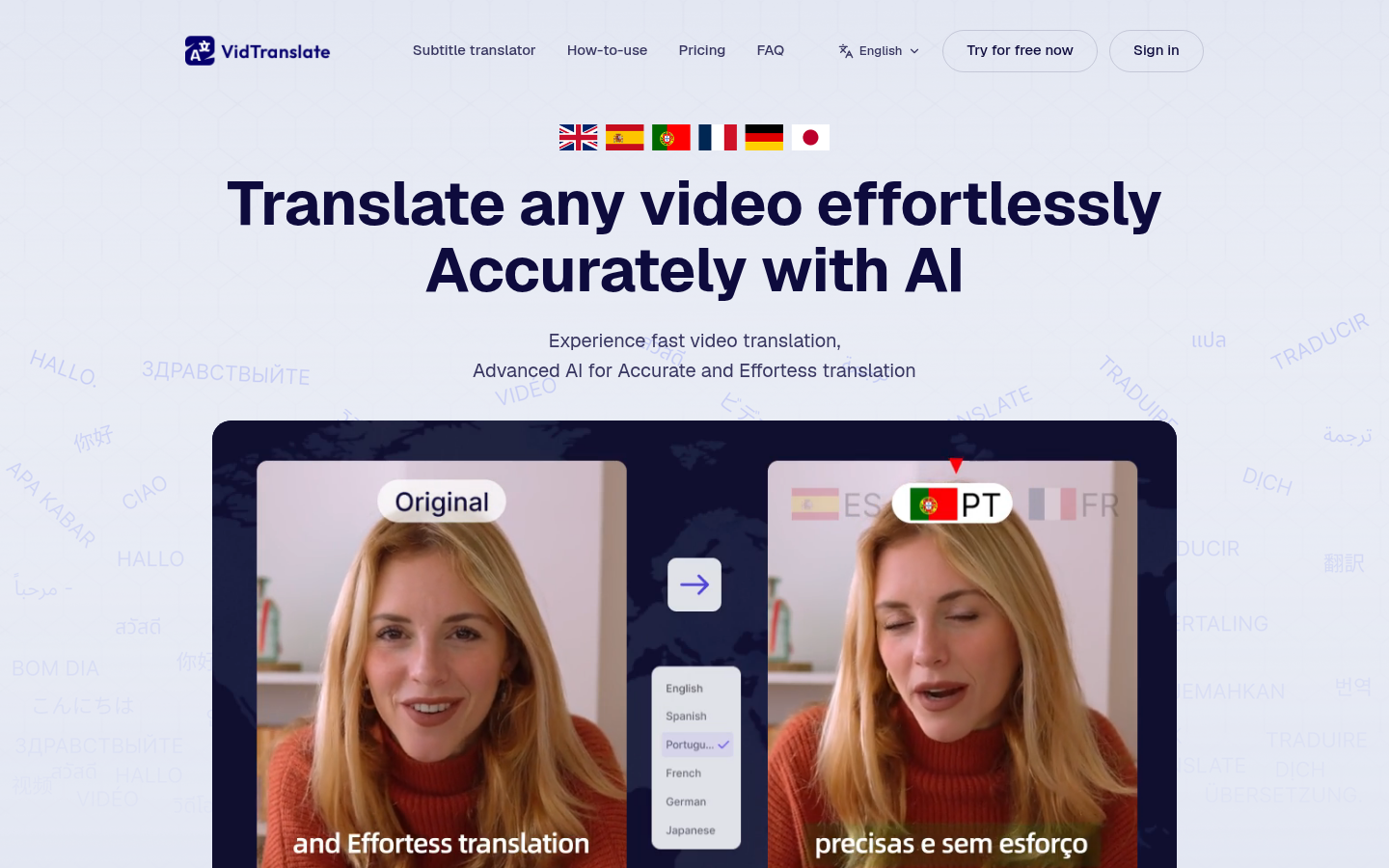
Screenshot archived from the listing page, for preview only.