
VidToQuiz
Turn videos into interactive quizzesConvert any video into a quiz in minutes
Highlights
What you can do with it
- A teacher turns a lesson video into a homework quiz
- A corporate trainer checks comprehension after an instructional video
- A student builds self-test questions from study videos
How to use it
- 1 Open vidtoquiz.com and sign in
- 2 Add the video you want to work from
- 3 Generate the questions and review or edit them
- 4 Export the quiz to Google Forms or share it with your group
Who it is for
Pros
- Saves time writing questions by hand
- Google Forms export fits existing school and office workflows
- Free plan available, with API options for teams
Limitations
- Free version is limited and paid plans are needed for more
- Generated questions should be reviewed before they reach a class
- A small and young service, so features and pricing can change
What VidToQuiz is
VidToQuiz is a video quiz generator. It takes a video and turns it into an interactive quiz, so watching becomes practice rather than passive viewing. Generated quizzes can be exported to Google Forms, which keeps distribution simple for teachers and trainers who already work there. A free version is offered next to paid plans, and business customers can request custom services and API access. The site names educators, corporate trainers, eLearning creators, students, HR staff and conference speakers among its users.
What you can do with it
- Convert a video into a quiz in a few steps
- Export the finished quiz to Google Forms
- Generate questions quickly instead of writing them by hand
- Use API access for larger training setups
Who it is for
- Teachers and course creators who need quick checks
- Corporate trainers and HR teams running onboarding
- Students who want to test themselves on video material
What to watch out for
The free version is limited, and paid plans are needed for heavier use. Generated questions should always be reviewed before they reach a class, since one badly worded item can confuse learners and undermine the point of the exercise. The service is young and small, so features, export behaviour and pricing can change. Finally, make sure any video you upload is cleared for use in your teaching or training context, since rights to source material still matter. For best results, start with a small test file and review the output carefully before working on anything important. Free tiers can change over time, so it is worth checking the current limits on the official page before you rely on the tool daily.
FAQ
Does it work with any video?
The site says it converts videos into quizzes; check the product page for supported sources and length limits.
Can I use the quizzes in Google Forms?
Yes, export to Google Forms is a listed feature.
Is there a free plan?
A free version is offered alongside paid options.
Why it is free
What the official page says: 免费版免费
Free limits, trial length and features are decided by the official site and can change at any time.
Product preview
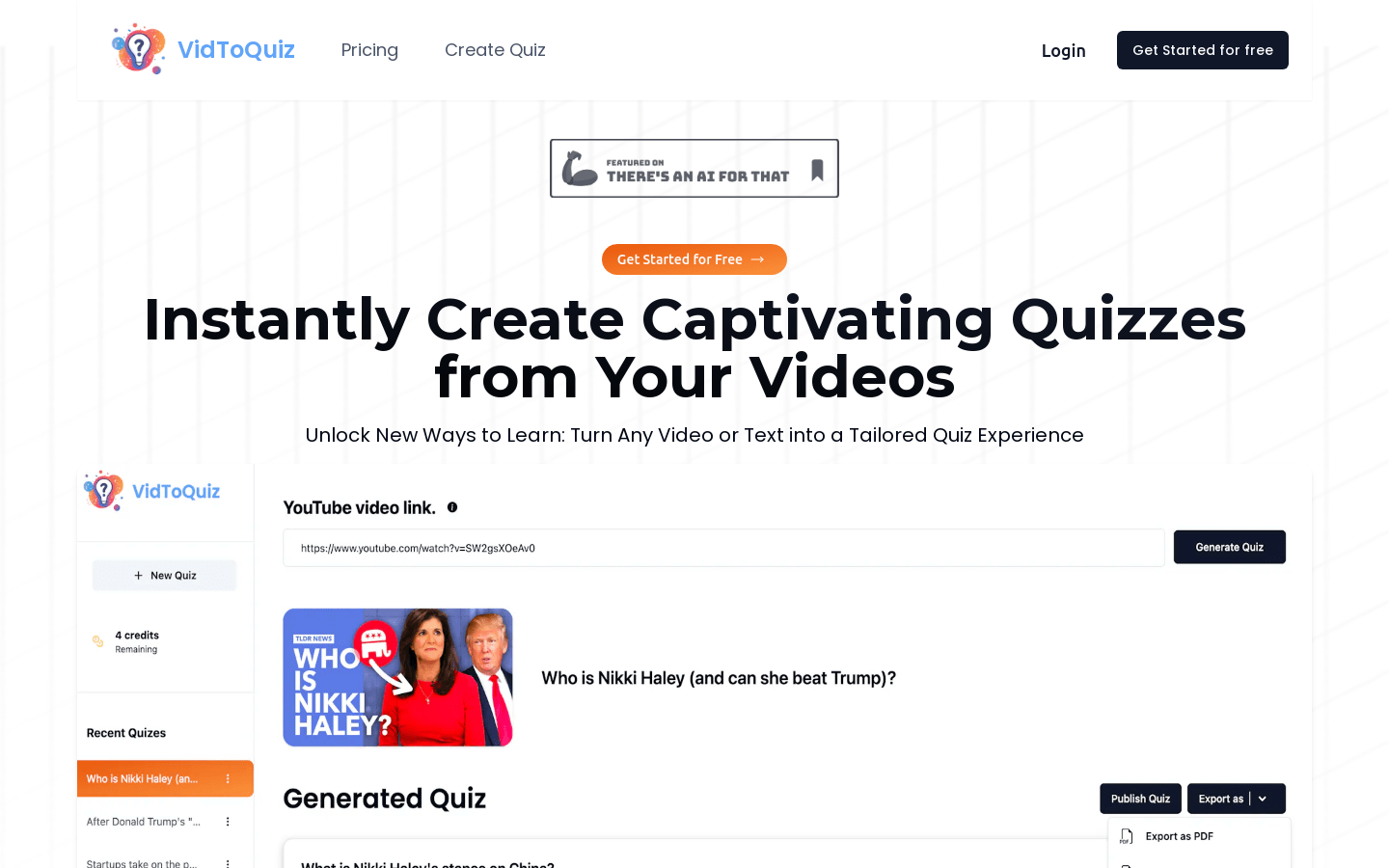
Screenshot archived from the listing page, for preview only.











