
VidLux AI
Multi-model AI video platform for short clipsTurn text, images, and keyframes into video, free to try
Highlights
What you can do with it
- Social media creators turn a script or photo into a short video
- Product marketers build a promo clip from product images and reference video
- Animation designers draft character motion for concept presentation
How to use it
- 1 Visit vidlux.ai and register or log in to start a free trial.
- 2 Choose a creation method such as text, image, reference, or keyframe.
- 3 Upload your materials and pick the AI model that fits your goal.
- 4 Set duration, resolution, and audio, and review the credit cost.
- 5 Generate the video, then preview and export it.
Who it is for
Pros
- Free trial lets you test before paying
- Many input types, from plain text to keyframes
- Model choice lets you trade quality against speed
- No professional editing experience required
Limitations
- Free trial exports carry a watermark, paid plans remove it
- Credit cost rises with duration, resolution, and audio, so it adds up
- Motion control uses character images, so likeness and consent matter
- Pricing and free trial terms can change
What VidLux AI is
VidLux AI is a multi-model video platform that turns text, images, reference clips, and keyframes into short videos. The idea is that you do not need editing experience to get a usable clip. You can write a scene in plain words, upload a still image, or supply a start frame and an end frame, and the system fills in the motion between them. There are several models behind the scenes, so for each job you can decide what matters most: smooth movement, a consistent character, strong visual quality, audio, or faster generation. New users get a free trial to test the tools before they pay. After that, plans charge based on the settings you choose, such as the model, the duration, the resolution, and whether you add audio.
What you can do with it
- Turn a written scene or script into a short video clip.
- Animate a still image with natural movement and camera changes.
- Use reference clips for characters, scenes, styles, movements, or audio.
- Restyle an existing video while keeping its motion and timeline.
- Apply a reference movement to a character image with motion control.
Who it is for
- Social media creators who need short-form video quickly.
- Product marketers building promo clips from product photos.
- Animation designers drafting motion for concepts and client talks.
- Hobbyists with no editing background who want to try AI video.
What to watch out for
Videos made in the free trial carry a watermark, and you need a paid plan to export clean files. Credit use climbs with longer duration, higher resolution, and added audio, so heavy projects get expensive fast. The motion control feature works from a character image and a reference video, which means you should only use faces and likenesses you have the right to use, and be careful about impersonation or misleading edits. Model results can differ from run to run, so plan to generate more than once. Trial terms and pricing can also change, so confirm current rates before you build a workflow around the tool.
FAQ
Is there a free way to try it?
Yes, new users can start a free trial, though trial videos carry a watermark.
How is cost calculated?
Paid plans charge by settings such as model, duration, resolution, and audio, and the cost is shown before you generate.
What can I generate from?
You can start from text, an image, reference clips, or a start and end keyframe.
Do I need editing skills?
No. The platform is designed for people without professional video editing experience.
Why it is free
What the official page says: for freefree trial
Free limits, trial length and features are decided by the official site and can change at any time.
Product preview
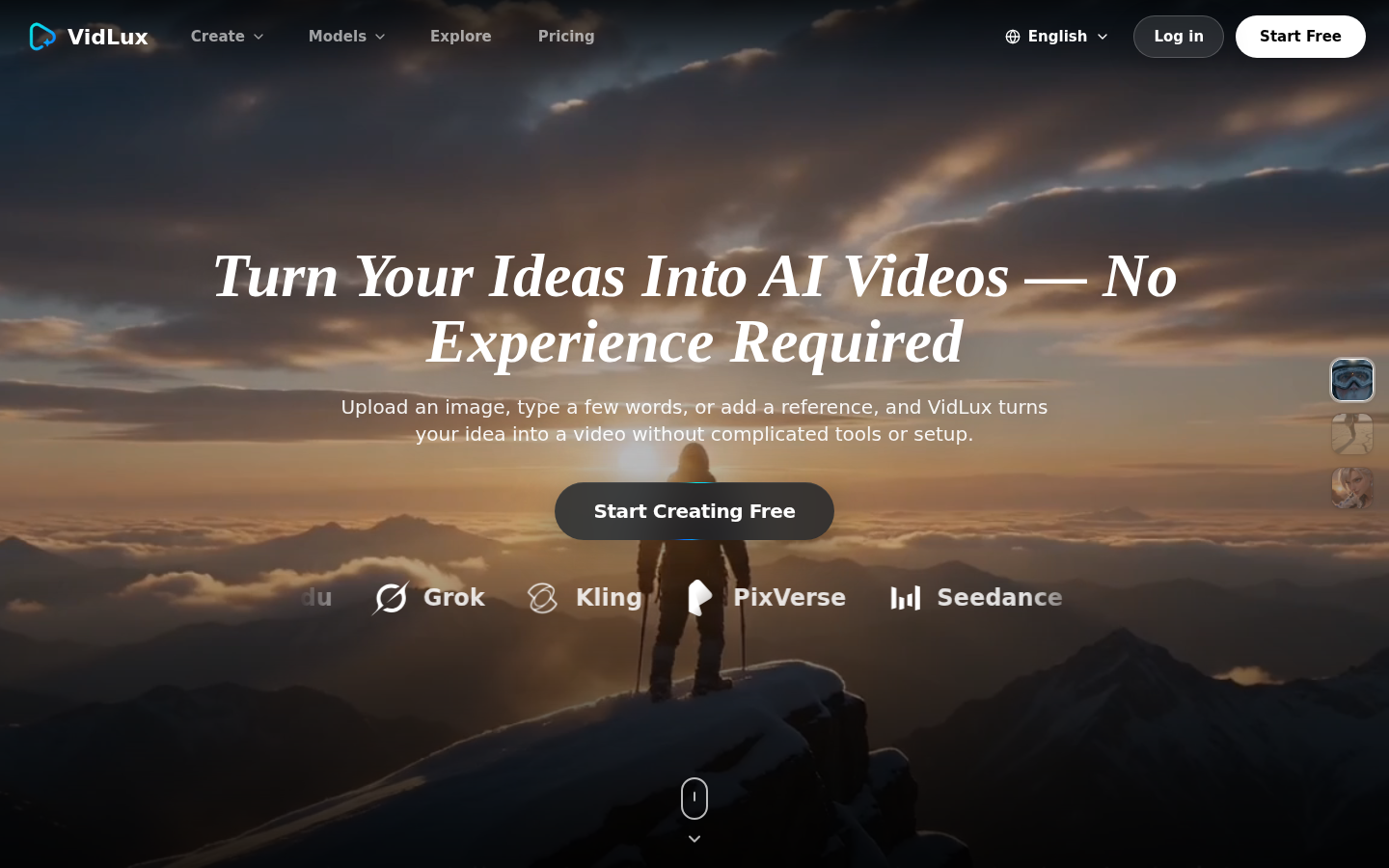
Screenshot archived from the listing page, for preview only.











