
Vidful.ai
AI text and image to video generatorTurn prompts and photos into video
Highlights
What you can do with it
- Marketers create product promotional videos
- Educators turn complex concepts into videos
- Social media creators generate content for Instagram and YouTube
- E-commerce sellers make product showcase videos
How to use it
- 1 Visit the Vidful.ai website
- 2 Select text-to-video or image-to-video
- 3 Input text or upload images
- 4 Wait for the AI to generate the video
- 5 Preview the result and download it
Who it is for
Pros
- Free online access with no install
- Both text and image input
- Cinematic output quality
- Fast generation
Limitations
- Free access rules and limits can change
- Output depends on upstream models such as Kling and Luma
- Quality varies with the prompt or source image
- Long or complex videos may need more time
What Vidful.ai is
Vidful.ai is an AI-powered online video generator that uses advanced algorithms to quickly convert text and images into high-quality video content. The product integrates technology from Kuaishou's Kling AI and Luma AI Dream Machine, offering realistic motion effects and cinematic-level video quality. This simplifies video production so users can create professional videos without specialized editing skills. It is available for free online through the browser, with no download or installation needed, and it caters to users in marketing, education, social media creation, and e-commerce.
What you can do with it
- Turn text prompts into dynamic videos
- Turn static images into animated videos
- Use Kling AI for realistic motion effects
- Use Luma AI for cinematic quality
- Download videos made in the browser
Who it is for
- Marketers creating product promotional videos
- Educators turning complex concepts into videos
- Social media creators making content for Instagram and YouTube
- E-commerce sellers producing product showcase videos
What to watch out for
Free access rules and limits can change, so check the current terms before you build a workflow around it. Output depends on upstream models such as Kling and Luma, which means quality and availability can shift without notice. Quality varies with your prompt or source image, so clear input gives better results. Long or complex videos may need more time to generate, and processing depends on the service being available. For team use, agree on naming and editing conventions in advance to avoid version conflicts or duplicated work. Name and archive exported files consistently so you can find and reuse them, and keep a backup copy of key data.
FAQ
Is Vidful.ai free?
It is available for free online through the browser.
What inputs does it take?
Text prompts and images.
What quality can I expect?
Realistic motion and cinematic-level effects from integrated models.
Who is it for?
Marketing, education, social media, and e-commerce users.
Why it is free
What the official page says: for free
Free limits, trial length and features are decided by the official site and can change at any time.
Product preview
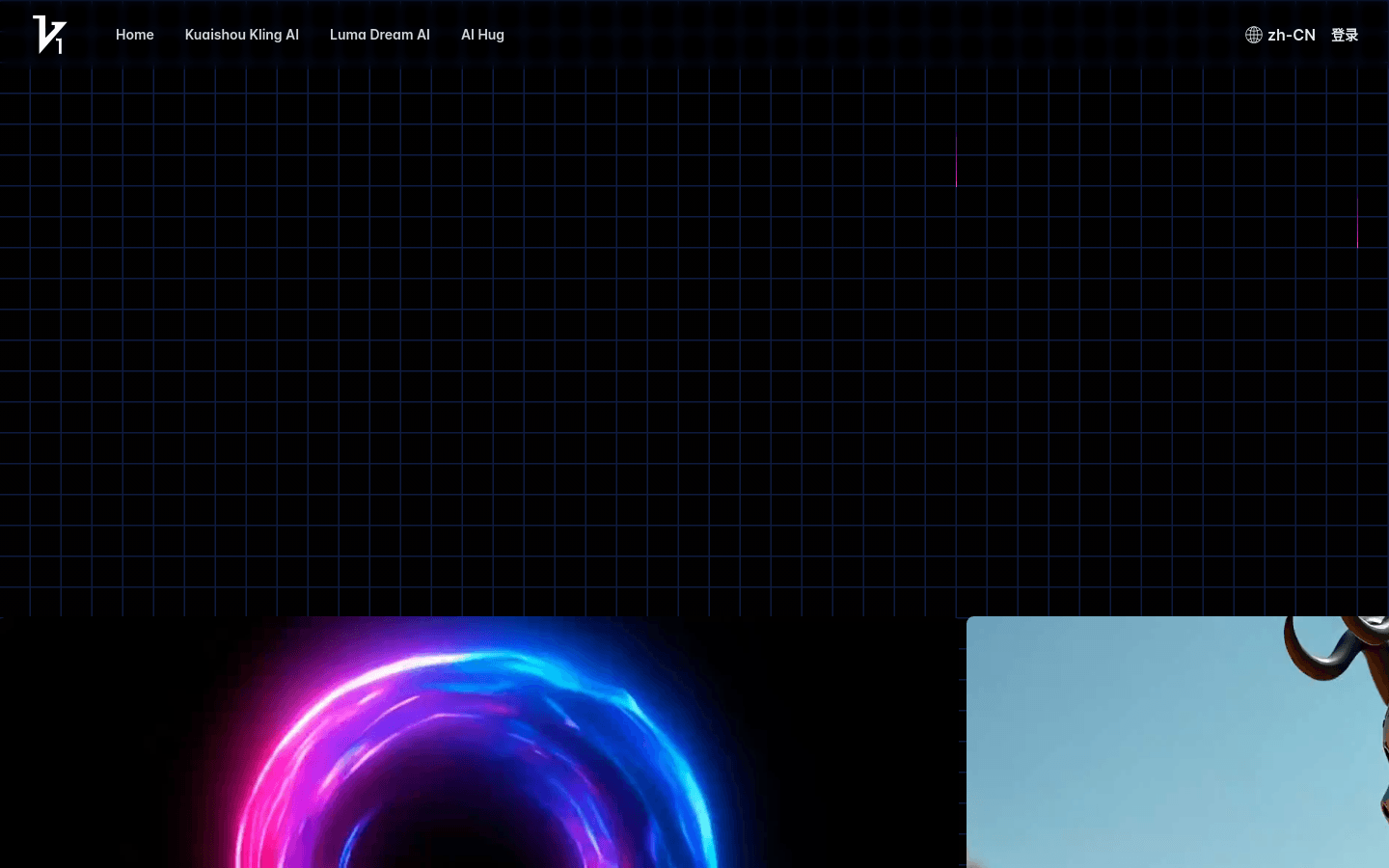
Screenshot archived from the listing page, for preview only.











