
VideoTube
AI video generator from text or imagesTurn text or images into videos quickly
Highlights
What you can do with it
- Turn a written idea into a short film or story video
- Build travel or lifestyle clips from photos for social media
- Create a product introduction video from one product image
How to use it
- 1 Visit the VideoTube website and register, choosing the free trial plan
- 2 Pick a generation mode such as text-to-video or image-to-video and upload materials
- 3 Select a template or customize the style, background, characters, and effects
- 4 Click generate and wait for the AI to finish rendering
- 5 Download the video or share it directly on social platforms
Who it is for
Pros
- No editing skills needed because templates cover common styles
- Watermark-free downloads make the output easy to reuse
- A free trial lets you test the workflow before paying
Limitations
- Free trial terms and future pricing can change
- Output quality depends on the templates and the AI model behind the service
- Long or complex projects may still need manual editing afterwards
What VideoTube is
VideoTube is an online AI video generator that converts text or images into video content through automated rendering. The site describes it as free to try, with a free trial plan offered at sign-up and paid options planned later for extra features. It is built for people who want video output without learning a full editing suite, since templates and presets carry most of the visual work.
What you can do with it
- Generate video from a written script or idea using the text-to-video mode.
- Turn a batch of photos into a moving sequence with the image-to-video mode.
- Customize the look by changing background, characters, and special effects, or start from a ready template.
- Produce a product description video from a single product photo, then download or share it directly.
Who it is for
- Social media creators who need a steady flow of short clips.
- Marketers and small shops that want quick promo videos.
- Beginners and students who have ideas but no editing experience.
- Educators and trainers building simple explanatory videos.
What to watch out for
VideoTube is a third-party service, so template quality and rendering speed can shift as the platform updates. The free trial covers the basics, yet advanced features are planned as paid options, so budget for that if you need more. Generated video still benefits from a human pass: check facts, pacing, and any text that appears on screen before you publish. Processing speed depends on file size and network conditions, so retry later if a task stalls during peak hours. Run one full task end to end first, then expand once you are comfortable with the workflow and the result quality.
FAQ
Is VideoTube free to use?
The site offers a free trial plan, and advanced features are planned as paid options.
Do the generated videos have watermarks?
According to the product description, generated videos are watermark-free and can be downloaded and shared directly.
What can I generate from a single image?
The product page says you can create a professional product description video from one product image.
Why it is free
What the official page says: free trial
Free limits, trial length and features are decided by the official site and can change at any time.
Product preview
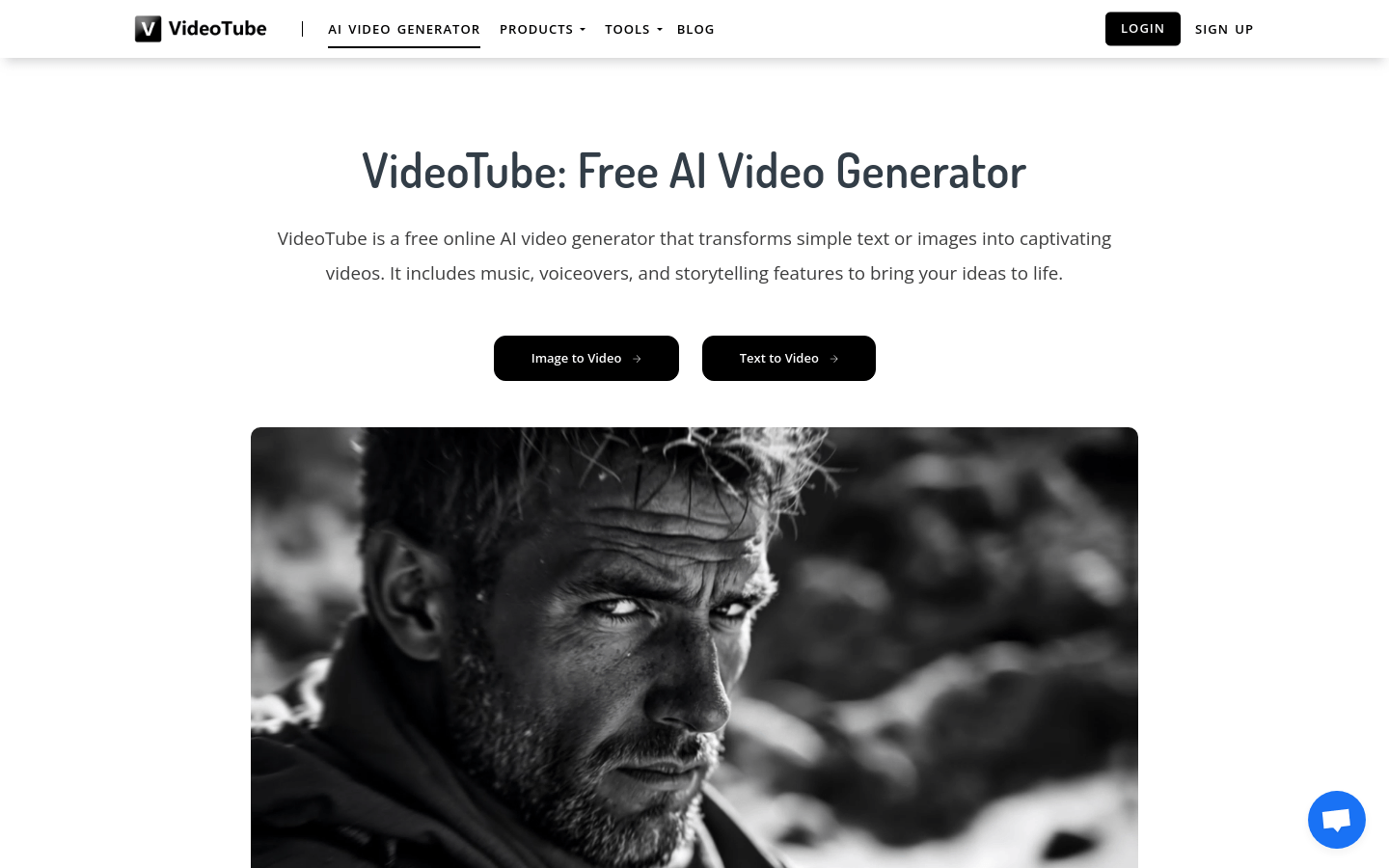
Screenshot archived from the listing page, for preview only.











