VideoTranscript
Web tool converting video and audio into searchable, timestamped text.Every word of your video, searchable and editable.
Highlights
What you can do with it
- Creators extracting key information from video for copywriting and editing
- Researchers transcribing conference and lecture material for citation
- Learners generating course transcripts for review and notes
How to use it
- 1 Open a YouTube link, choose a workflow, or upload your video or audio file
- 2 Read the timestamped transcript and search for specific phrases
- 3 Jump back to the original audio or video to verify text
- 4 Build chapters, summaries, translations, or learning materials from the output
Who it is for
Pros
- Handles YouTube links directly, not just uploads
- Chaptering makes long recordings navigable
- Timestamps let you verify quotes against the source
Limitations
- Accuracy varies with audio quality, accents, and overlapping speech
- Volume beyond the free tier requires a paid plan
- Specialized terminology may need manual correction
What VideoTranscript is
VideoTranscript is a web-based tool that turns video and audio into searchable text with timestamps, powered by AI speech recognition. It accepts multiple input types: YouTube links, standard video files, and audio recordings, so you are not limited to one source. The output is editable text with timestamps that you can search, correct, and organize. On top of raw transcription it provides practical processing tools, including topic chaptering that divides long videos into clear sections for editors, clients, and viewers, note extraction that saves terms, statements, and examples as short prompts for later review, and multi-language versions prepared for international review while keeping the original source as reference. The service offers both free and paid plans, aiming to serve everyone from occasional users to teams processing audiovisual content regularly. For anyone who has scrubbed through a two-hour recording looking for one quote, the searchable timestamped format is the core value.
What you can do with it
- Transcribe YouTube videos, uploaded video files, and audio recordings into editable text
- Divide long recordings into topic-based chapters for easier navigation
- Search transcripts for specific phrases and jump back to verify against the source
- Produce chapters, summaries, translated texts, learning materials, and briefings from transcripts
Who it is for
- Content creators and video marketers extracting copy and structure from their footage
- Researchers converting conference and lecture recordings into citable, searchable text
- Students and trainees reviewing online course content efficiently
- Teams preparing multi-language review copies of recorded material
What to watch out for
Transcription accuracy is good but not perfect. Background noise, strong accents, multiple speakers talking over each other, and specialized jargon all increase error rates, so proofread anything you plan to quote or publish, using the timestamps to verify against the original audio. Free plan limits mean regular or heavy use will require a paid subscription, and plan boundaries can change as the service evolves. Automatically generated chapters follow topic detection and may not align with how you would structure the material, so adjust them when they become deliverables. Finally, respect copyright: transcribing videos you do not own for redistribution can raise rights issues, and the tool should be used on content you have permission to process.
FAQ
Can it transcribe YouTube videos directly?
Yes. You can open a YouTube link as input, in addition to uploading video files or audio recordings.
Is there a free plan?
Yes, there are free and paid plans, so light users can start without paying.
What are the note extraction features for?
They save terms, statements, and examples from the transcript as short prompts for subsequent review.
Why it is free
What the official page says: 免费
Free limits, trial length and features are decided by the official site and can change at any time.
Product preview
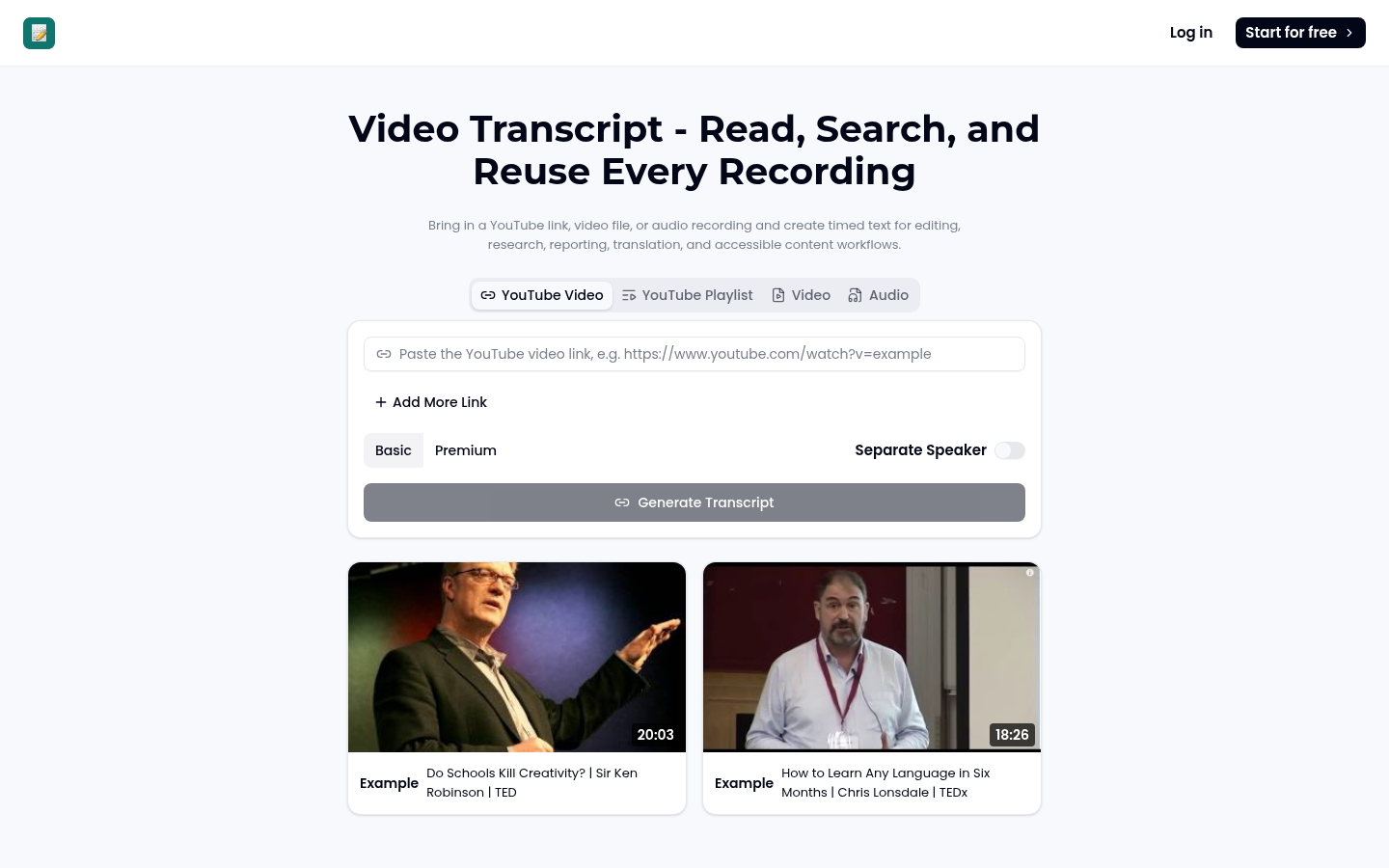
Screenshot archived from the listing page, for preview only.