
VideoToPage
Video to web page summary converterTurn video and audio into structured pages
Highlights
What you can do with it
- Convert corporate training videos into detailed operating manuals
- Transform online course videos into SEO friendly blog posts
- Turn product introduction videos into short social media posts
How to use it
- 1 Visit the VideoToPage website and register an account.
- 2 Upload the video or audio file you need transcribed.
- 3 Select the language and the type of content you want generated.
- 4 Edit and improve the transcribed text in the rich text editor.
- 5 Use content hierarchy building to create structured pages automatically.
- 6 Connect the pages with semantic interconnection.
- 7 Preview the result to check it meets your needs.
- 8 Publish or export the content in the format you want.
Who it is for
Pros
- Handles long material, with transcription for videos up to five hours
- Wide language coverage, up to 96 languages
- Automatic page structure and page type recognition
- Rich text editor and export options in one place
- Short files under five minutes are completely free
Limitations
- Registration is required before you can start
- The completely free part applies to files under five minutes, and free rules can change
- Accuracy figures are the site's own claims and may vary with audio quality
- Structured pages and semantic features take time to learn properly
What VideoToPage is
VideoToPage is an online tool that converts video or audio content into structured web page summaries. You upload a file, choose a language and a content type, and the service transcribes the material and builds it into pages rather than leaving you with a single block of text. The site states that it supports up to 96 languages, reports a 98.5 percent accuracy rate, and offers transcription for videos of up to five hours long. Files under five minutes are completely free, and the service is described as accessible without a subscription. Beyond transcription, it adds content hierarchy building, automatic page type recognition for things like tutorials and SOPs, semantic interconnection between pages, rich text editing, and publishing or export options.
What you can do with it
- Transcribe video or audio files into text
- Build hierarchical, full content pages automatically
- Let the tool recognise page types such as tutorials or standard operating procedures
- Edit in a rich text editor, then publish or export the result
Who it is for
- Teams that need operating manuals and SOPs from training recordings
- Course creators who want written blog posts built from video lessons
- Marketers who repurpose product introduction videos into social or web content
What to watch out for
Registration is the first step, so this is not a no signup tool. The completely free part applies to files under five minutes; longer material and the full feature set are positioned around paid use, and free rules can change, so check the current terms before you commit to a workflow. The accuracy figure is the site's own claim, and real results depend heavily on audio quality, so always review the transcript before you publish. The richer features, including hierarchy building, page type recognition, and semantic interconnection, take time to learn, and the output will read better if you edit it rather than shipping the first draft. If your material is in a less common language, test a short clip first to see how it handles it.
FAQ
What does VideoToPage do?
It converts video or audio content into structured web page summaries with editing, publishing, and export options.
Which languages are supported?
The site says it supports content processing in up to 96 languages.
What is free?
Files under five minutes are completely free; the service also handles videos up to five hours long.
Do I need an account?
Yes, the first step on the site is to register an account.
What kinds of pages can it create?
It can recognise and build page types such as tutorials and standard operating procedures, along with blog style content.
Why it is free
What the official page says: completely free
Free limits, trial length and features are decided by the official site and can change at any time.
Product preview
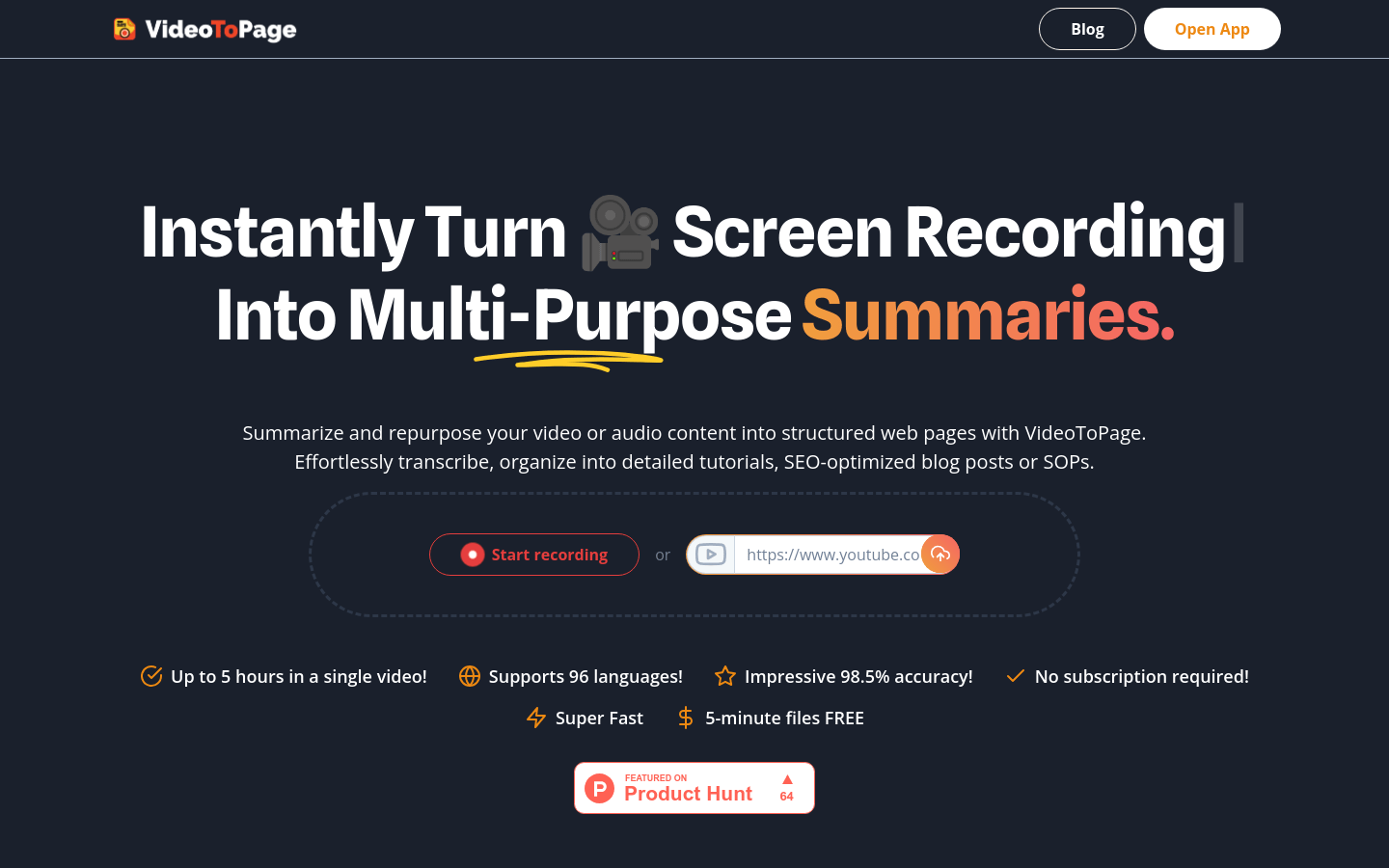
Screenshot archived from the listing page, for preview only.











