
VideoMaker
Free text and image to video generatorMake videos without editing skills
Highlights
What you can do with it
- Animated educational and instructional content
- Birthday or celebration videos from photos
- Content for a YouTube channel
- Employee onboarding and training videos
How to use it
- 1 Register for a free account on the site
- 2 Choose text-to-video or image-to-video
- 3 Enter text or upload your images
- 4 Customise with templates, transitions, and music
- 5 Generate, then download or share the video
Who it is for
Pros
- Free account option to start
- Large template and asset library
- No editing background needed
Limitations
- Generation often needs several attempts to look right
- Heavier features likely sit behind paid plans
- Output rights and usage terms need checking for commercial work
What VideoMaker is
VideoMaker is an online AI video generator built on Luma's Dream Machine model. It handles two inputs: text, which it turns into video, and images, which it animates into a sequence. A library of more than 10,000 templates and assets sits behind both, so you are not starting from an empty timeline. The interface is aimed at people with no editing background, and multilingual support means you can work in your preferred language. The site also states that content on the platform is protected. Registration starts with a free account, and the tool runs entirely in the browser.
What you can do with it
- Turn a text description into a video
- Animate uploaded photos into a video sequence
- Build from a library of over 10,000 templates and assets
- Add transitions and music without editing skills
Who it is for
- Social media creators who need regular video output
- Teachers and trainers producing instructional clips
- Small businesses making promotional and onboarding material
What to watch out for
Generation is not instant or guaranteed. Text and image prompts frequently need several attempts before the output looks right, and video quality varies with how specific your brief is. The free account is an entry point rather than a full plan, so heavier features, longer renders, and commercial use likely sit behind payment. Check the terms on ownership and licensing of generated video before you put it into a campaign, since that is exactly where rights questions bite. Preview everything at full length before you publish. Start with a small sample to confirm the output meets your expectations before processing the full batch.
FAQ
Is VideoMaker free?
It is described as a free online tool, and the setup step is to register for a free account.
What model does it use?
It is built on Luma AI's Dream Machine model for text and image to video generation.
Do I need editing experience?
No, the site states that no editing skills are required.
Why it is free
What the official page says: 免费
Free limits, trial length and features are decided by the official site and can change at any time.
Product preview
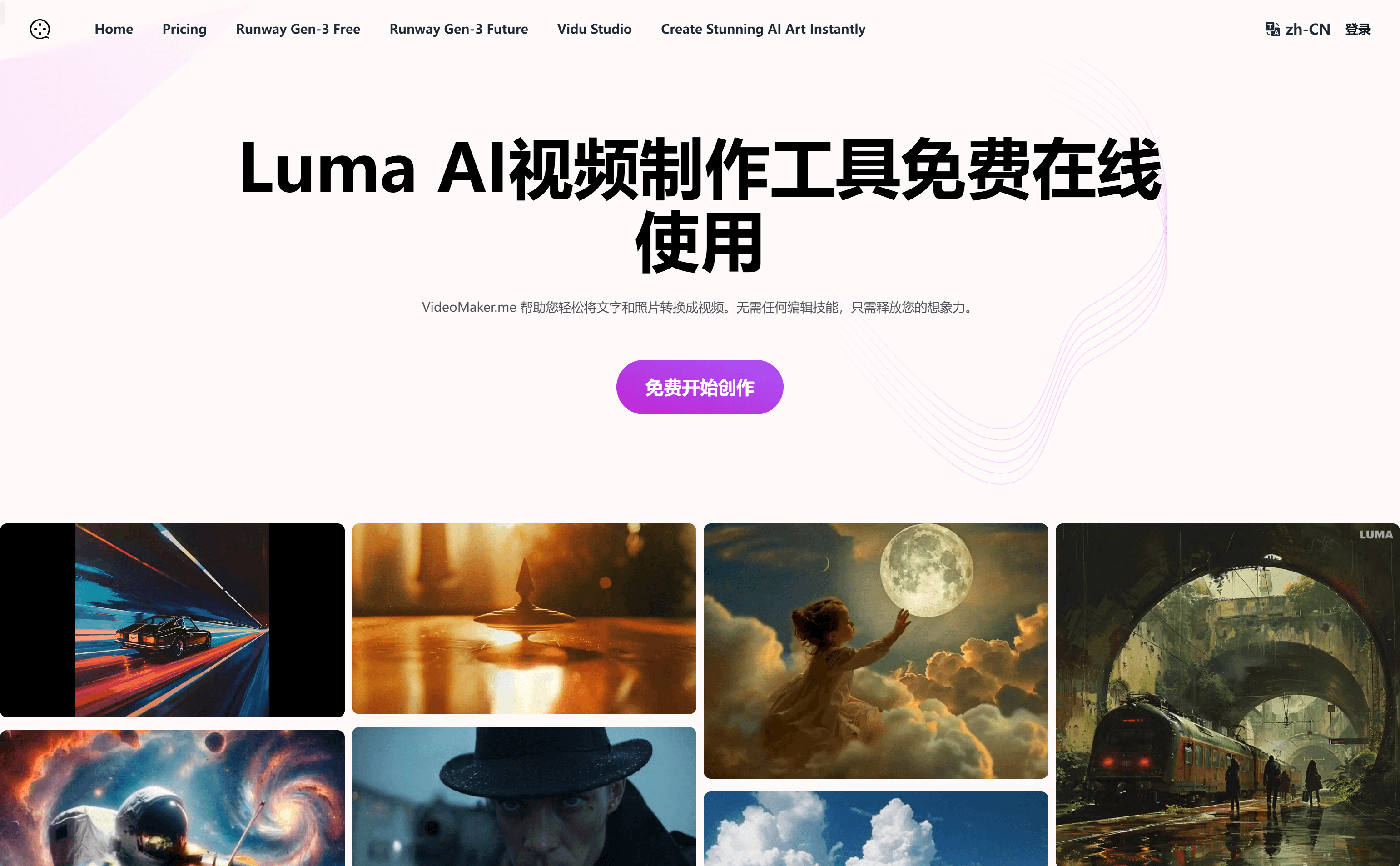
Screenshot archived from the listing page, for preview only.











