Video to Text AI
Fast video to text toolTurn video speech into text in minutes
Highlights
What you can do with it
- Transcribing interviews, podcasts, and lectures into searchable text
- Creating captions, subtitles, or article drafts from video content
- Turning recorded meetings or research footage into written notes
How to use it
- 1 Open the site and upload the video file you want transcribed
- 2 Choose or confirm the language, or let auto detection handle it
- 3 Wait for the processing job to finish, usually within minutes
- 4 Review the transcript and correct names and technical terms
- 5 Copy or download the finished text
Who it is for
Pros
- 55 language coverage with automatic detection
- Fast processing compared with manual transcription
- A free usage quota to try the service first
Limitations
- Accuracy depends on audio quality, accents, and background noise
- Free quota and paid terms are not detailed publicly, and free usage rules can change
- It only produces text, so caption timing and formatting stay on your side
What Video to Text AI is
Video to Text AI is an online transcription service that turns the speech inside a video into written text. It relies on machine learning and speech recognition algorithms, and it supports automatic detection across 55 languages. The product description points to high accuracy recognition and fast transcription, with most files finishing in a few minutes instead of the hours manual typing would take. A free usage quota is available so you can test it with your own recordings first. The stated audience covers content creators, researchers, and business professionals who work with recorded speech on a regular basis. Nothing needs to be installed: you upload a video, wait for the job to finish, and then copy or download the transcript.
What you can do with it
- Turn interviews, podcasts, and lectures into text you can search
- Pull quotes, summaries, and article drafts out of long videos
- Convert recorded meetings and research footage into written notes
- Skip manual transcription for routine, repetitive files
Who it is for
- Content creators who need text versions of their videos
- Researchers and students working with recorded interviews
- Business professionals who want notes they can search and share
What to watch out for
Accuracy depends heavily on the recording. Clean audio with one speaker produces a much better transcript than noisy footage with overlapping voices, strong accents, or specialist vocabulary, and proper nouns and technical terms usually need manual correction. The free quota is a starting point rather than a guarantee: the public description does not detail paid tiers, and usage limits can change as the service adjusts its terms. Check the current pricing page before you plan a large project around it. The tool only produces text, so caption timing, formatting, and translation stay on your side of the work. Always review a transcript before you publish or quote it, especially for anything factual or legal.
FAQ
Is Video to Text AI free to use?
There is a free usage quota you can start with. The site does not publish full paid details, so check the current terms for higher volumes.
How many languages does it support?
It supports automatic detection across 55 languages, according to the product description.
How long does a transcription take?
Most videos finish in a few minutes, though longer files and busy periods can slow processing down.
Why it is free
What the official page says: 免费使用免费
Free limits, trial length and features are decided by the official site and can change at any time.
Product preview
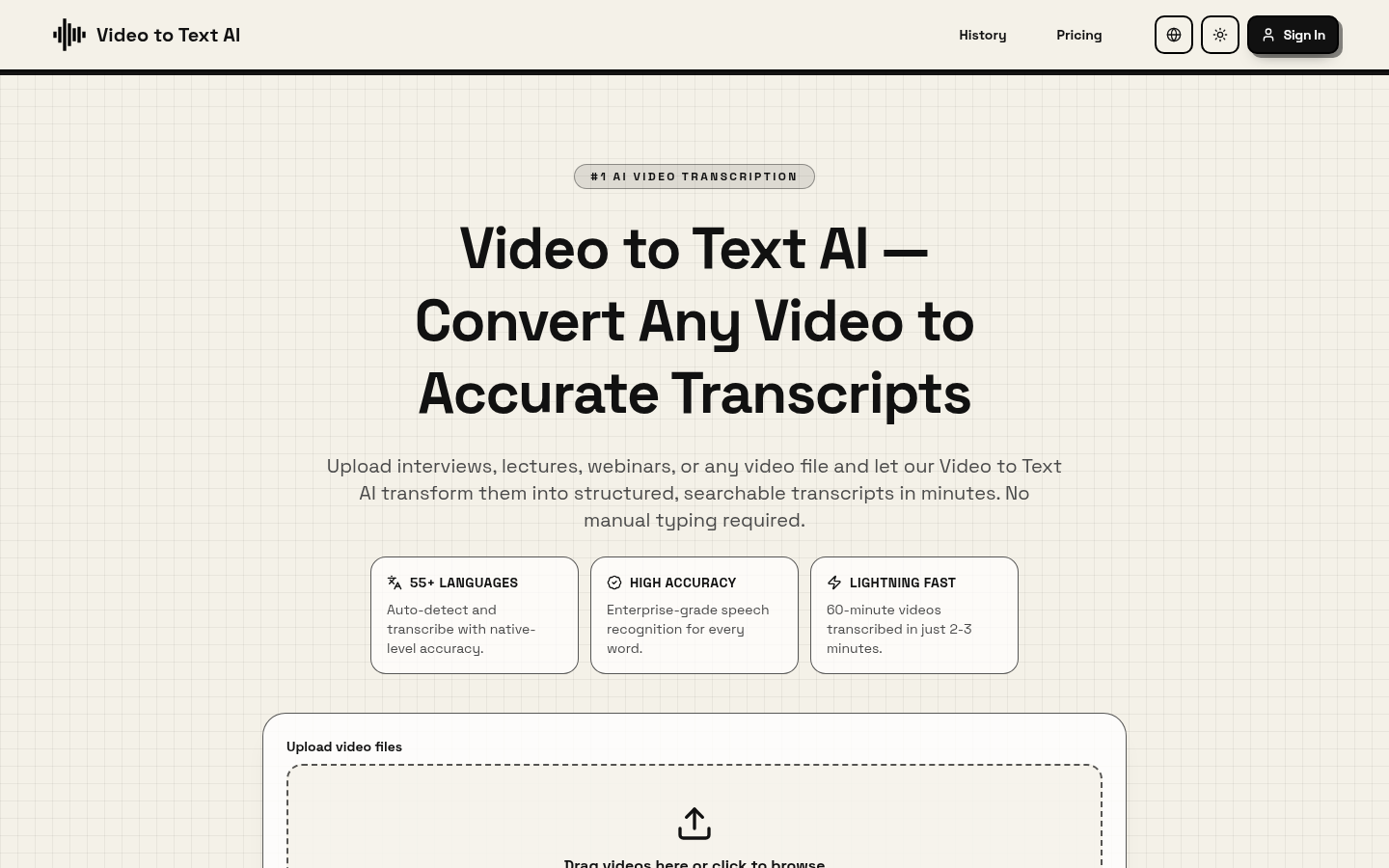
Screenshot archived from the listing page, for preview only.