
Video Ocean
AI video platform that turns text, images, and audio into custom videosTurn a simple prompt into a finished video
Highlights
What you can do with it
- Content creators making educational videos for YouTube
- Marketers producing short promotional clips for products
- Students completing short film projects for coursework
How to use it
- 1 Register an account on the Video Ocean website
- 2 Pick a mode such as text-to-video or text-to-image
- 3 Enter your prompt or upload the source image or audio
- 4 Set scene options like aspect ratio, resolution, and creativity
- 5 Submit, preview the result, then download or share it
Who it is for
Pros
- Many generation modes cover text, image, and character input
- Free credits let you check output quality before paying
- Editing and sharing live in the same workflow
Limitations
- The 100 free credits are a starting allowance, so heavy use needs a paid plan
- Output quality and available features can change as the upstream models update
- Complex scenes still need prompt practice to get the look you want
What Video Ocean is
Video Ocean is an AI video production platform built on artificial intelligence models. It brings text generation, image generation, and audio-video generation together so you can turn descriptions, images, audio, or video into customized output. The stated goal is to remove the complexity that usually surrounds video work and make high-quality production open to more people. It highlights an approachable interface, efficient production, and room to experiment. New users receive 100 free credits, so you can try the tools before deciding whether to pay for more. The platform also publishes guides and resources to help newcomers get started.
What you can do with it
- Turn written descriptions into video scenes with Text to Video
- Produce matching images from text using Text to Image
- Convert still images into moving scenes with Image to Video
- Animate a specified character image with Character to Video
- Edit and polish generated images and clips before export
- Publish and share finished videos across different platforms
Who it is for
- Content creators who publish educational or entertainment videos
- Marketing teams that need short promotional clips quickly
- Students working on film or media coursework projects
- Hobbyists who want to experiment with AI video creation
What to watch out for
The 100 free credits are a starting allowance, so continued or heavy use will require a paid plan. Because the platform depends on upstream AI models, generation speed, quality, and feature availability can shift as those models change. Getting the result you want often takes practice with prompts and settings such as aspect ratio, resolution, creativity, and relevance, so plan for some trial and error. Treat early outputs as drafts you refine with the built-in editor rather than finished cuts, and keep expectations realistic on how closely the clip matches your written idea.
FAQ
Is Video Ocean free to try?
Yes. The platform gives new users 100 free credits so you can test its video and image generation before choosing a paid plan.
What can I generate with Video Ocean?
It supports text-to-video, text-to-image, image-to-video, and character-to-video, plus editing of the generated results.
Do I need design or editing skills?
No. You describe what you want in text or upload material, and the AI builds a first version that you can refine with the editor.
Why it is free
What the official page says: free credits
Free limits, trial length and features are decided by the official site and can change at any time.
Product preview
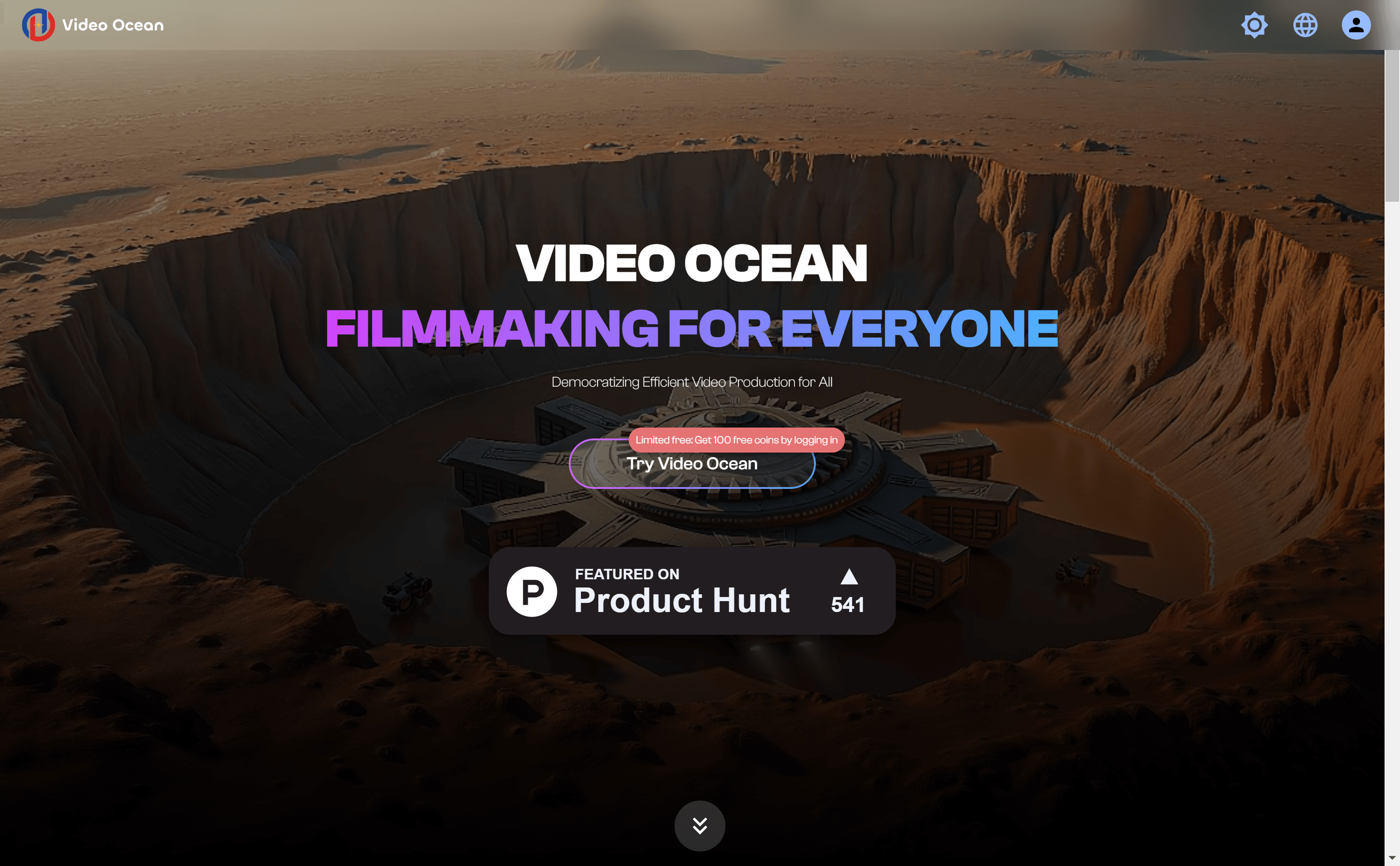
Screenshot archived from the listing page, for preview only.











