
Video Maker AI
AI video generatorText or photo to video, free
Highlights
What you can do with it
- Turn a script into an animated clip
- Animate a product photo for an ad
- Create a promo video for a website
How to use it
- 1 Upload images or enter text through the drag and drop interface.
- 2 Choose an AI model.
- 3 Wait for generation to finish.
- 4 Download the clip in your preferred format.
Who it is for
Pros
- Free trial without a card
- Several models to compare in one place
- High resolution, watermark free output
Limitations
- Quality varies between models and prompts
- Free trial limits and queue speed need checking
- Heavy use will need a paid plan
What Video Maker AI is
Video Maker AI is a video generator built on several leading AI models. You drag in images, text, video, or audio through a simple uploader, pick a model such as Kling AI, Sora, or Hailuo MiniMax, and it produces a finished clip. The stated advantages are processing speed, a high success rate, and output up to 4K resolution with no watermark, exported as MP4, MOV, or GIF. There is also an AI image generator alongside the video tools. A free trial is offered without a credit card.
What you can do with it
- Convert a text script into a video clip.
- Turn a still photo into a moving shot.
- Generate images and video in the same workflow.
- Download in the format a platform expects.
Who it is for
- Content creators publishing short video.
- Marketers turning product shots into promos.
- Businesses that need a quick corporate or explainer video.
What to watch out for
Quality varies a lot between models and prompts, so the practical approach is to test the same brief across two or three and compare. Free trials come with limits, and queue position or credit use affects how quickly a render returns, so do not plan a deadline around a first attempt. Resolution and watermark claims come from the site. As with any generative tool, review the output for artefacts and for content you did not intend before you publish. Start with a small sample to confirm the output meets your expectations before processing the full batch. Free tiers and usage limits can change, so check the current rules on the official page before relying on it long term.
FAQ
Is there a free trial?
Yes. The description says a free trial is offered without the need for a credit card.
Which models does it use?
Kling AI, Sora, and Hailuo MiniMax are named among the available models.
What output can I get?
MP4, MOV, and GIF, with resolution up to 4K and no watermarks.
Why it is free
What the official page says: free trial
Free limits, trial length and features are decided by the official site and can change at any time.
Product preview
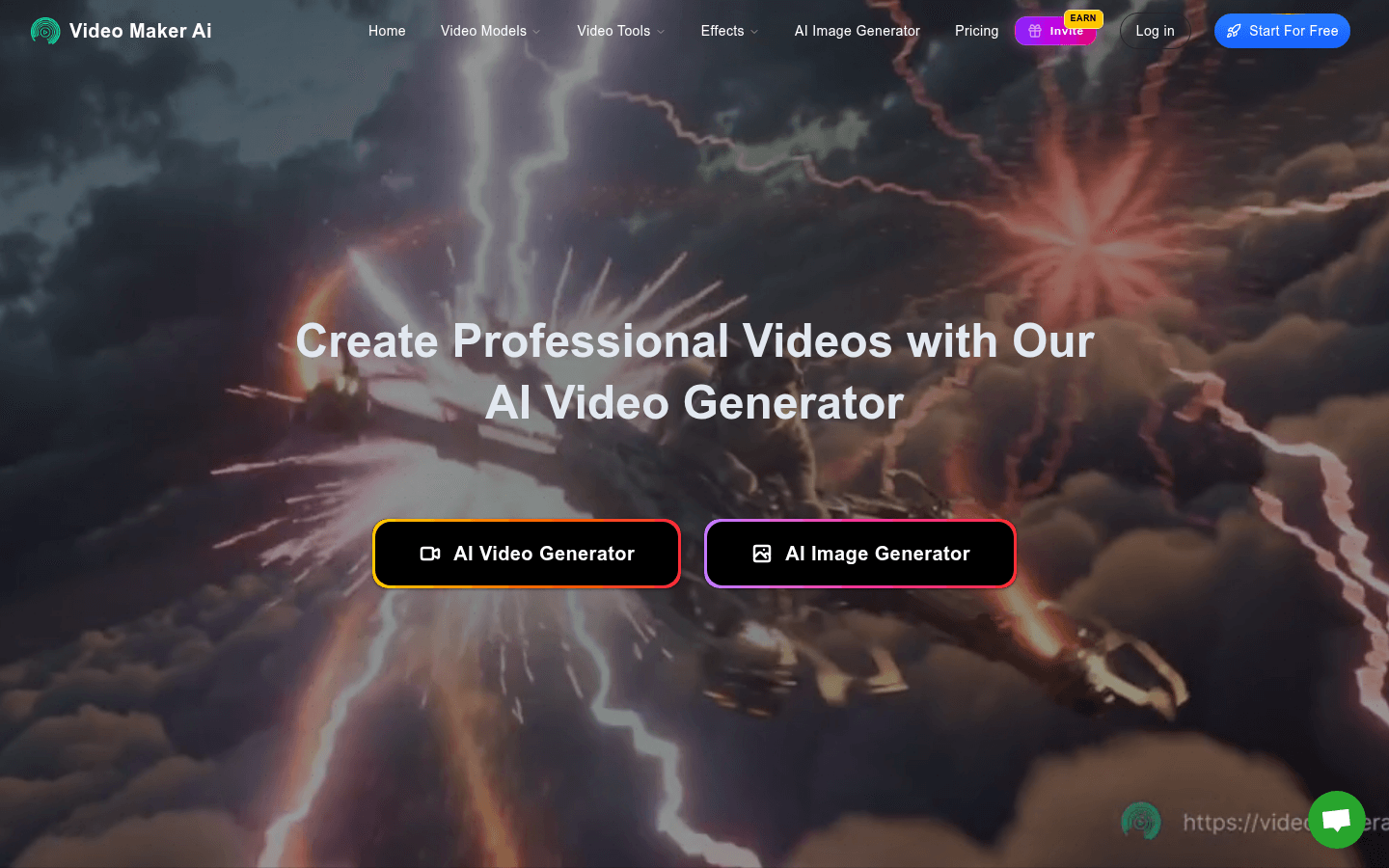
Screenshot archived from the listing page, for preview only.











