
Highlights
What you can do with it
- Turning a text idea into a short video
- Making a video from an uploaded image
- Creating quick clips for social or work use
How to use it
- 1 Open the Video AI website.
- 2 Choose text-to-video or image-to-video.
- 3 Enter your prompt or upload an image.
- 4 Generate the video and download it.
Who it is for
Pros
- Free plan with no credit card required
- Simple workflow for text and image to video
- Suits both beginners and teams
Limitations
- Free plan terms and limits can change over time
- Depends on upstream AI models, so output may vary
- Higher resolution and advanced models need a paid plan
What Video AI is
Video AI, also seen as VideoAI, is a free AI video generator that turns text and images into videos. It is designed to be simple to use, so you do not need professional video production experience to get a result. A free plan lets you use the core AI video generation and image-to-video tools at no cost, with no credit card and no stated time limit. A paid plan adds higher-resolution exports and access to some advanced models. Because it runs online, you can start creating without installing heavy software, and the whole flow is built to get you from an idea to a clip in a few steps.
What you can do with it
The tool keeps video creation down to a prompt and a click, which suits quick projects.
- Turn a text description into a video.
- Turn an uploaded image into a video.
- Create clips without any editing experience.
- Export videos, with higher resolution on paid plans.
Who it is for
- Individual creators who want fast video clips.
- Professional teams producing content.
- Beginners with no video editing background.
What to watch out for
The free plan and its limits can change over time, so check the current terms before relying on it. Because it depends on upstream AI video models, availability and output quality may vary, and a clip may need several tries to look right. Higher-resolution exports and advanced models require a paid plan, so heavier projects may need a budget. Always review generated video before you publish it, and make sure you have the rights to any media you upload. For best results, start with a small test file and review the output carefully before working on anything important.
FAQ
Is Video AI free?
There is a free plan that covers the core AI video generation and image-to-video tools, with no credit card required.
Do I need video experience?
No. It is designed to be simple enough for users without professional video production skills.
What does the paid plan add?
Higher-resolution exports and access to some advanced models.
Why it is free
What the official page says: 免费使用免费计划免费
Free limits, trial length and features are decided by the official site and can change at any time.
Product preview
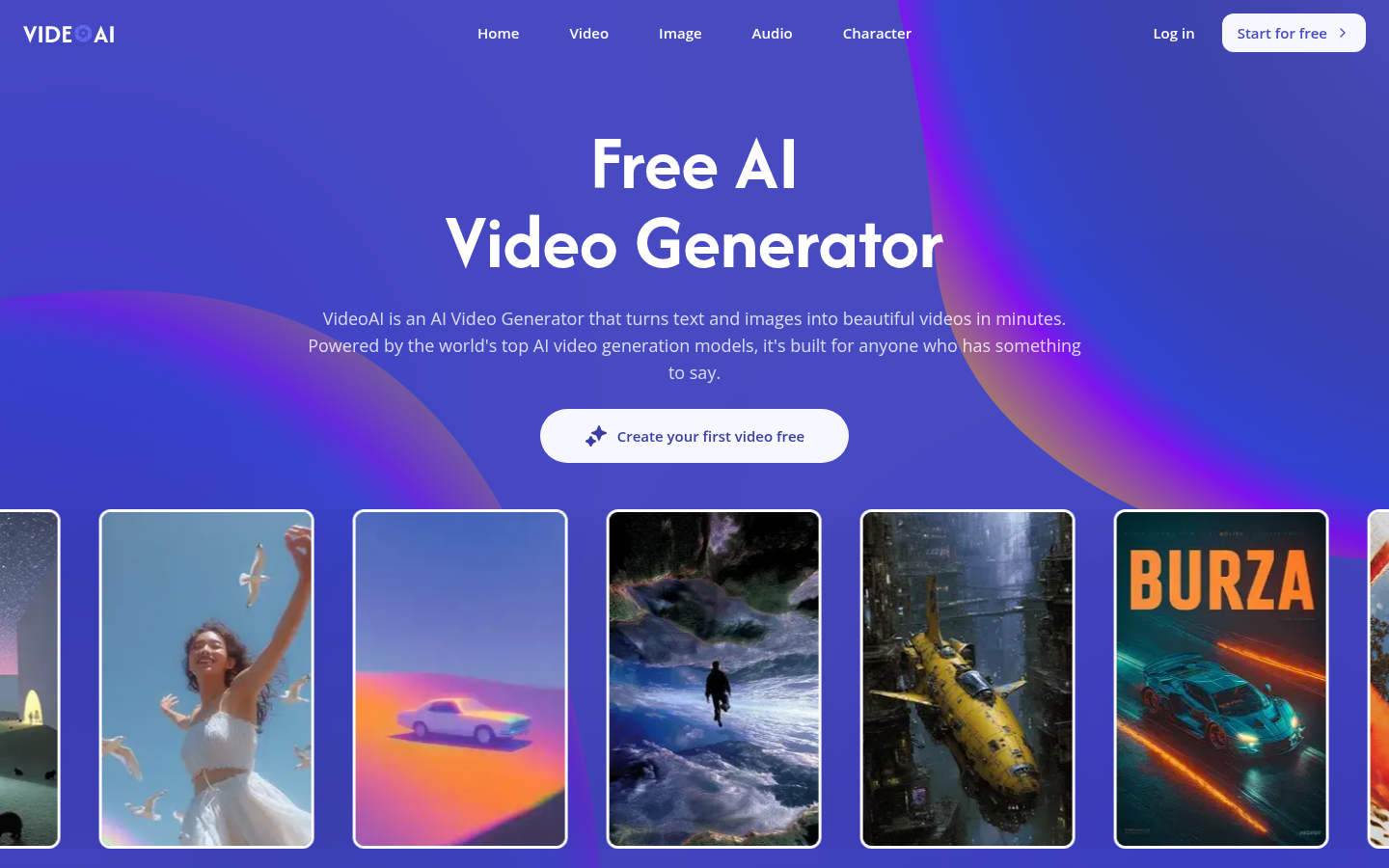
Screenshot archived from the listing page, for preview only.