
Vibe Workspace
Desktop IDE for multi-agent codingMany AI coding tools, one workspace
Highlights
What you can do with it
- Generate front-end and back-end code and preview it live
- Build and run data analysis scripts in one workspace
- Manage several projects with parallel agents at once
How to use it
- 1 Start the 7-day free trial on the website
- 2 Download and install the desktop client
- 3 Create a named workspace for your project
- 4 Configure and launch several AI agents
- 5 Generate code and test with the built-in tools
- 6 Review changes with AI diff comparison
Who it is for
Pros
- Many AI tools and utilities in one window
- Parallel agents speed up multi-project work
- Local-only storage protects sensitive data
Limitations
- A 7-day trial, then a one-time payment
- Many features mean a learning curve
- Runs locally, so it uses your machine resources
- The AI tools may need their own accounts
What VibeWorkspace is
VibeWorkspace is a desktop coding IDE and AI workspace built around multi-agent development. Instead of jumping between an editor, a terminal, a browser, and a database tool, you get them in one application, along with several AI coding tools such as Claude Code, Codex, and Gemini CLI. You can run multiple projects at the same time and keep several AI agents working in parallel. An AI diff comparison helps you review what the agents changed against the original code. The whole app runs locally, so your code, keys, and logs stay on your machine.
What you can do with it
- Use several AI coding tools side by side in one IDE
- Run a terminal, browser preview, HTTP client, and database
- Compare AI-generated code with the original using diff view
- Manage multiple projects and parallel agents in one workspace
- Keep all data local and off the cloud
Who it is for
Professional developers who want a single environment for their work, developers who rely on several AI coding agents at once, and users who care about keeping code and credentials local all fit VibeWorkspace. It suits people who find that switching between many small tools slows them down. Teams or individuals who want predictable, one-time pricing rather than a subscription will also find the model appealing.
What to watch out for
VibeWorkspace offers a 7-day free trial and then a one-time payment for lifetime access, so it is not free after the trial. Packing many features into one app means a learning curve before you work efficiently. Because it runs locally, it uses your own machine resources, so a modest computer may struggle with several agents at once. The AI coding tools may also require their own accounts or access, which is separate from the workspace itself.
FAQ
Is there a free trial?
Yes, VibeWorkspace offers a 7-day free trial.
What does it cost after the trial?
A one-time payment for lifetime access, with no subscription.
Which AI tools does it support?
Claude Code, Codex, Gemini CLI, and others.
Is my data safe?
It runs completely locally and does not upload code, keys, or logs to the cloud.
Why it is free
What the official page says: free trial
Free limits, trial length and features are decided by the official site and can change at any time.
Product preview
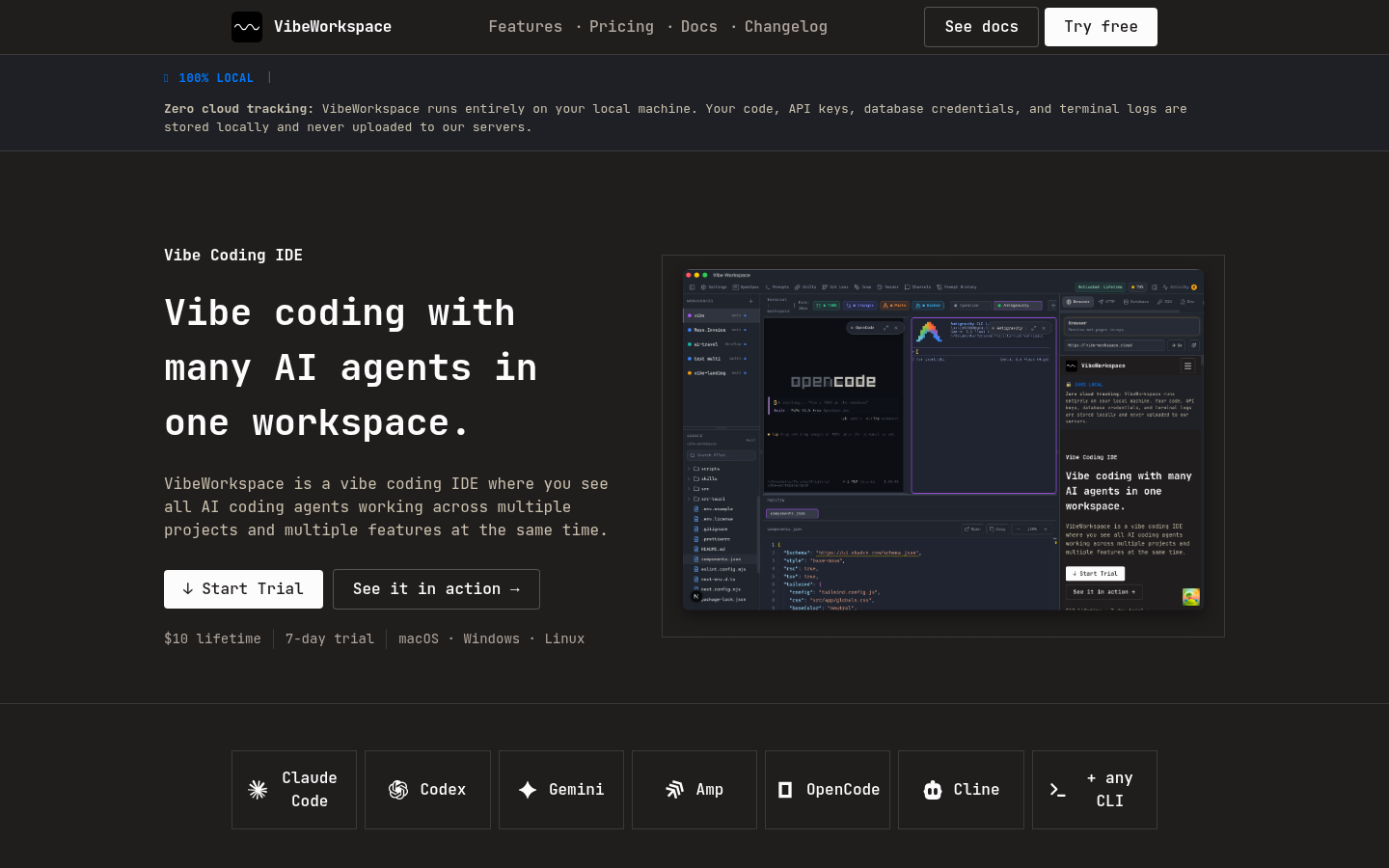
Screenshot archived from the listing page, for preview only.











