
Vessa
Interactive brand guideline web pagesTurn PDF brand manuals into live, copyable pages
Highlights
What you can do with it
- Deliver a brand guideline as a live link clients can self-serve
- Give developers exact CSS and GSAP values for animations
- Manage multiple brands with password-protected pages
How to use it
- 1 Click Start building free to enter the editor
- 2 Enter the brand site URL or describe the brand to auto-draft
- 3 Edit logos, colors, fonts, motion, and mood boards
- 4 Optionally connect AI tools through MCP to speed up edits
- 5 Preview, publish, and pay the one-time fee per brand
Who it is for
Pros
- Live page beats a PDF that nobody opens
- Exact copyable values cut handoff errors
- One-time payment per brand, no subscription
Limitations
- Publishing costs a one-time fee per brand, so it is not fully free
- Auto-extraction depends on your site being readable
- Non-technical teams may need help with motion settings
What Vessa is
Vessa is an online brand guideline tool that replaces the static PDF with a live, interactive web page. You can enter your brand website URL or a short description, and it scans and extracts real colors, fonts, and logos to generate a first draft. Every design value on the page, such as a color HEX, an animation duration, or an easing parameter, can be copied with one click, and animations are shown with real CSS or GSAP values so developers can reproduce them. It also supports the MCP protocol, so AI tools like Claude and Cursor can help edit and publish. Building is free; publishing costs a one-time fee per brand.
What you can do with it
- Turn brand guidelines into a live, shareable web page
- Copy exact color, duration, and easing values in one click
- Auto-extract colors, fonts, and logos from an existing site
- Connect AI tools through MCP to speed up editing
Who it is for
- Brand designers delivering polished, dynamic proposals
- Agencies managing several client brands from one place
- Front-end developers who need exact motion values
What to watch out for
Building is free, but publishing costs a one-time fee per brand, so it is not free end to end, and each extra brand adds another fee. Auto-extraction depends on your website being machine-readable, so unusual sites may need manual cleanup. Setting motion values such as easing can be technical, so non-developers may need help there. Confirm current pricing and the MCP setup steps before you rely on it for client delivery. Generated suggestions are for reference only, so verify anything that affects professional judgment or important data.
FAQ
Is building free?
Building is free. Publishing costs a one-time fee per brand, with no subscription or renewal.
Can it read my existing site?
Yes. Enter your website URL and it can extract real colors, fonts, and logos to draft the guideline.
Does it help developers?
Yes. Animations show real CSS or GSAP values and durations that can be copied directly.
Why it is free
What the official page says: for free
Free limits, trial length and features are decided by the official site and can change at any time.
Product preview
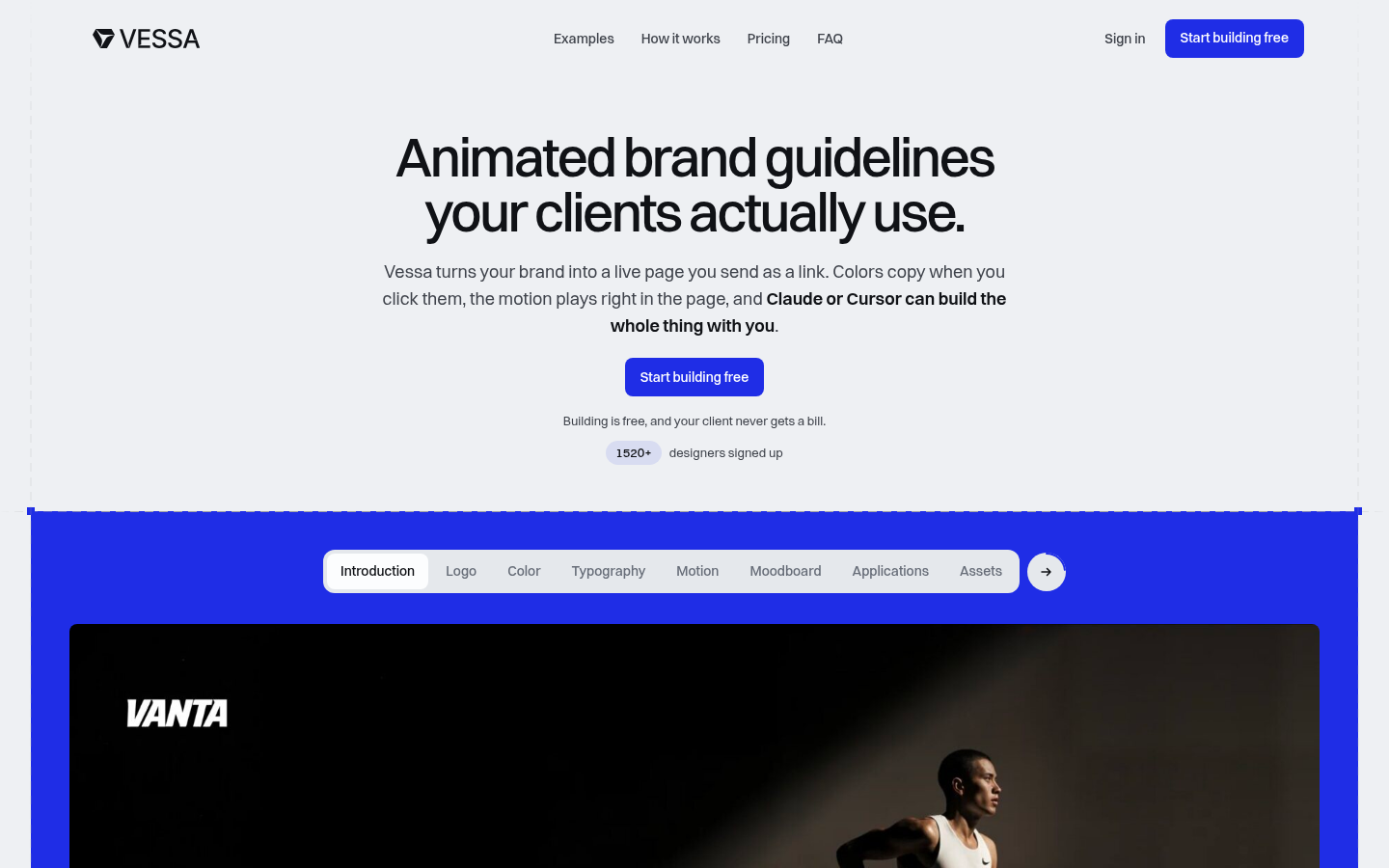
Screenshot archived from the listing page, for preview only.











