
Highlights
What you can do with it
- Turn a single written idea into a short video with sound.
- Iterate on a clip by asking for changes in plain chat.
- Remix and reuse earlier video renders into new versions.
How to use it
- 1 Go to the Veo Omni site and sign up to claim free credits.
- 2 Type a prompt that describes the scene you want.
- 3 Let the model render video and audio together.
- 4 Refine the result with follow-up chat requests.
- 5 Export the clip once you are happy with it.
Who it is for
Pros
- One prompt produces video and matching sound.
- Chat-based editing lowers the learning curve.
- Remixing and subject consistency help reuse.
- A free trial and starter credits to test it.
Limitations
- Free credits are limited and paid plans are needed for commercial rights.
- Output quality and limits can change as the model updates.
- Best for short clips; long or complex edits may still need other tools.
What Veo Omni is
Veo Omni is a chat-based AI video creation and remixing studio. You describe a scene in a single prompt and it produces a video clip with synchronized audio, then you keep refining the result through follow-up chat instead of a complex timeline editor. Because audio and video come from the same model, timing stays aligned without a separate dubbing step. The service runs a free trial and gives new accounts free credits when they register, while paid plans are what unlock commercial usage rights for finished work.
What you can do with it
- Turn one written prompt into a video clip that already carries in-sync sound.
- Refine and edit the clip by describing changes in plain natural language.
- Remix existing clips and iterate on earlier renders into new versions.
- Keep a subject visually consistent across multiple renders.
- Feed in reference material in more than one format.
Who it is for
- Content creators who want to move from an idea to video quickly.
- Social media makers who need short clips with sound already aligned.
- Anyone who prefers chat-driven editing over complex video software.
- Marketers and small teams that want quick promo clips without an editor.
What to watch out for
Free credits are limited, so sustained use points you toward a paid plan, and commercial usage rights sit on those paid tiers. Because this is an AI video service, output quality, quotas, and rules can shift when the underlying model updates, so check the current terms before you depend on it. It is strongest for short, prompt-driven clips; long or heavily edited projects may still need traditional editing tools. Start with the free credits to judge whether the output fits your style before paying, and always follow the platform's content rules.
FAQ
Does Veo Omni add audio automatically?
Yes. Audio and video are generated by the same model, so you do not need to line up a separate audio track.
How do I edit a generated video?
You send follow-up chat messages describing the change you want, and the model revises the clip.
Is there a free way to try it?
There is a free trial, and registering gives you free credits. Paid plans are required for commercial usage rights.
Why it is free
What the official page says: 免费额度免费试用免费
Free limits, trial length and features are decided by the official site and can change at any time.
Product preview
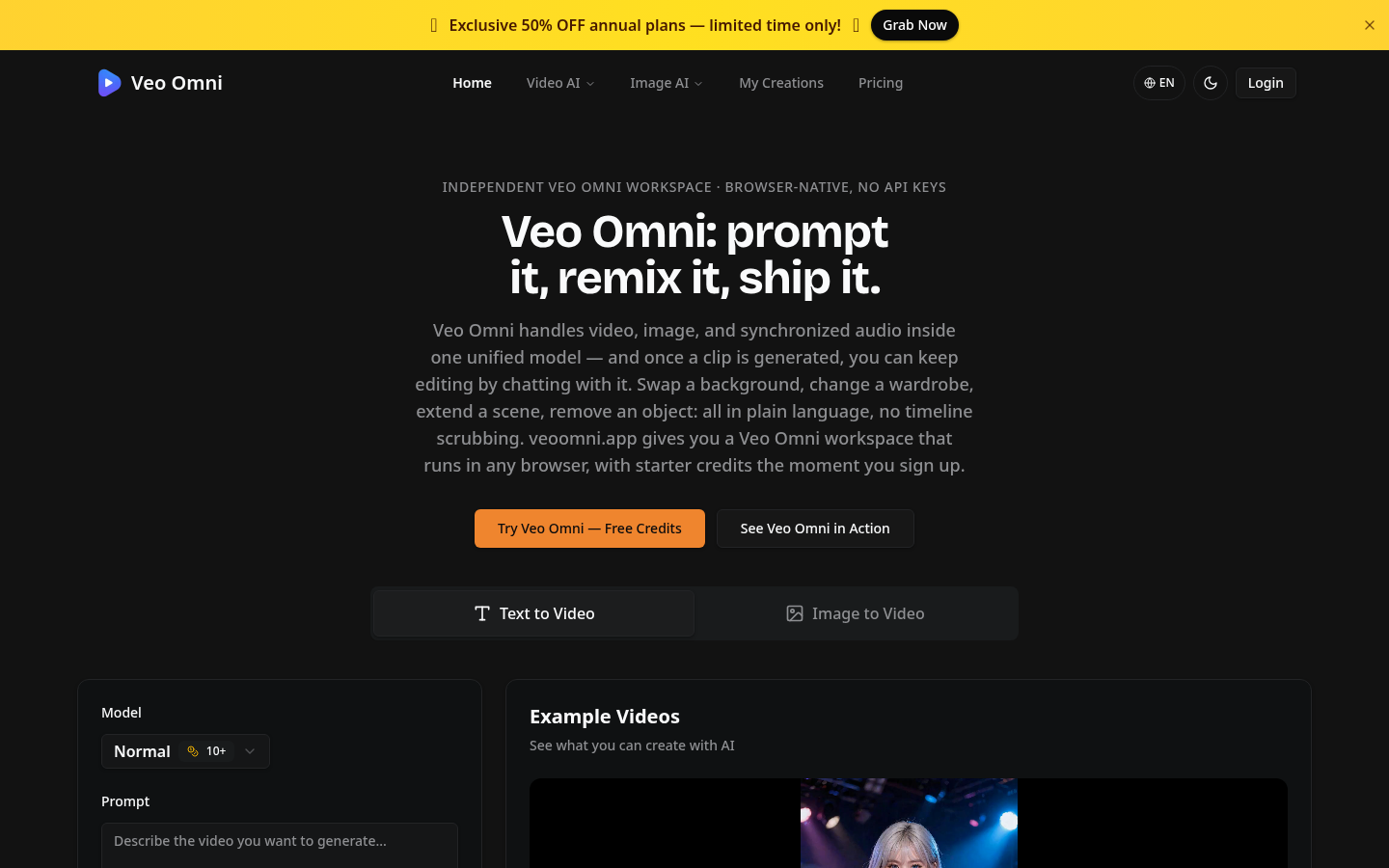
Screenshot archived from the listing page, for preview only.