
Highlights
What you can do with it
- Planning shots before you generate video elsewhere
- Organizing prompts for a multi-shot project
- Preparing different aspect ratios for each platform
How to use it
- 1 Open Veo Omni and create a project
- 2 Lay out the shots you plan to generate
- 3 Write and store multimodal prompts for each shot
- 4 Set aspect ratios, then carry your plan into your video tool
Who it is for
Pros
- Free, with core planning features stated to stay free
- Independent from the Veo brand, which avoids confusion
- Shot planning and prompt organization live in one place
Limitations
- Paid premium features may be added later, so the free scope can shrink
- It plans prompts, it does not generate the video itself
- It is not affiliated with Google or DeepMind, which can mislead some users
What Veo Omni is
Veo Omni is an independent AI video prompt workspace built for creators working with next-generation AI video tools. It is important to be clear about one thing up front: the product states that it is not affiliated with Google, DeepMind, or Veo. What it offers instead is an independent place to plan and organize AI video prompts before you generate anything. The feature set covers precise shot planning, multimodal prompt creation, and multiple aspect ratio options, which helps creators work in a more organized way rather than improvising prompts one at a time. It is free to use, and the product says core features such as prompt organization and planning will remain free, with paid premium features possibly introduced later.
What you can do with it
- Plan shots before you generate video in another tool
- Create and store multimodal prompts in one workspace
- Set multiple aspect ratios for different platforms
- Organize a library of prompts across a project
Who it is for
- AI video creators who plan before they generate
- Editors and directors who need to organize prompt libraries
- Teams that must keep aspect ratios consistent across shots
- Anyone who wants structure around a messy prompt workflow
What to watch out for
Paid premium features may be introduced later, which means the free scope can shrink over time, so check current terms before you rely on it. The tool also only plans and organizes prompts; it does not generate the video itself, so you still need a separate generator and a separate editing step. Finally, the name can mislead people into thinking it is an official Google or Veo product, and the site itself says it is not, so read carefully before you assume any connection. If your team relies on it for planning, keep an export of your prompt library so you are not locked in.
FAQ
Is it affiliated with Google or Veo?
No. It states clearly that it is not affiliated with Google, DeepMind, or Veo.
What does it actually do?
It is a workspace for planning shots, tracking capabilities, and preparing AI video prompts.
Is it free?
Core features such as prompt organization and planning are stated to remain free, though premium features may be introduced later.
Why it is free
What the official page says: 免费使用免费
Free limits, trial length and features are decided by the official site and can change at any time.
Product preview
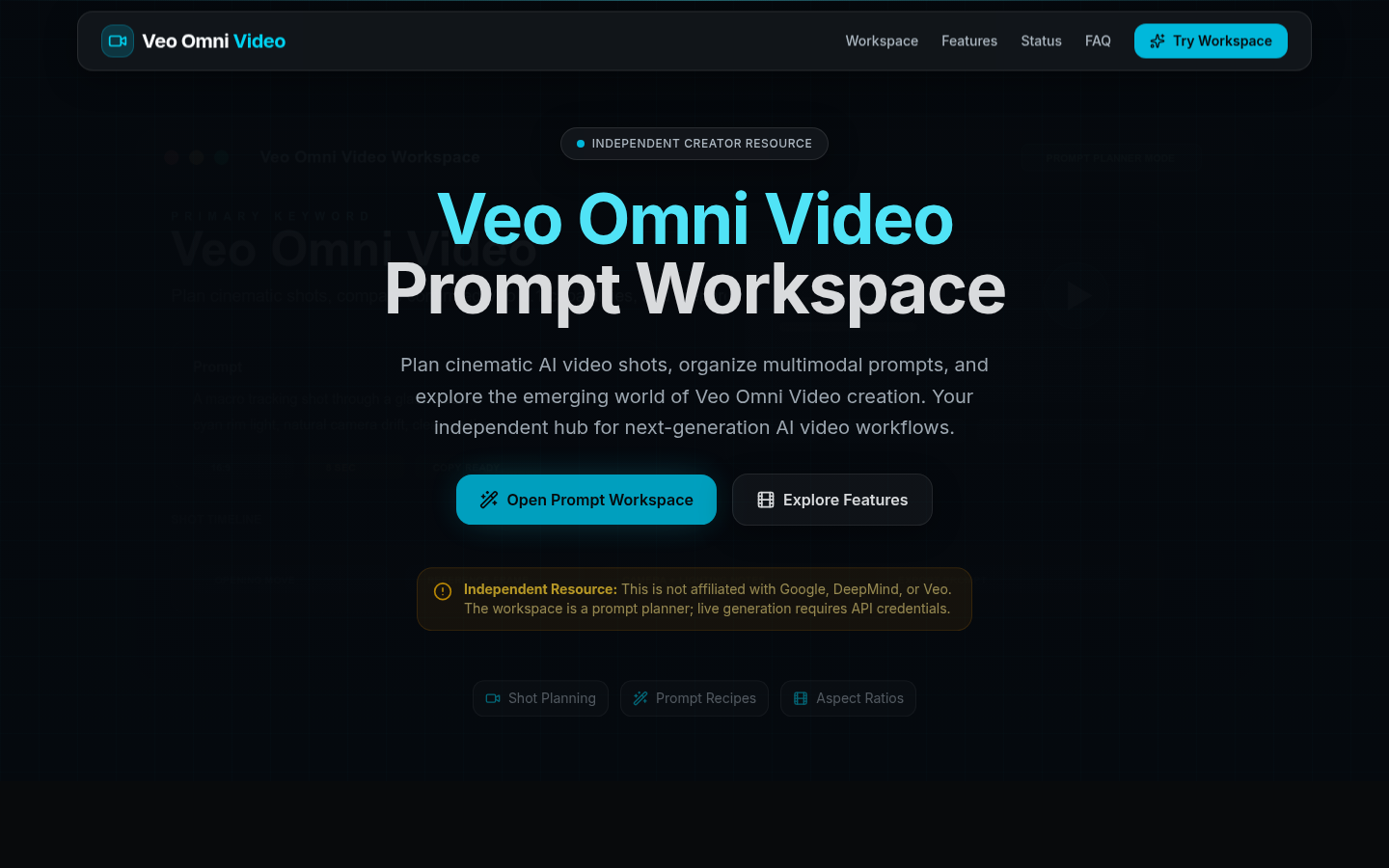
Screenshot archived from the listing page, for preview only.