
Veo Ai
Google-powered AI video generation and editing platformTurn text, images, voice, or clips into video concepts
Highlights
What you can do with it
- Generate a neon-lit cyberpunk city close-up for a sci-fi short
- Create a 3D fantasy animation of an armored rider on a mythical beast
- Produce a surreal slow-motion sports shot in a packed stadium
How to use it
- 1 Visit veoai.io and register or log in
- 2 Pick a creation path such as text-to-video or image-to-video
- 3 Describe the theme, scene, action, shot style, camera movement, lighting, and mood
- 4 Set camera control, character consistency, and audio generation options
- 5 Generate, preview, edit, then export or share the video
Who it is for
Pros
- Multiple input paths in one workspace reduce tool switching
- Camera and character controls give repeatable results
- Audio generation saves a separate scoring step
Limitations
- Free access is mentioned but the paid tiers are not detailed
- Long prompts are needed to get the specific look you want
- Video-to-video and expansion features are best explored by trial
What Veo Ai is
Veo Ai is an AI video generation platform backed by Google. It is built as a workspace rather than a single-purpose generator, so you can start from a written prompt, an image, a script, a voice idea, or an existing clip. The page mentions free access; the detailed pricing model is not published there, so treat the free tier as a starting point rather than a guarantee.
What you can do with it
- Text-to-video: describe theme, scene, action, camera, lighting, and mood to get a cinematic concept.
- Image-to-video: upload a still and animate it with motion prompts.
- Video-to-video: extend or modify an existing clip.
- Voice-to-video: upload a voice clip and generate matching visuals.
- Video expansion: lengthen a clip and add content.
- Camera control, character consistency, and automatic audio generation.
Who it is for
- Content creators producing short-form video concepts quickly.
- E-commerce teams converting product photos into motion.
- Marketing teams building ad concepts for landing pages and paid social.
- Designers turning static brand assets into moving creative.
- Filmmakers visualizing storyboards before a shoot.
What to watch out for
Pricing is not fully documented on the page, so confirm current terms before you rely on it for client work. Output quality depends heavily on how specific your prompt is. The platform works best as a concept and pre-production tool rather than a replacement for a full edit suite. Start with a small sample to confirm the output meets your expectations before processing the full batch. Free tiers and usage limits can change, so check the current rules on the official page before relying on it long term.
FAQ
What inputs does it accept?
Text prompts, image references, existing videos, voice clips, and video expansion requests.
Is it free?
The page mentions free access, but the detailed paid model is not published there.
Can I control the camera?
Yes. You can set direction, angle, and movement mode during generation.
Why it is free
What the official page says: 免费
Free limits, trial length and features are decided by the official site and can change at any time.
Product preview
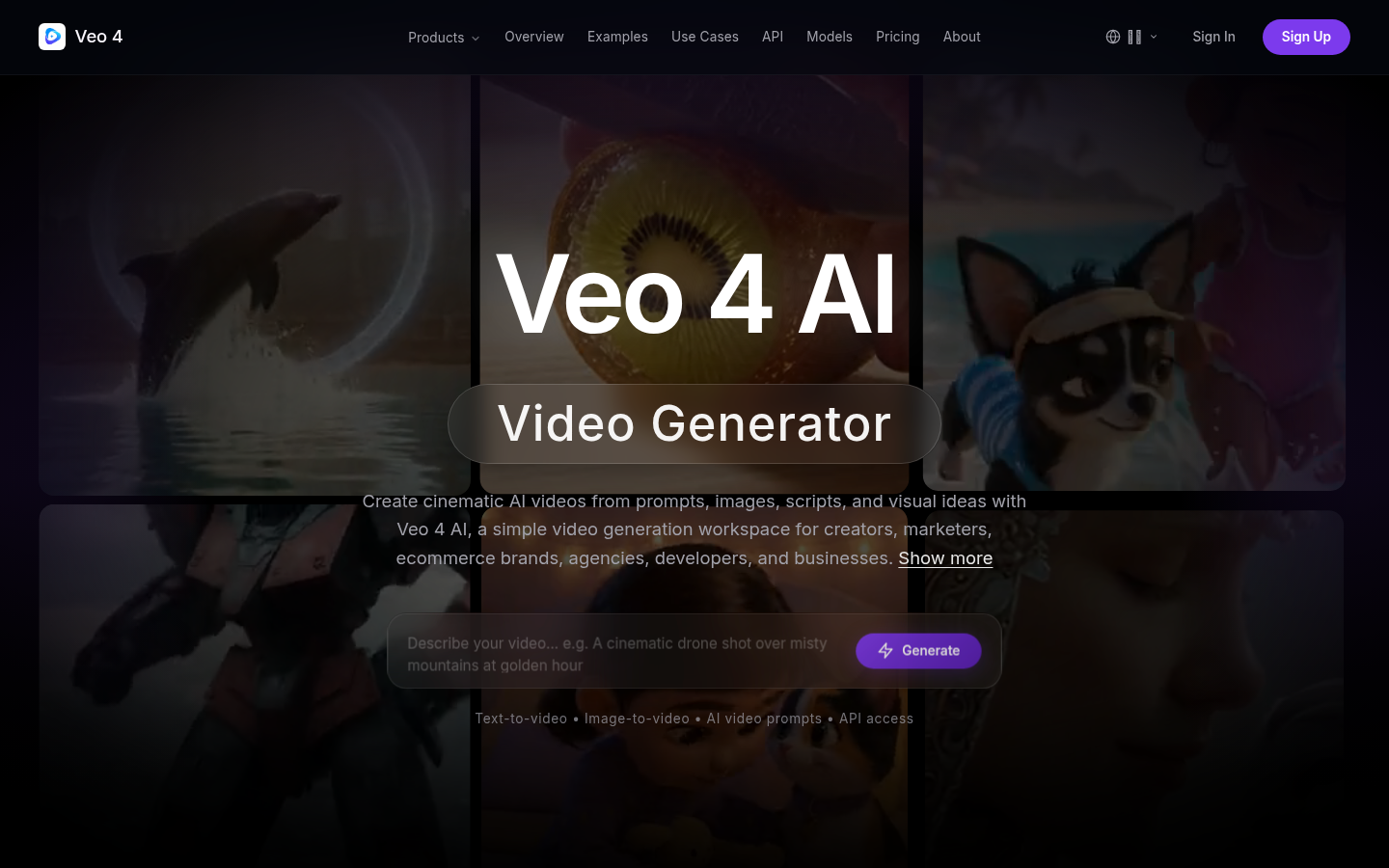
Screenshot archived from the listing page, for preview only.











