Veo 4 AI Video
Free 4K AI video generatorPrompt or photo to video with sound in seconds
Highlights
What you can do with it
- Turning a product photo into a short advertising clip
- Testing a film idea without a crew or camera gear
- Generating clips with dialogue and sound effects in one pass
How to use it
- 1 Open aiveo4.org and enter a prompt or upload an image
- 2 Let the model render the clip with audio
- 3 Review the 4K result and check character consistency
- 4 Adjust the prompt and regenerate if needed
Who it is for
Pros
- 4K output with audio included
- No editing skills or studio setup required
- A 50 percent discount promotion is advertised
Limitations
- The discount is promotional and may not last
- Free access terms may change without notice
- Clip quality still depends on how well you write the prompt
What Veo 4 AI Video is
Veo 4 AI Video is an online generator that turns prompts or images into 4K video clips with audio. The site says no professional equipment, actors, or editing skills are needed, which puts it within reach of people who have never edited video. It advertises cinematic shot language, synchronized dialogue and sound effects, fast rendering, and strong character consistency, and it is described as an upgraded version of the Veo series. Rendering is described as fast, so you can iterate through several versions in one sitting. It is positioned to meet the video production needs of creators in different fields, from independent filmmakers to e-commerce teams. A 50 percent discount promotion is currently listed.
What you can do with it
- Turn a product photo into a short advertising clip
- Test a film idea without a crew, camera, or editing suite
- Generate clips with dialogue and sound effects in a single pass
- Produce 4K video content from a written prompt
Who it is for
- Independent filmmakers testing ideas quickly
- E-commerce teams that need product video content
- Creators without editing experience or studio equipment
- Small teams producing social video without a production budget
What to watch out for
The 50 percent discount is promotional and may not last, so confirm the current price before you plan a campaign. Free access terms may change without notice. Clip quality still depends on how well you write the prompt, and character consistency is advertised rather than guaranteed for every input. Longer or multi-shot projects may still need traditional editing after generation. Start with a small sample to confirm the output meets your expectations before processing the full batch.
FAQ
What resolution does it output?
The site advertises 4K video clips with synchronized audio.
Do I need video editing skills?
No. It is marketed as needing no professional equipment, actors, or editing skills.
Is the discount permanent?
No. It is a limited-time promotion, so the price may return to normal later.
Why it is free
What the official page says: 免费
Free limits, trial length and features are decided by the official site and can change at any time.
Product preview
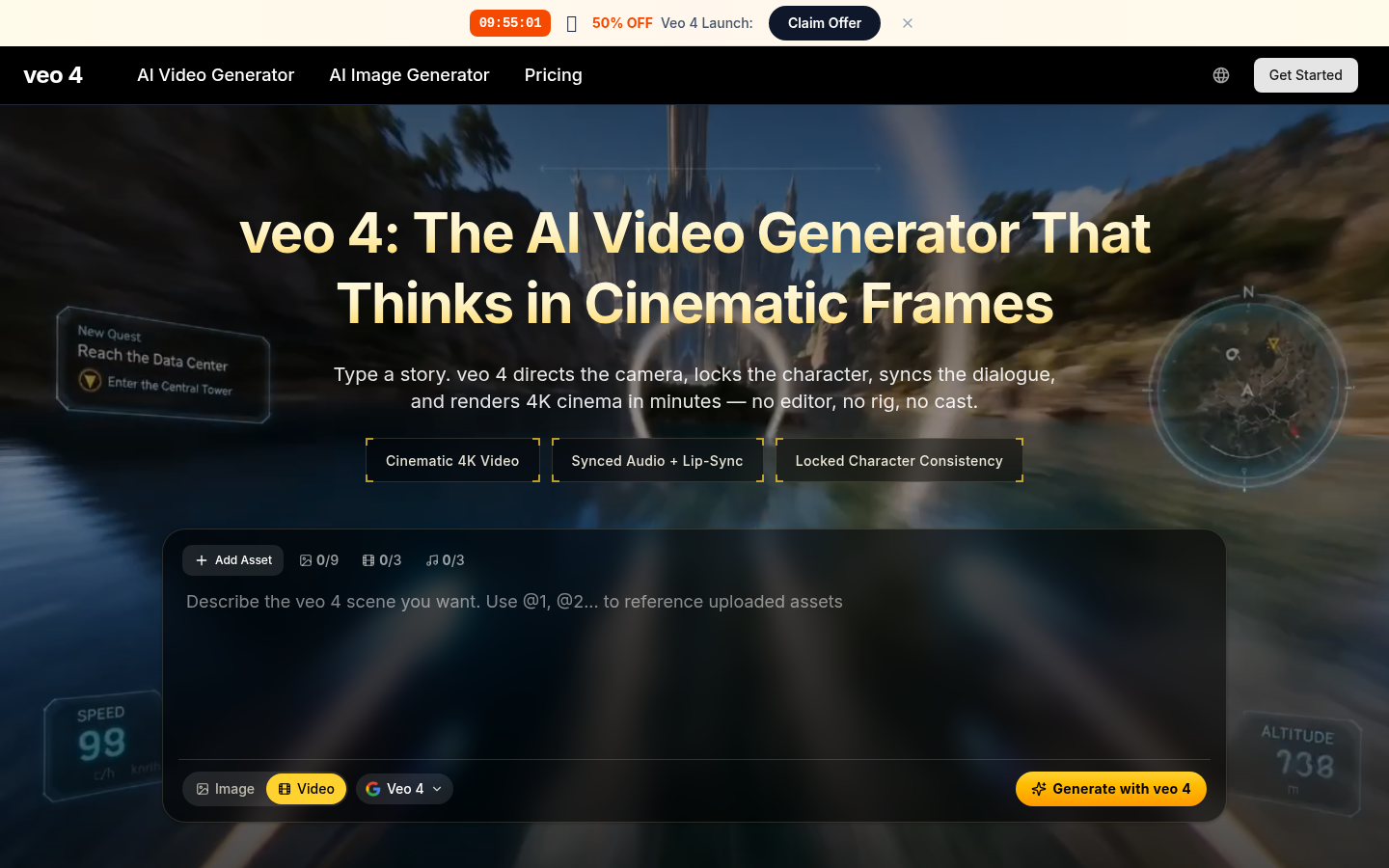
Screenshot archived from the listing page, for preview only.