
Veo 4
Free multimodal AI video generatorText, image, video, and audio into video
Highlights
What you can do with it
- Generating video from a text prompt or an image
- Applying AI video effects to a shot
- Iterating quickly on shots for a project
How to use it
- 1 Open Veo 4 and choose text or image input
- 2 Describe the shot or upload a reference image
- 3 Adjust the controls for the look you want
- 4 Generate, review, and iterate on the result
Who it is for
Pros
- Free to use at the moment
- Multimodal input across text, image, video, and audio
- Director-level control helps you match a planned shot
Limitations
- Free access can change, so it may not stay free forever
- AI output still needs review against your prompt
- It depends on Google DeepMind's service, so availability can shift
What Veo 4 is
Veo 4 is a free multimodal AI video generation platform launched by Google DeepMind. It is built to give creators a convenient and powerful way to make video, and it currently offers free use. The platform supports text-to-video and image-to-video, so you can start from a written description or from a still frame. It also includes AI video effects tools and director-level control, which means you are not limited to accepting whatever the model returns on the first pass. Because it works across text, images, video, and audio, it is aimed at modern video workflows where a single idea has to move through several formats. It is positioned for creators, teams, and studios that want faster iteration and higher visual quality.
What you can do with it
- Generate video from a text prompt or an image
- Apply AI video effects to a shot
- Use director-level control to shape the result
- Work across text, image, video, and audio in one workflow
Who it is for
- Creators who need fast video iteration
- Teams producing marketing or social video
- Studios exploring AI inside the video pipeline
- Anyone who wants multimodal input without switching tools
What to watch out for
Free access is stated as current, and that status can change, so it may not stay free forever, which matters if you are planning a long campaign. AI output still needs review against your prompt: motion, framing, and continuity often need several attempts before they match what you had in mind. The platform also depends on Google DeepMind's service, so availability and features can shift without much notice, and a workflow built on one model can break if that model changes. For professional work, treat the first generation as a draft and keep time for revisions.
FAQ
Is Veo 4 free?
The listing states it is currently available for free use.
Who makes it?
Google DeepMind.
What can it generate?
Video from text or images, with AI video effects tools and director-level control.
Why it is free
What the official page says: 免费使用免费
Free limits, trial length and features are decided by the official site and can change at any time.
Product preview
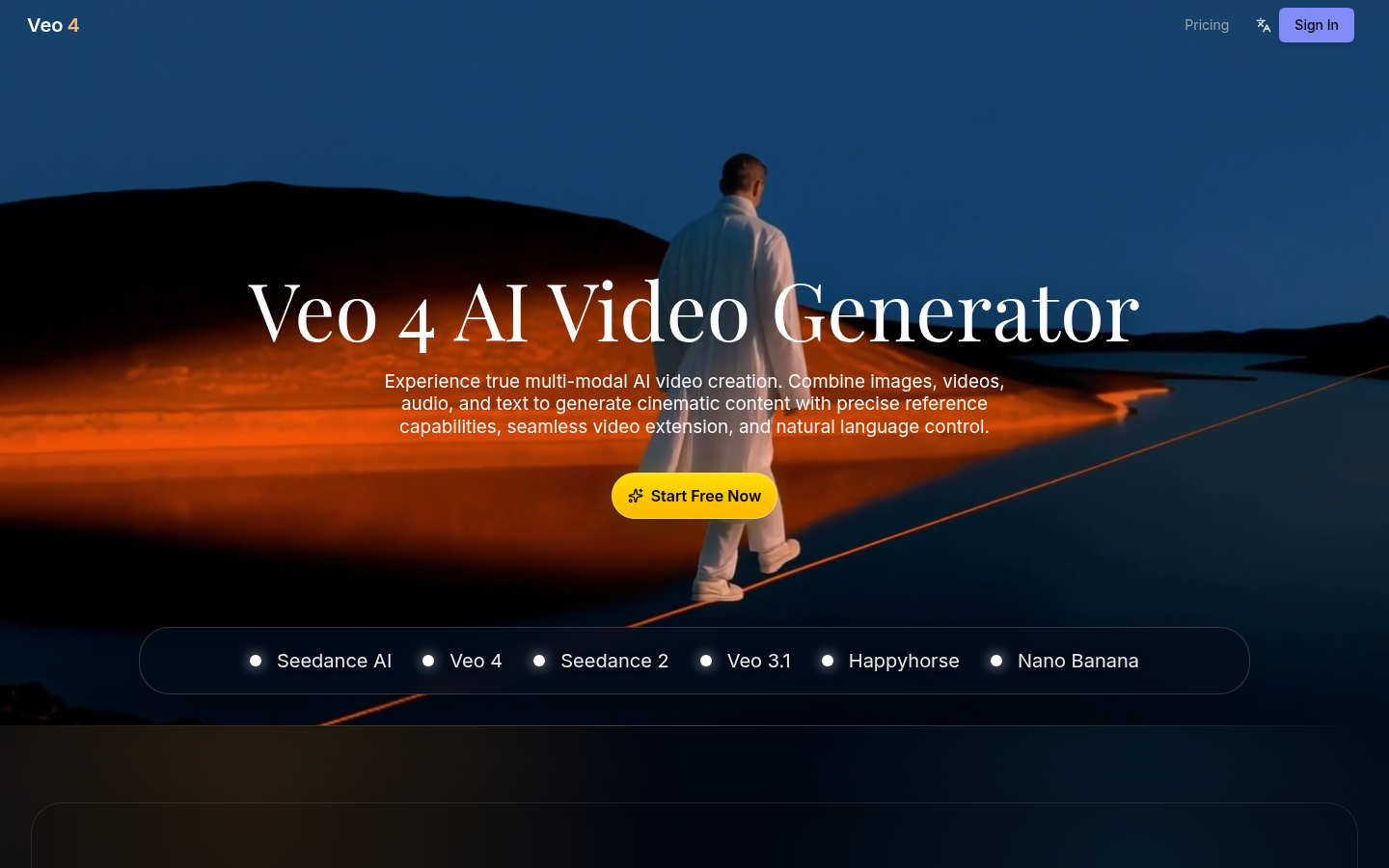
Screenshot archived from the listing page, for preview only.