
Veo 3 Video Generator
Online AI video generator with native audioEight-second cinematic clips from a text prompt
Highlights
What you can do with it
- Turning a written idea into a short cinematic clip
- Making social media videos with synchronized sound
- Testing prompt-to-video quality before a bigger project
How to use it
- 1 Open the site and enter a text description of your scene
- 2 Let the model generate the video with audio
- 3 Preview the eight-second result
- 4 Download it or adjust the prompt and try again
Who it is for
Pros
- Text-to-video with audio included, no separate sound step
- Built on Google DeepMind technology
- A discount is advertised for new users
Limitations
- Each video is only about eight seconds long
- The 50 percent discount is limited-time and may end
- Standard pricing is not listed, so costs are unclear
What Veo 3 Video Generator is
Veo 3 Video Generator is an online tool powered by Google DeepMind's video generation model. You describe a scene in plain text, and it produces a high-quality eight-second video with native audio. The site highlights strong prompt comprehension and cinematic-quality output, and it says both beginners and professionals can use the tool without special skills. The tool runs in the browser, so there is nothing to install. A limited-time 50 percent discount is currently advertised, though the listing does not publish the standard price, so check the site for current plans before you count on the discount.
What you can do with it
- Turn a written idea into a short cinematic clip
- Generate video with synchronized native audio in one step
- Make social media content from text descriptions
- Test prompt-to-video quality before committing to a bigger project
Who it is for
- Content creators who need short video clips regularly
- Marketers who want to test video ideas quickly
- Beginners who want video output without editing software
What to watch out for
Each video is only about eight seconds long, which suits short social clips but not longer storytelling. The 50 percent discount is limited-time and may end without notice, and the standard price is not listed, so confirm costs on the site before planning regular use. As with any AI video tool, output quality depends on how clearly you describe the scene, so expect to refine prompts through a few attempts. Name and archive exported files consistently so you can find and reuse them, and keep a backup copy of key data. When quality matters, export a small draft first to confirm the result before producing the final file.
FAQ
How long are the generated videos?
The site describes eight-second high-quality videos with native audio.
Do I need editing skills?
The tool is aimed at both beginners and professionals, so no editing background is required to generate a clip.
Is there a discount?
A limited-time 50 percent discount is advertised. Since it is promotional, it may not be available later.
Why it is free
What the official page says: 免费
Free limits, trial length and features are decided by the official site and can change at any time.
Product preview
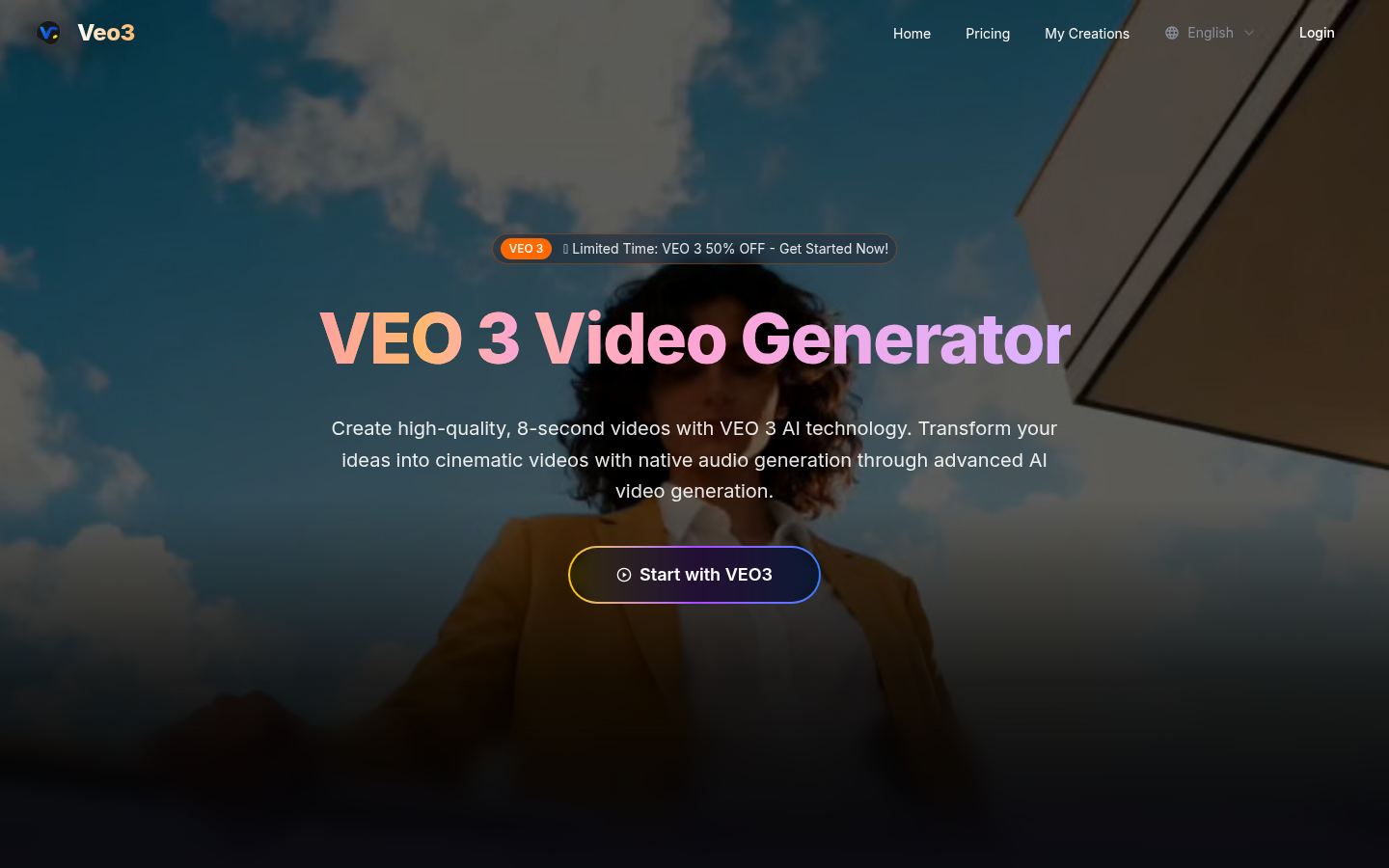
Screenshot archived from the listing page, for preview only.