
veo 3.1 Video Generator
Google VEO 3.1 video generator with native audioMake 8 second videos with sound from text or image
Highlights
What you can do with it
- Produce a tourism promo video from a scene description
- Create a science fiction animated clip for a project
- Make a short commercial advertisement with audio
How to use it
- 1 Register and log in to the site
- 2 Claim the free credits offered to new users
- 3 Choose text to video or image to video mode
- 4 Enter a detailed prompt and set quality, audio, and duration
- 5 Generate, preview, and download the video
Who it is for
Pros
- Free credits for new users to start
- Native audio generated with the video
- Strong prompt understanding and movie level output
Limitations
- Free credits run out and paid use is likely after
- Clips are short, around 8 seconds, so scope is limited
- Watermark free high resolution output is tied to paid use
What the veo 3.1 Video Generator is
The veo 3.1 Video Generator is an AI video tool powered by Google's VEO 3.1 model through AI Studio. It turns simple text descriptions, or images, into short 8 second videos with native audio such as sound effects, ambient noise, and dialogue. It has strong prompt understanding and multimodal awareness, and it aims for movie level quality with realistic physics, professional lighting, and smooth camera movement. New users can get a batch of free credits to start, with paid use likely beyond that. It is aimed at both beginners and professionals who want quick, high quality video without a production setup.
What you can do with it
- Turn text prompts or images into 8 second video clips
- Add native audio like sound effects, ambience, and dialogue
- Rely on strong prompt understanding for detailed scenes
- Preview and download the generated video
Who it is for
- Beginners who want simple, high quality video output
- Professional video producers who need fast renders
- Content creators making short clips and animations
What to watch out for
The free credits for new users run out, and further use likely involves paid plans, so check current terms before you plan a large project. Clips are short, around 8 seconds, so it suits brief scenes rather than long footage, and stitching many clips takes extra work. Watermark free, high resolution output is tied to paid use, so the free tier may include limits on quality or watermarking, and it is worth testing one video to see exactly what the free credits give you. Start with a small sample to confirm the output meets your expectations before processing the full batch.
FAQ
What is the veo 3.1 Video Generator?
It is an AI video generator powered by Google's VEO 3.1 model via AI Studio, creating short videos with native audio from text or image prompts.
Is it free?
New users can get a batch of free credits to start. Further use details are not specified and likely involve paid plans, so check the site.
How long are the videos?
It focuses on 8 second high quality videos with native audio, so it is built for short clips rather than long footage.
Why it is free
What the official page says: for free
Free limits, trial length and features are decided by the official site and can change at any time.
Product preview
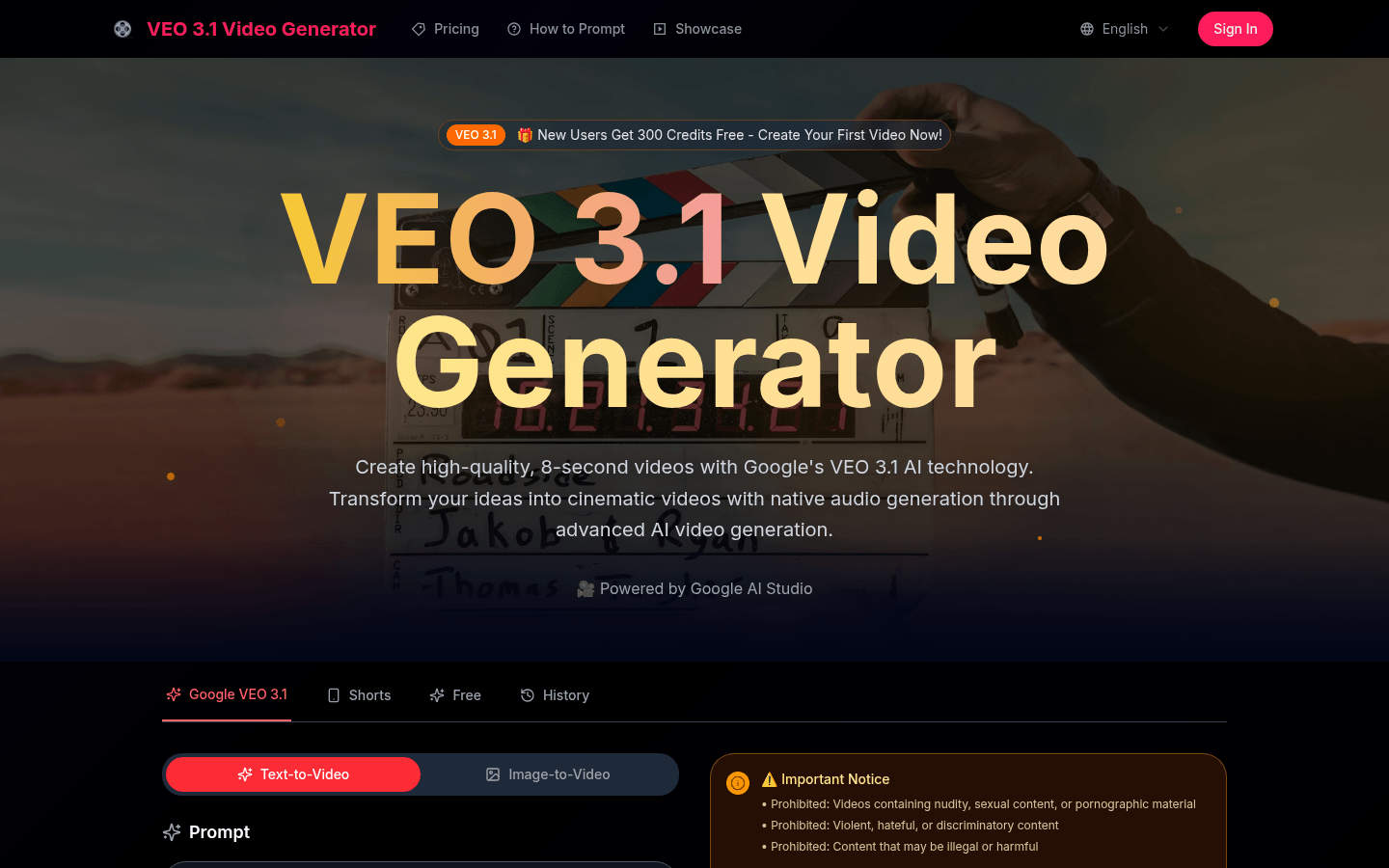
Screenshot archived from the listing page, for preview only.











