
Veo 3.1 AI Video Generator
Text, image, or clip to video with audio, up to 1080pGoogle-model video generation with sound, free trial available
Highlights
What you can do with it
- Turn a written idea or script into a short video with sound
- Animate a still image into a moving scene
- Re-cut or extend existing clips into new video content
- Draft concept videos before committing to a full shoot
How to use it
- 1 Open the site and start the free trial
- 2 Enter a text prompt, upload an image, or supply a video clip
- 3 Set the creative direction and generate the video
- 4 Review the result and download it if it fits your needs
- 5 Spend credits again to refine shots that need another pass
Who it is for
Pros
- Multiple input types: text, image, or video
- Audio is part of the output, not an afterthought
- Free trial lets you test before buying credits
- 1080p output suits most online distribution
Limitations
- Generation consumes credits, so experimentation adds up
- The free trial is limited and terms may change
- It is a third-party access point for Google's model, so availability depends on the provider
- Complex prompts may need several attempts to match your vision
What Veo 3.1 AI Video Generator is
Veo 3.1 AI Video Generator, at v03.video, is presented as the upgraded version of Veo 3, which the page says Google launched in October 2025. It uses Google's latest AI model to convert text, images, or video clips into professional videos that include audio. The page describes the upgrade in terms of stronger realism, better narrative control, and richer audio integration, with output quality reaching 1080p. The product is positioned for professional and creative video production, and it offers a free trial. Generation runs on a credit system, so you can explore the workflow during the trial before deciding whether to buy more credits.
What you can do with it
- Turn a written prompt into a video with matching audio
- Animate a still image into a moving scene
- Feed in an existing clip and generate new video material
- Draft short concept videos before committing to a full shoot
- Experiment with narrative control across multiple shots
Who it is for
- Professional producers who want fast drafts and previz
- Creative teams that need audio-rich clips for pitches
- Marketers and advertisers testing video concepts
- Solo creators building short-form content with sound
- Studios exploring AI-assisted pre-production
What to watch out for
The free trial is a starting point, not an unlimited plan: every generation consumes credits, and repeated attempts to get a scene right will eat into them quickly. Because this is a third-party site providing access to Google's model, service availability and credit rules are controlled by the provider and can change without notice. Output reaches 1080p, which suits most online distribution but may fall short for workflows that demand higher resolution. As with any generative video tool, results depend heavily on how clearly you describe the scene, so plan for iteration and keep prompts specific.
FAQ
Is Veo 3.1 free to try?
Yes, the page offers a free trial, though generation uses credits.
What inputs does it accept?
Text, images, and video clips, according to the site.
What resolution can I expect?
Up to 1080p.
Does the video include audio?
Yes, the tool is built to produce videos with audio.
Why it is free
What the official page says: 免费试用免费
Free limits, trial length and features are decided by the official site and can change at any time.
Product preview
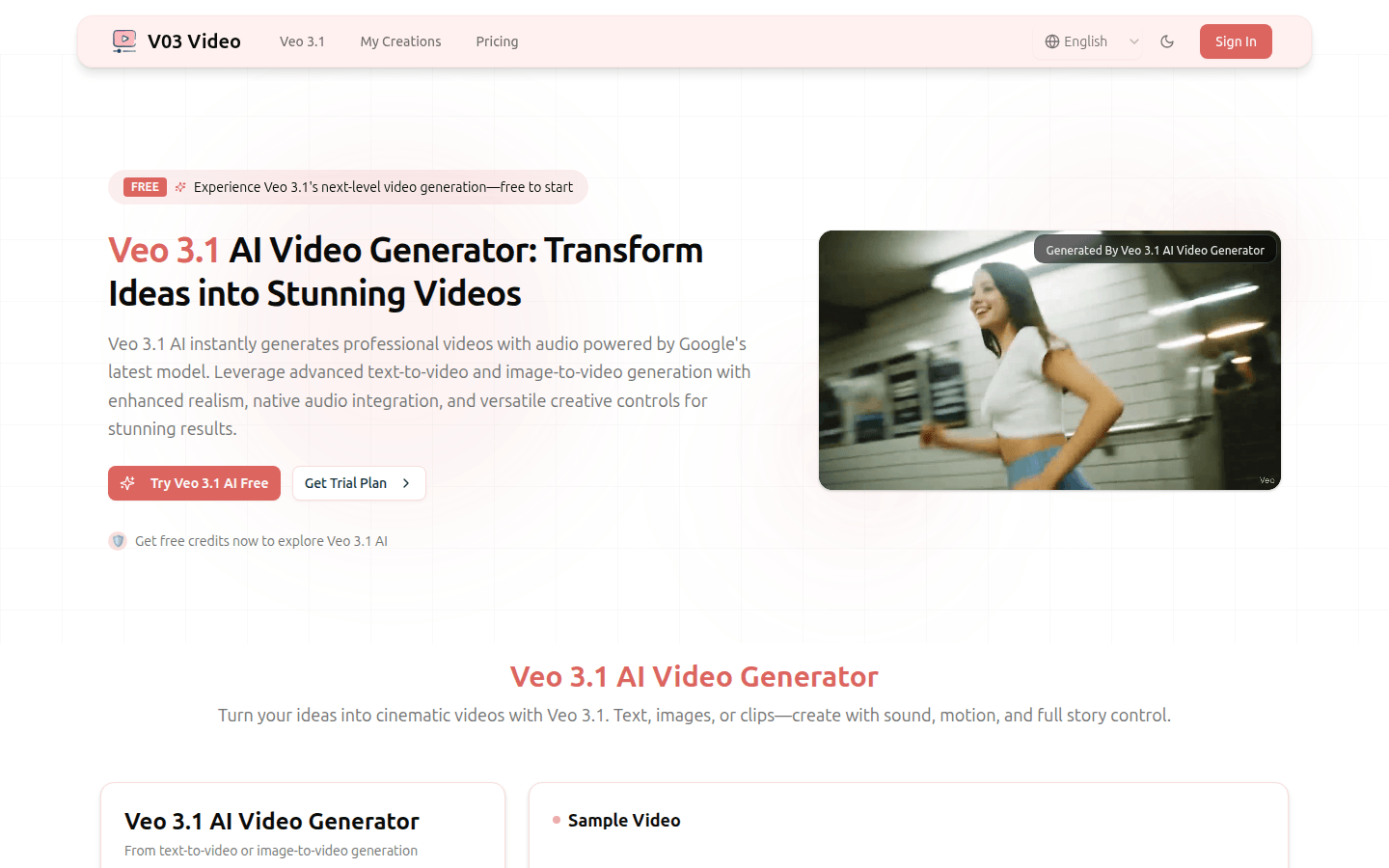
Screenshot archived from the listing page, for preview only.