
VEME
AI image and video generatorFlux Kontext based image and video creation
Highlights
What you can do with it
- Create short videos quickly for a YouTube channel
- Turn product photos into dynamic video ads
- Produce multilingual training videos with an AI avatar
How to use it
- 1 Create an account on Veme.ai
- 2 Pick a module such as text-to-video or style transfer
- 3 Enter a prompt or upload an image and adjust the settings
- 4 Click generate and wait for processing
- 5 Download the result or edit it on the platform
Who it is for
Pros
- One platform covers image and video generation and editing
- No timeline or keyframe work for simple video creation
- Batch background editing suits large product catalogues
- Free plan available alongside paid tiers
Limitations
- Paid plans are needed for faster generation, watermark-free output and more models
- Free tier output may carry a watermark and slower processing
- AI avatars and cloned presenters raise consent and disclosure questions you must resolve
What Veme.ai is
Veme.ai is an AI image and video generation platform built on Flux Kontext technology. It is aimed at people who need visual content fast rather than a full editing suite. You can generate video from a text prompt without touching a timeline or setting keyframes, upload a static image and turn it into a moving shot, extend a clip's duration while keeping the action continuous, or create a talking avatar that publishes in multiple languages. On the stills side it handles style transfer across artistic styles, batch background editing for product photography, and high-quality upscaling for print and presentations. There are free and paid plans, and the paid tier is where speed, watermark-free output and extra models live.
What you can do with it
- Generate video from a text description with no timeline work
- Animate a static image and extend the clip while keeping continuity
- Create talking avatars for multilingual publishing
- Apply artistic style transfer to images
- Batch edit product photo backgrounds
- Upscale images for print and presentation use
Who it is for
- YouTube and social creators who need short video at volume
- E-commerce merchants turning product photos into video ads
- Social media managers producing multilingual training and explainer content
- Small teams that want image and video workflows in one place
What to watch out for
The free plan is a trial-grade tier: expect watermarks, slower generation and a smaller model selection, with the better experience behind payment. Talking avatars and synthetic presenters also raise real questions about consent, likeness and disclosure, especially in advertising, so resolve those before you publish. And generated video is raw material, not a finished ad, so plan for editing, captioning and a human review before anything goes in front of customers.
FAQ
Is Veme.ai free?
There are free and paid plans. Paid users get higher generation speed, watermark-free output and more AI model options.
What technology does it use?
It is based on Flux Kontext technology for image generation and editing.
Can I make video from a photo?
Yes. You upload a static image and it generates a dynamic video, and you can extend the duration while keeping continuity.
Does it support avatars?
Yes. It can create talking avatars that support multilingual publishing.
Why it is free
What the official page says: 免费
Free limits, trial length and features are decided by the official site and can change at any time.
Product preview
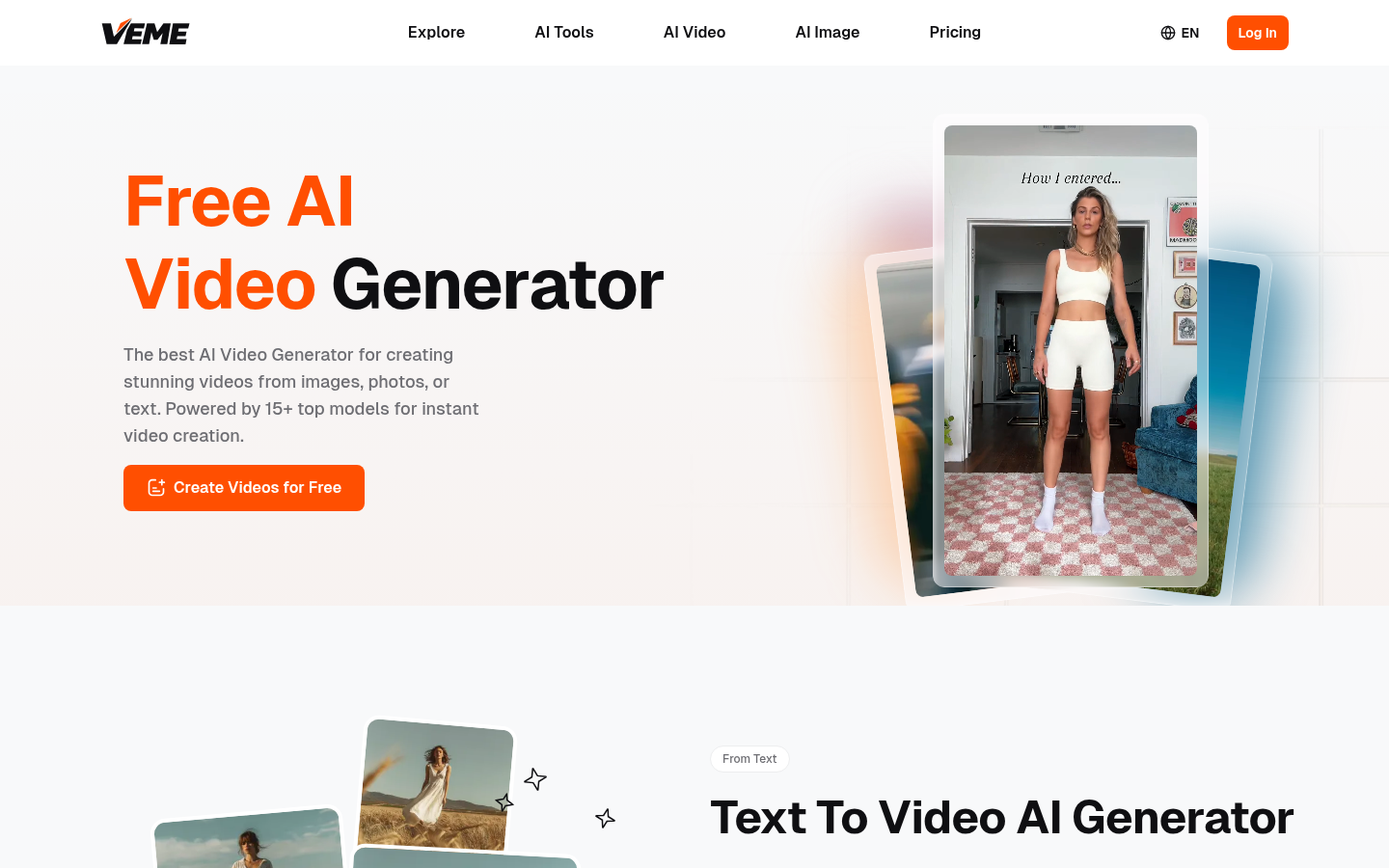
Screenshot archived from the listing page, for preview only.











