Velocity
AI product video makerPaste a link, get a product video
Highlights
What you can do with it
- Product videos for a new clothing line
- Introduction videos for an electronics catalog
- Usage-scenario videos for e-commerce listings
How to use it
- 1 Register an account on the Velocity site.
- 2 Choose the video creation option.
- 3 Paste the product page link.
- 4 Generate and wait a few minutes.
- 5 Edit with the built-in tools, then download and publish.
Who it is for
Pros
- Very fast from a product link to a video
- No editing expertise needed to get a result
- Free trial available
Limitations
- Output is template-driven, so heavy customization is limited
- The free trial is time-limited
- Pricing and limits are set by the vendor and can change
What Velocity is
Velocity is an AI-driven platform for creating product videos, developed by Avataar. The workflow is deliberately short: you paste a product page link, and the platform turns that content into a professional-quality video in a matter of minutes. Because the generation is automated, no professional editing skills are required to get a usable result, which is the main appeal for teams without a video editor. The finished video can be deployed across customer touchpoints such as social media, websites, and advertising, and the platform supports running several projects at once with a project management view for past work. A free trial is offered, and detailed pricing is published on the official site.
What you can do with it
- Turn a product page link into a video in minutes
- Run multiple video projects at the same time
- Make detailed adjustments with the built-in editing tools
- Publish the same video across social, web, and advertising channels
- Browse and reuse past projects instead of rebuilding them
Who it is for
- E-commerce brands that need a steady stream of product creative
- Marketing teams producing video without a dedicated editor
- Businesses that want video output without building an in-house team
- Sellers testing whether video improves a listing before investing more
What to watch out for
Speed and automation mean a template-driven look. If your brand has strict visual guidelines, expect to spend time adjusting, and some ideas will be outside what the tool can produce from a link alone, since the source material limits what the video can actually show. The free trial is time-limited, so the real question is whether the paid plans fit your volume and budget, and those prices and limits are set by the vendor and can change. Generated video should also be reviewed for accuracy of claims and for rights before it goes into paid advertising, and anything featuring a product needs to match the item that is actually on sale.
FAQ
How does Velocity create a video?
You paste a product page link and the platform converts that content into a professional-quality video.
Do I need editing skills?
No, the tool is designed so users can produce videos without professional skills.
Is there a free trial?
Yes, a limited-time free trial is offered, with pricing on the official site.
Why it is free
What the official page says: free trial
Free limits, trial length and features are decided by the official site and can change at any time.
Product preview
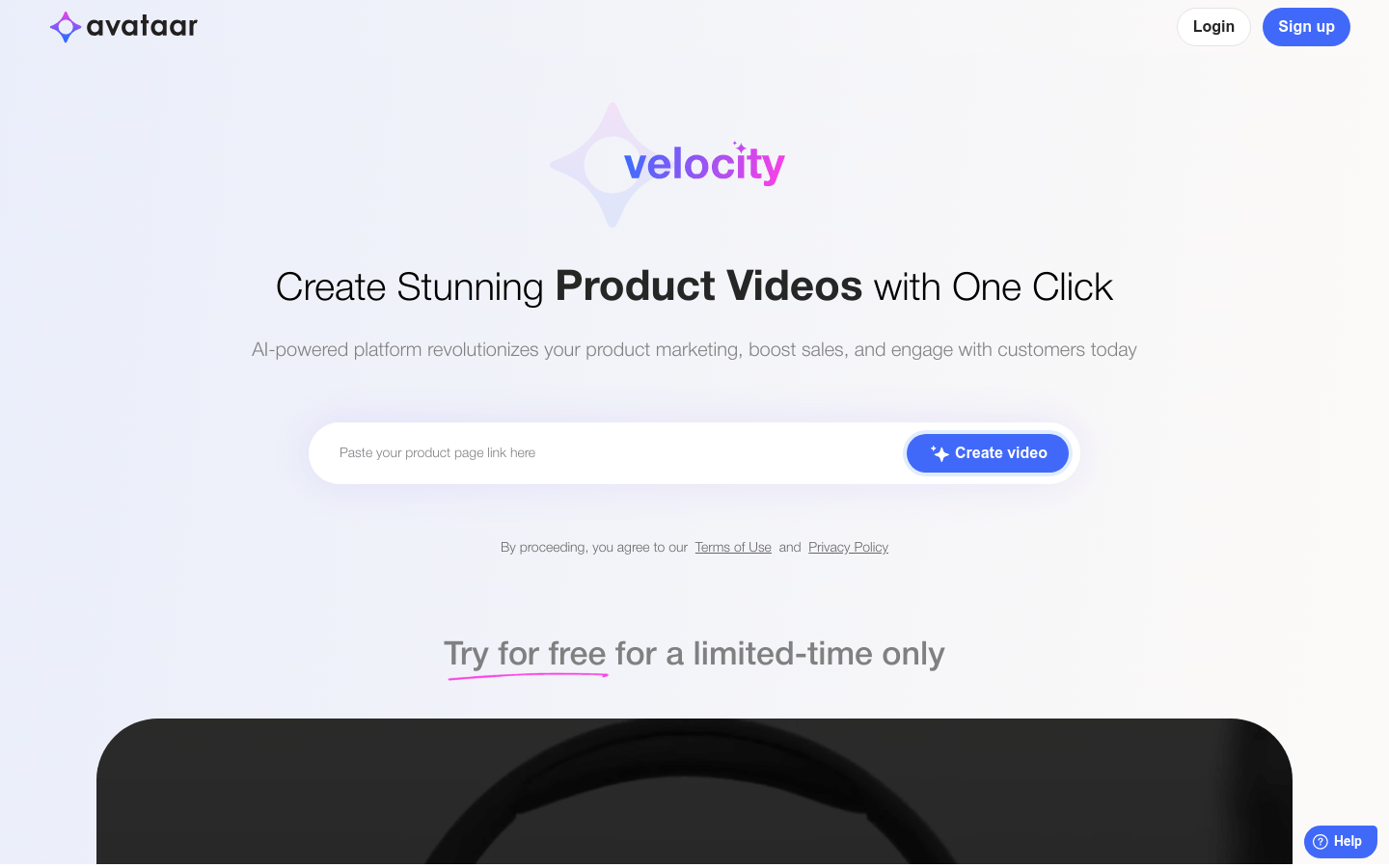
Screenshot archived from the listing page, for preview only.











