
Velo
AI work video platform for teamsTurn company documents into clear work videos
Highlights
What you can do with it
- A SaaS company builds product demo videos for potential customers.
- A medical institution makes patient education videos.
- A manufacturer creates equipment training videos for staff.
How to use it
- 1 Register for the free trial on the Velo site.
- 2 Choose a module such as document-to-video under Create.
- 3 Upload the documents, pages, screenshots, or notes to convert.
- 4 Add narration, pick visuals and sequence, and set multi-language output.
- 5 Generate, preview, adjust, then distribute or host the video.
Who it is for
Pros
- Turns existing documents into video without starting from scratch
- Multi-language output for global teams
- Auto-updates keep videos current when info changes
- Analytics show how videos perform
Limitations
- Free trial is limited and paid pricing is not stated, subject to change
- Output quality depends on clear, well-structured source material
- Building a video library still takes planning and review
- Best for internal and work use, not entertainment content
What Velo is
Velo is an AI video platform built for work, not entertainment. Its core trick is document-to-video: you feed it company documents, product pages, screenshots, or notes, and it structures them into a video with narration, visuals, and a clear sequence. Because the source is your real material, the output is meant to reflect the company's actual situation rather than generic claims. It supports multi-language narration and output, and presentations can update automatically when the underlying information changes. Teams can create, edit, translate, host, and measure video in one system, with analytics on playback and feedback. A free trial is offered.
What you can do with it
- Turn documents, pages, screenshots, and notes into narrated videos.
- Add narration and output the same video in multiple languages.
- Keep presentation videos updated when source information changes.
- Host video securely and review analytics on playback and feedback.
Who it is for
- Product teams making demos and change-log videos.
- Sales teams producing personalized sales clips.
- Learning, marketing, and support teams creating training and promo content.
What to watch out for
The free trial is limited and paid pricing is not stated, subject to change, so confirm current terms. Output quality depends on clear, well-structured source material, so messy docs give messy videos. Building a real video library still takes planning and human review. It is aimed at internal and work use cases rather than creative or entertainment content. When quality matters, export a small draft first to confirm the result before producing the final file. Generated suggestions are for reference only, so verify anything that affects professional judgment or important data.
FAQ
What does Velo do?
It turns company documents and pages into work videos with narration and multi-language output.
Do videos update automatically?
The vendor says presentation videos can update automatically when the source information changes.
Is there a free trial?
Yes. A free trial is offered.
Who is it for?
It targets product, sales, learning, marketing, and support teams in enterprises.
Why it is free
What the official page says: free trial
Free limits, trial length and features are decided by the official site and can change at any time.
Product preview
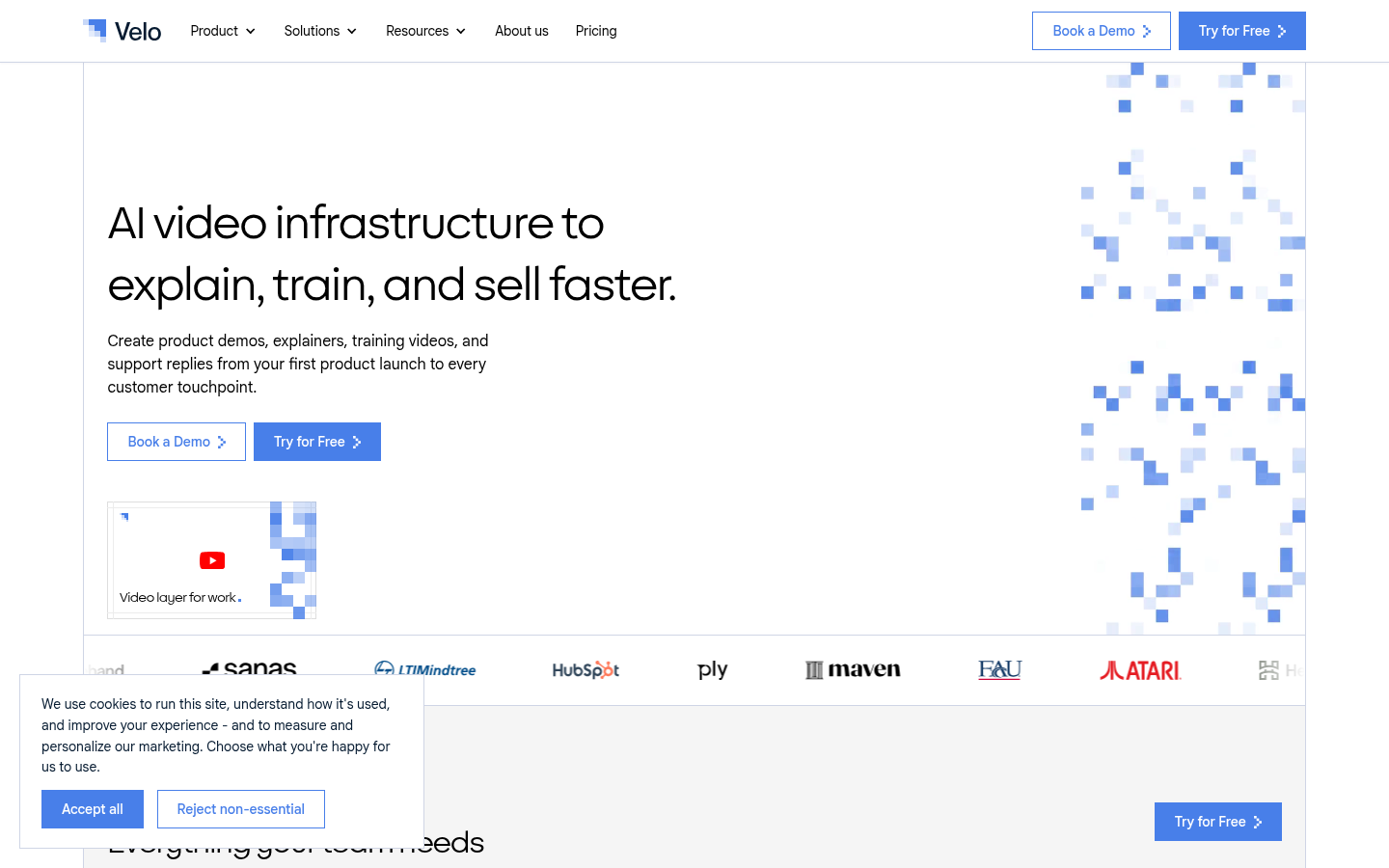
Screenshot archived from the listing page, for preview only.











