
Veeso AI
AI design tool from text to layoutPaste content, get a finished design
Highlights
What you can do with it
- E-commerce stores building product images and posters
- Recruiters and companies making hiring posters and sales email
- Brands producing social media posts
How to use it
- 1 Visit the Veeso AI site and log in or start free
- 2 Upload a file or paste your content
- 3 Choose a design reference and set ratio and style
- 4 Click generate and wait for the design
- 5 Edit the text directly or describe changes in the chat box
- 6 Share or save the finished design
Who it is for
Pros
- No design skills required to get a usable result
- Automatic layout saves time on long content
- Background removal and enhancement cover common edits
- Free start to test the output
Limitations
- Free start only, and pricing is not clearly stated
- Automated layout can look generic without edits
- Depends on third party models, so output can shift
- Fine typographic control is limited compared with a design tool
What Veeso AI is
Veeso AI is a design tool built on a content first idea: you bring the words, it handles the layout. You upload a file or paste text, pick a reference and settings such as ratio and style, and it produces a design work such as a social post, a slide or a page. Long content is paginated automatically. The listing says the tool draws on several current AI models and includes one click conversion of images into fifteen styles, background removal, high definition enhancement and direct text editing on the canvas. A free start is offered.
What you can do with it
- Turn a document or pasted text into a formatted design.
- Build social media posts without opening a design app.
- Paginate long content into a readable multi page layout.
- Remove backgrounds and enhance images for product shots.
- Restyle an image into one of fifteen looks in a click.
- Edit text directly or ask for changes in a chat box.
Who it is for
- Marketing staff at small and medium businesses making regular material.
- Job seekers and recruiters producing documents and posters.
- Creative enthusiasts who want results without design training.
- E-commerce sellers who need product visuals quickly.
What to watch out for
The free start is an entry point and pricing is not clearly stated, so check what the paid tiers include before it becomes part of your workflow. Automated layout is convenient but can look generic, and distinct branding usually needs manual adjustment. Because the tool relies on third party models that are updated over time, output can shift between visits, so save anything you are happy with. Fine typographic control is limited compared with a dedicated design application, so if you need precise kerning, grids or brand locked templates you will still want professional software. Review generated text and images for accuracy before publishing.
FAQ
How does Veeso AI work?
You upload a file or paste content, choose a reference and settings, and it generates a design.
Is it free?
A free start is offered through the Start Free option, though pricing is not clearly stated.
What can it produce?
Social media posts, slides and pages, plus product images and posters.
Can I edit the result?
Yes, you can click and edit text directly or describe changes in the chat box.
Which models does it use?
The listing names several current AI models, including Gemini 3 Pro, Google Nano Banana and GPT 5.
Why it is free
What the official page says: free trial
Free limits, trial length and features are decided by the official site and can change at any time.
Product preview
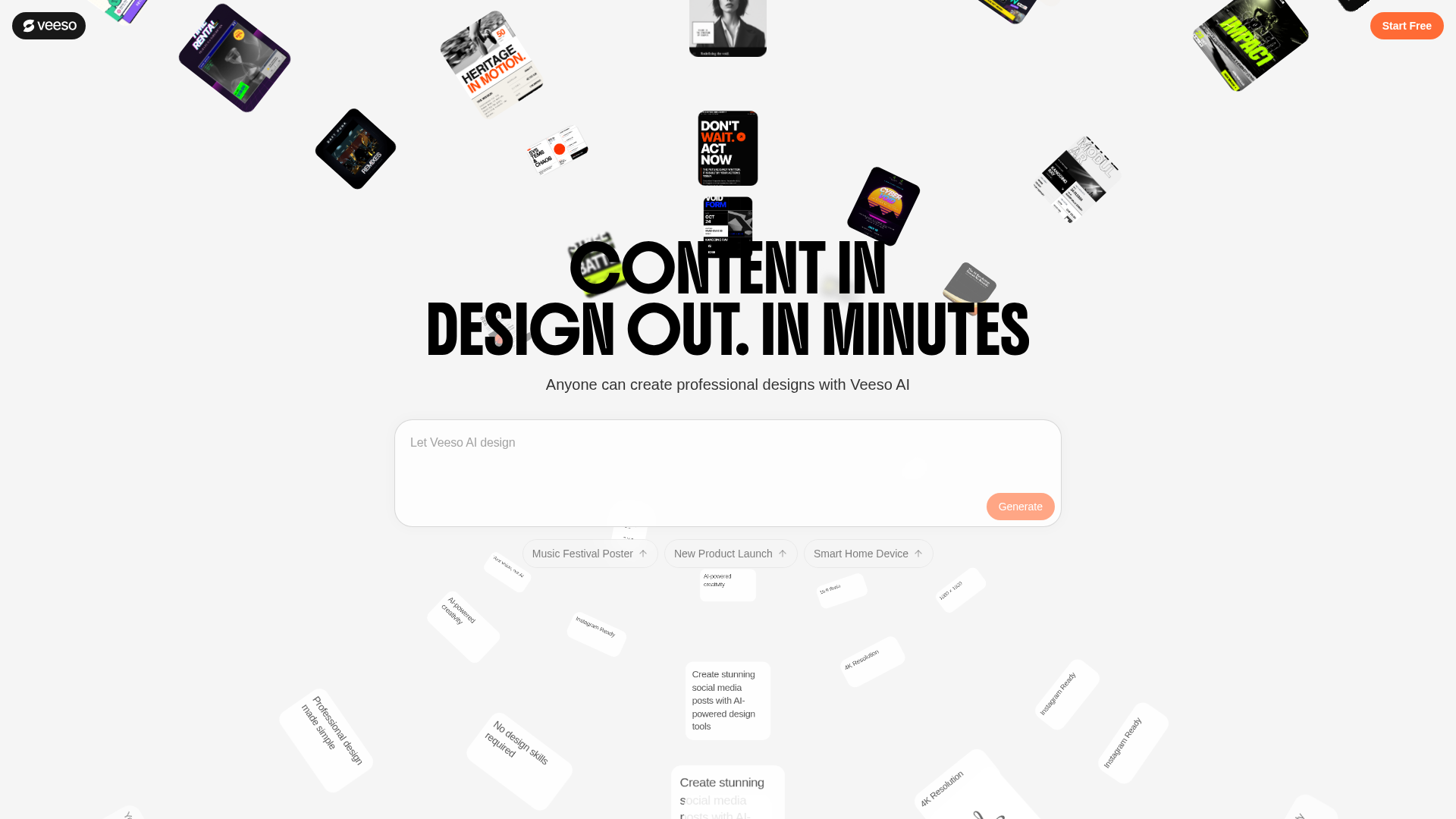
Screenshot archived from the listing page, for preview only.











