
VEED.IO
Online video editing platformEdit video in your browser, free to start
Highlights
What you can do with it
- Editing videos for social channels directly in a browser
- Adding automatic subtitles and translations to footage
- Turning text or an idea into video content
How to use it
- 1 Open VEED.IO in your browser and start a project
- 2 Upload your footage or start from text
- 3 Add subtitles, translation, or AI avatars as needed
- 4 Export, or move to a paid plan for higher limits
Who it is for
Pros
- Free version lets you start without paying
- No install required, everything runs online
- AI features cut manual editing and subtitling time
Limitations
- The free version has limits and advanced features sit on paid plans
- Online editing needs a stable internet connection
- AI avatar and translation quality should be checked per project
What VEED.IO is
VEED.IO is an online video editing platform built for people who want to create and edit video without installing software. Everything runs in a browser, which removes setup and makes it usable on machines that could not handle a heavy editor. The feature set is broad: text-to-video, automatic subtitle addition, voice translation, AI editing, and AI avatars. Those features are aimed at improving creative efficiency, so a small team can produce subtitled, translated video without a dedicated post-production pass. There is a free version to start with, plus paid plans for people who need more, and the product is positioned as a comprehensive video creation platform for both teams and individuals.
What you can do with it
- Edit video in the browser without installing anything
- Generate video from text as a starting point
- Add automatic subtitles and translate the audio into other languages
- Use AI editing tools and AI avatars to speed up production
Who it is for
- Individual creators who want to edit video without installing software
- Teams that need subtitles and translation quickly
- Social media managers producing content at volume
- Anyone who wants an all-in-one online video workspace
What to watch out for
The free version has limits, and the advanced features sit on paid plans, so check what your tier includes before you commit to a workflow. Because everything runs online, a stable internet connection matters, and long export queues can slow a busy day, so do not leave a deadline render to the last hour. AI avatar and translation quality also varies by language and footage, so review the output before publishing rather than assuming it is correct. Plan on a human pass for anything that will carry your brand voice, especially subtitles, where a single wrong word changes the meaning of a sentence.
FAQ
Do I need to install anything?
No, VEED.IO runs online in a browser.
Is there a free version?
Yes, there is a free version alongside paid plans.
Which AI features are included?
Text-to-video, automatic subtitles, voice translation, AI editing, and AI avatars.
Why it is free
What the official page says: 免费使用免费
Free limits, trial length and features are decided by the official site and can change at any time.
Product preview
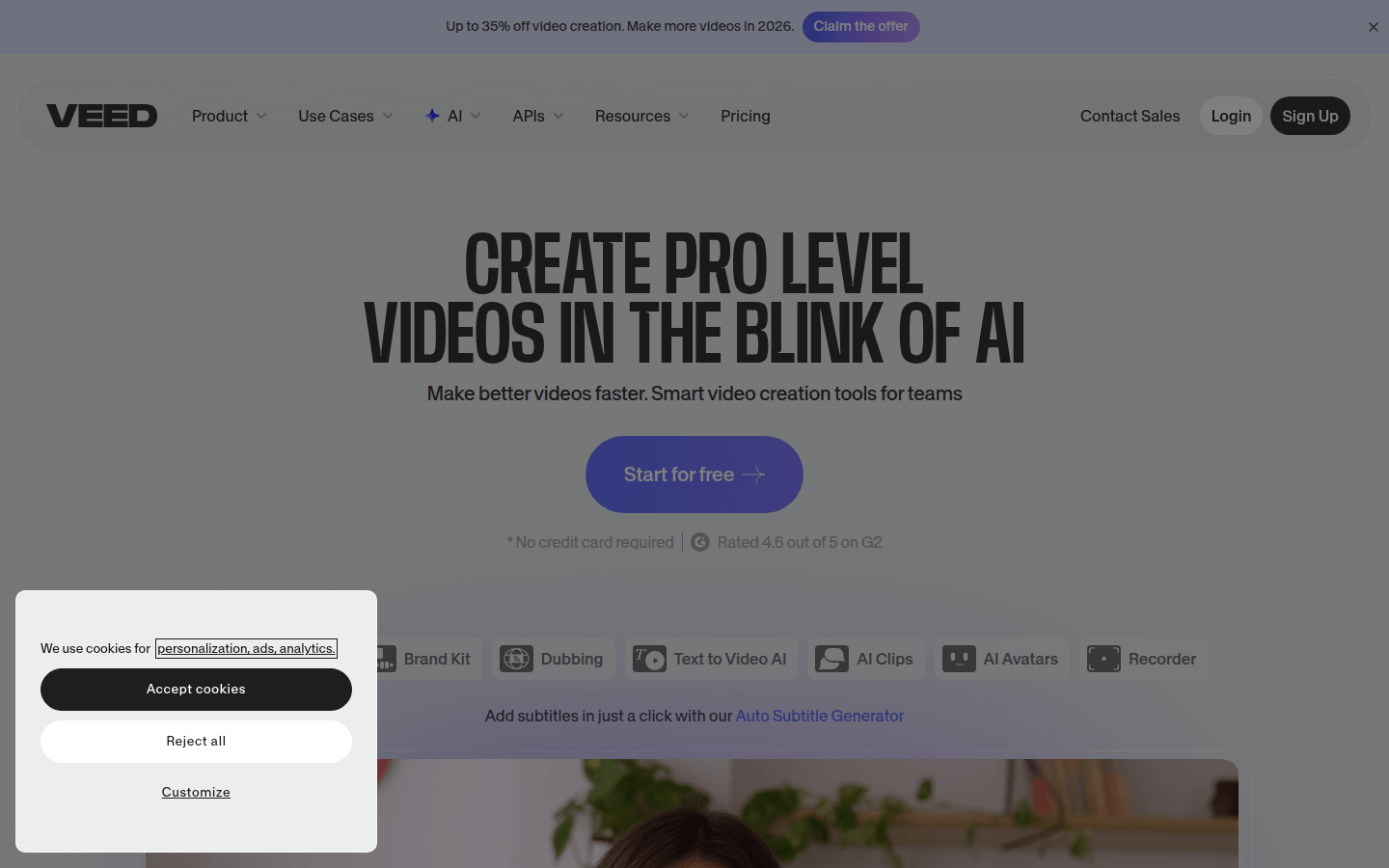
Screenshot archived from the listing page, for preview only.