
vebeAI
AI short video production workspaceTurn ideas and links into publishable short video
Highlights
What you can do with it
- Turn a creative idea into an editable short video draft
- Convert a product update article into a promo video for Reels and TikTok
- Generate video concepts in bulk for client review
How to use it
- 1 Choose a workflow such as Creation or Music
- 2 Input your idea, link, file, audio or existing media
- 3 Review the structured draft with script, scenes and subtitles
- 4 Edit scenes, subtitles, hooks, timing and output format
- 5 Export to the channel you need, such as Shorts, Reels or TikTok ads
Who it is for
Pros
- No video editing experience needed to get a first draft
- Structured output includes script, scenes and subtitles, not just a clip
- Multiple models and workflows cover different content types
- Export targets are built around real social formats
Limitations
- The free trial is limited and formal use depends on paid access
- Automated pacing and scene choices often need manual adjustment
- Any music or footage used must be cleared for the platform you publish on
What VebeAI is
VebeAI is an AI short video production workspace built for volume. You give it raw material, whether that is an idea, a link, a file, audio or existing media, and it returns a structured draft containing a script, a scene plan, subtitles and export settings. Several workflows sit on top of that: prompt-to-video, an AI movie maker that works from text, URLs or articles, cinematic clips that lean on shot language rather than captions, HappyHorse and SeeDance 2.0 video models, music-to-video with rhythm-synchronised visuals, and lyrics or animated lyrics videos. You then edit the draft in the project, adjusting scenes, subtitles, hooks, timing and output format, before exporting to Shorts, Reels, TikTok ads and similar channels. A free trial is offered.
What you can do with it
- Turn a written idea, link or article into a structured video draft
- Generate a video from a song with rhythm-matched visuals
- Produce lyrics and animated lyrics videos
- Choose between different video models for different looks
- Edit scenes, subtitles, hooks and timing before export
- Export directly to social formats such as Shorts, Reels and TikTok ads
Who it is for
- Creators who publish short video on a schedule and need a faster pipeline
- Marketing teams turning product updates and SEO pages into repeatable video
- Agencies producing video concepts in bulk for client review
- Musicians who want a lyrics video without manual editing
What to watch out for
The free trial is limited and continued use depends on paid access, so confirm pricing before it becomes part of a content calendar. Automated pacing and scene selection are a draft, not a decision: hooks, timing and cuts usually need a human pass before something performs well. And if you use music, footage or brand assets in a video, clearing rights for the platform you publish on is your responsibility, since a takedown lands on your channel rather than the tool's.
FAQ
Is there a free trial?
Yes. VebeAI offers a free trial, with formal use depending on paid access.
What can I input?
Ideas, links, files, audio or existing media, depending on the workflow you choose.
Do I need editing experience?
No. It produces a structured first draft, though you can edit scenes, subtitles, hooks and timing before exporting.
Where can I export to?
Export options include Shorts, Reels, TikTok ads and similar social formats.
Why it is free
What the official page says: free trial
Free limits, trial length and features are decided by the official site and can change at any time.
Product preview
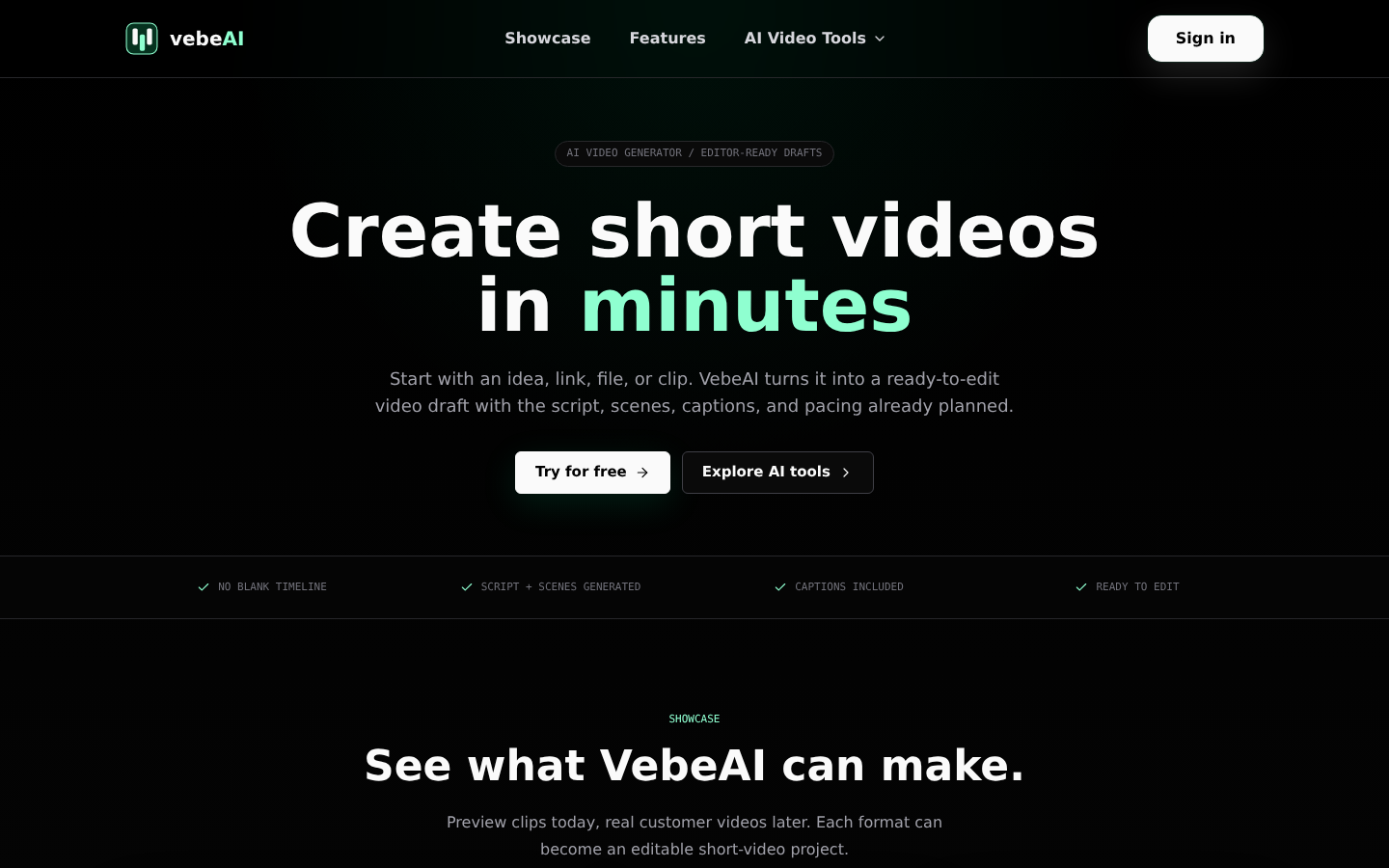
Screenshot archived from the listing page, for preview only.











