
VDraw
Turn text and files into infographics with AIVisualise information without design skills
Highlights
What you can do with it
- A teacher turning a lesson into a visual
- A marketer converting copy into a social graphic
- A blogger summarising a long post as an infographic
How to use it
- 1 Register on vdraw.ai
- 2 Choose the type of visual you need
- 3 Paste text or upload a file
- 4 Generate, then customise colours, fonts, and layout
- 5 Share or download the result
Who it is for
Pros
- No design background required
- Accepts files as well as plain text
- Customisation before you export
Limitations
- Free trial only, then a subscription
- Complex data may need manual tidying
- Design choices are template-led
What VDraw is
VDraw is an AI-powered online design tool that turns text, files, or video content into visual infographics. You give it material, and it converts complex information into a clear visual without asking you to understand layout or typography. Because the AI does the assembling, the target user is someone who has information to communicate but no design training. Customisation is available for colours, fonts, icons, and layout, and the result can be shared or embedded in one click.
What you can do with it
- Generate an infographic from text or keywords
- Upload a document or video and get a visual back
- Adjust colours, fonts, icons, and layout to taste
- Share or embed the finished graphic in one click
- Start on a free trial before choosing a plan
Who it is for
- Educators turning a lesson into something students grasp faster
- Marketers converting copy into graphics for social media
- Content creators condensing a long article into one shareable image
What to watch out for
An infographic is only as honest as the data behind it, and automatic conversion can flatten nuance or drop context to fit the layout. Check that the numbers and labels in the output actually match your source before you publish, especially where the graphic will be read as authoritative. The free trial is a test window, and continued use needs a subscription, so confirm pricing before a campaign depends on it. Template-led design also means your graphic may resemble other output from the same tool, so adjust enough to make it yours. Name and archive exported files consistently so you can find and reuse them, and keep a backup copy of key data.
FAQ
What can I turn into a visual?
Text, keywords, files such as documents, and video content.
Do I need design skills?
No, the tool is designed so professional results are possible without them.
Is there a free trial?
Yes, VDraw offers a free trial with paid subscription plans after it.
Why it is free
What the official page says: free trial
Free limits, trial length and features are decided by the official site and can change at any time.
Product preview
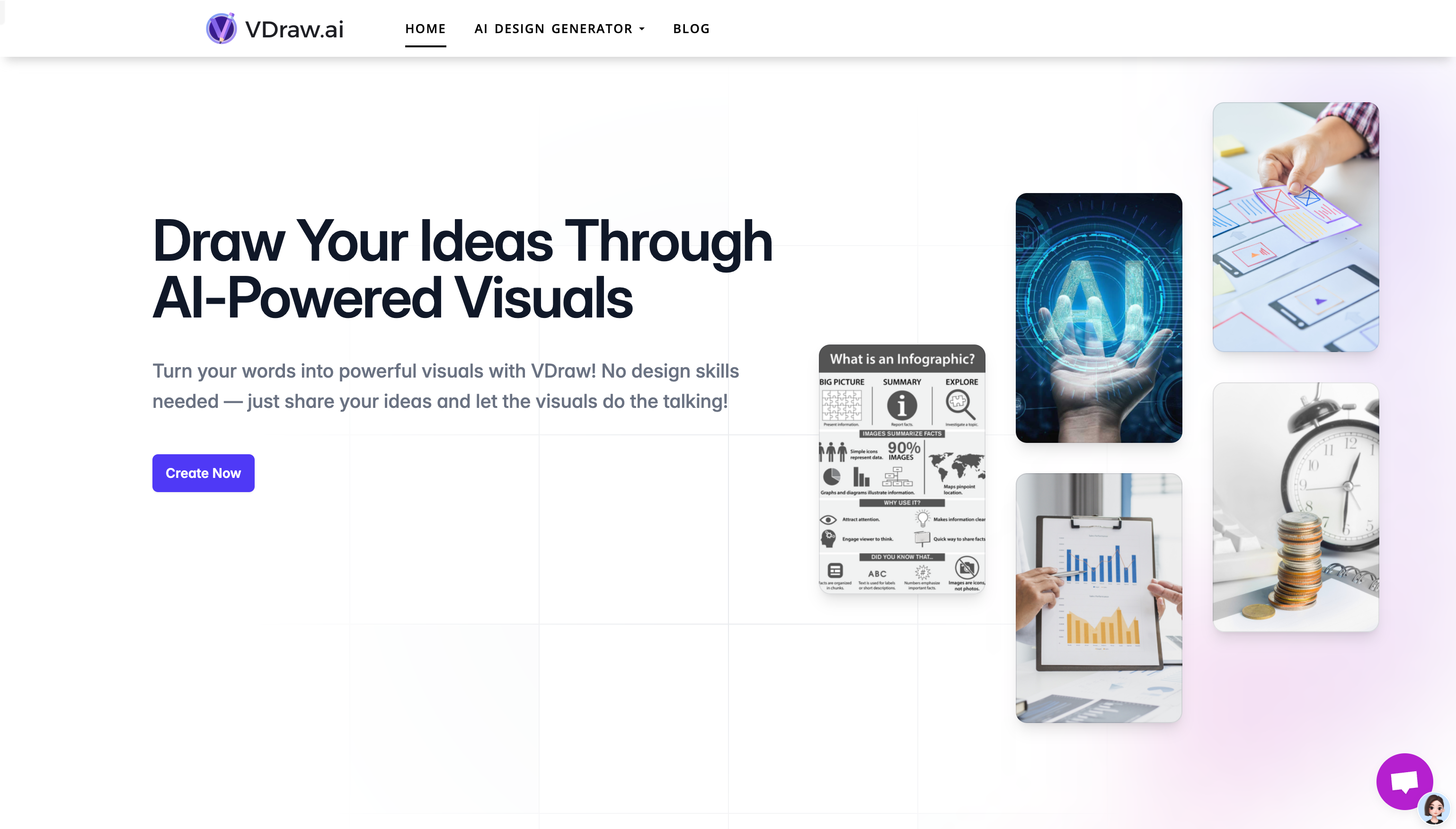
Screenshot archived from the listing page, for preview only.











