
Vdoo AI
AI platform for video, images, and effectsVideo, images, and effects with several models in one place
Highlights
What you can do with it
- Promo videos for a new product built from a text description
- Illustrations for a picture book in a consistent style
- Event videos with festival atmosphere effects added
How to use it
- 1 Open https://vdoo.ai and log in or register if the site asks.
- 2 Pick a module: video generation, image generation, AI tools, or video effects.
- 3 Write the description, including theme, style, and scene.
- 4 Choose the AI model and parameters, then generate and preview.
- 5 Adjust the prompt or settings and save the result when it looks right.
Who it is for
Pros
- Many model types and editing tools in a single place
- Free generation functions exist for trying things out
- No watermark and commercial use are stated on the site
Limitations
- Free generation functions have limits and pricing details are not spelled out clearly
- Editing faces, hair, or clothing raises consent issues; only use material you have rights to, and check platform and school rules
- The site was redirecting when we checked, so availability can vary
What Vdoo AI is
Vdoo AI is an AI creation platform for video and images, built by MOBFIRE TECHNOLOGY LIMITED. It puts several models in one workspace, with Sora 2 and Veo 3 named on the site, and covers video generation, image generation, video effects, AI facial enhancement, noise reduction and HD restoration, hairstyle change, clothing transfer, and GPT style image generation. The site says outputs come without watermarks and can be used commercially. Free AI generation functions are available, with paid plans alongside them, so you can test the workflow before spending anything.
What you can do with it
- Turn a text description into a short video
- Generate images for design, promotion, or illustration work
- Add movie style or festival atmosphere effects to existing footage
- Clean up video with noise reduction and HD restoration, or adjust faces, hair, and clothing
Who it is for
- Content creators who need both video and stills from one tool
- Marketers who want commercial output without a watermark
- Designers who want extra style and effect options
- Students and hobbyists testing AI generation for the first time
What to watch out for
Free generation functions have limits, and the pricing page does not spell out the details clearly, so budget for a paid plan if you need steady output. Editing faces, hairstyles, or clothing is a consent question, not just a technical one: only use material you have the rights to, and remember that platforms and schools may prohibit altered likenesses, with the consequences falling on you. The site was redirecting when we checked, so confirm current access and terms before you build a workflow around it.
FAQ
Which models does it use?
The site names Sora 2 and Veo 3 among the integrated models, with model choice inside each function.
Can I use the output commercially?
The site states no watermark and commercial use support, but confirm current terms before you publish.
Is there a free option?
Yes, there are free AI generation functions, with paid plans alongside them.
Why it is free
What the official page says: 免费
Free limits, trial length and features are decided by the official site and can change at any time.
Product preview
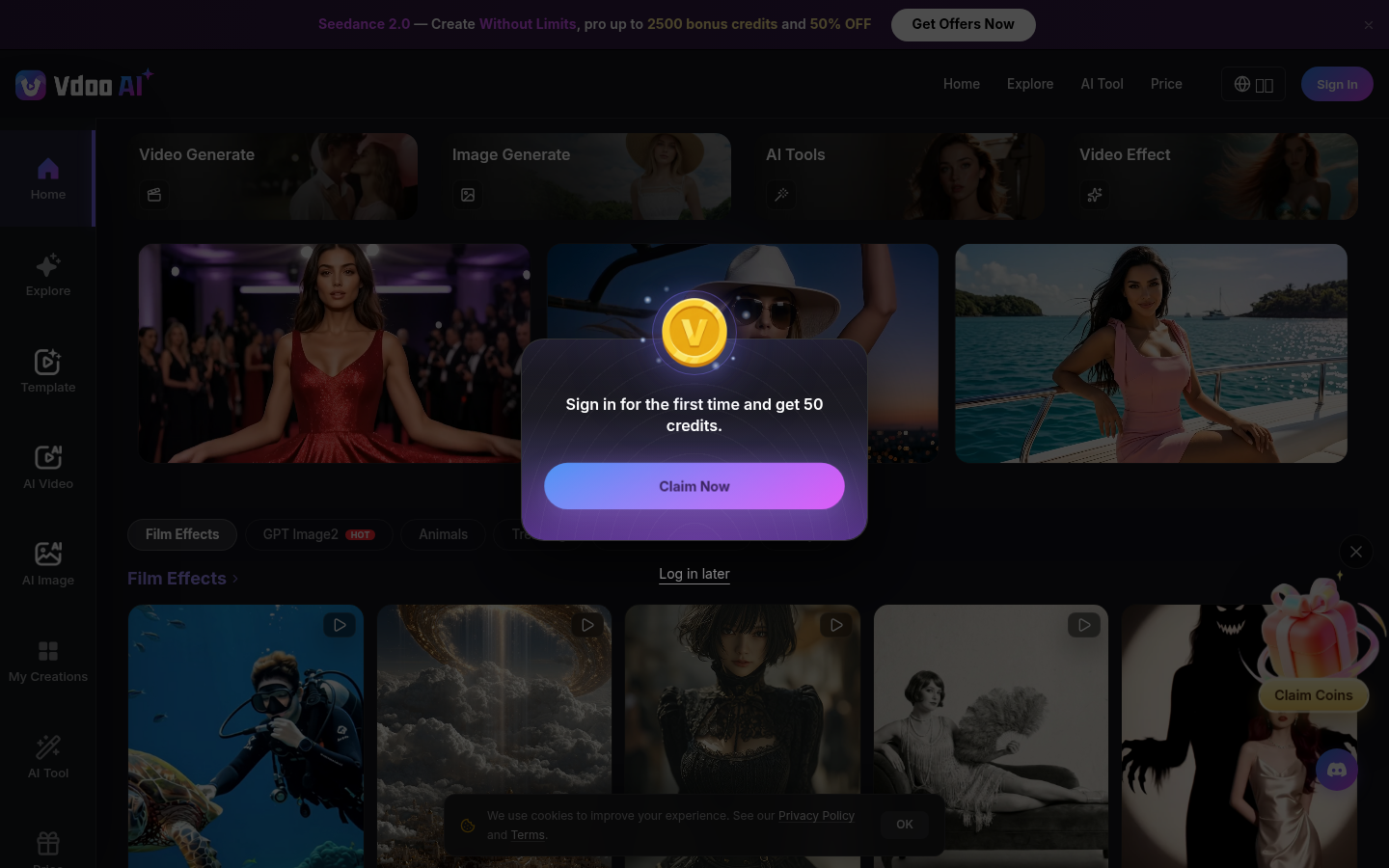
Screenshot archived from the listing page, for preview only.











