
Varticas
AI workflow automation with AI colleaguesDescribe a task, let AI run it across your apps
Highlights
What you can do with it
- Sales staff auto-send CRM follow-ups and build a daily digest.
- Engineers turn Slack error reports into Jira tickets automatically.
- Founders sort the inbox and generate weekly investor updates.
How to use it
- 1 Connect apps like Gmail, Calendar, Drive, Slack, GitHub, and Notion with one-click OAuth.
- 2 Describe the task or workflow in natural language, no forms or builder.
- 3 Let Varticas plan and run the steps in your connected tools.
Who it is for
Pros
- No code or flowchart building; plain language is enough.
- Connects to 20-plus common work apps through OAuth.
- Free trial with 50 runs per month and setup under 3 minutes.
- The AI colleague can retry and verify work, not just suggest it.
Limitations
- The free plan gives only 50 runs per month, and limits can change.
- Automation touches real tools like email and calendars, so review permissions.
- Reliable multi-step workflows still take trial and prompt tuning.
- It depends on third-party app connections that can change or go down.
What Varticas is
Varticas is an AI workflow automation platform run by autonomous AI colleagues. Instead of building flowcharts or maintaining fragile scripts, you describe a task in plain language and the AI plans the steps, calls the right tools, and does the actual work. It can connect to more than 20 apps such as Gmail, Slack, Notion, and Jira through one-click OAuth. It offers a free trial with 50 free runs per month, and setup takes less than 3 minutes. It is aimed at modern teams that want to hand repetitive, multi-step work to automation without writing code.
What you can do with it
- Turn a natural-language request into an end-to-end automated workflow.
- Let the AI colleague plan, run, retry, and verify work across connected apps.
- Connect Gmail, Calendar, Drive, Slack, Notion, Jira, Linear, GitHub, and more.
- Automate repetitive tasks like inbox sorting, follow-ups, and weekly reports.
Who it is for
- Sales and growth teams that want CRM follow-ups and daily digests automated.
- Engineering and product teams that turn Slack error reports into Jira tickets.
- Operations leads and founders who need inbox, calendar, and reporting handled.
What to watch out for
The free plan gives 50 runs per month, and that limit and other free terms can change, so confirm current pricing before relying on it. Automated actions touch real tools like email and calendars, so you should review what the AI is allowed to do and keep an eye on outputs. Setup is quick, but getting reliable multi-step workflows still takes some trial and prompt tuning. It depends on third-party app connections, so any change or outage in those apps can affect your workflows.
FAQ
Is there a free plan?
Yes, there is a free trial with 50 free runs per month.
Do I need to code?
No. You describe tasks in natural language and the AI builds and runs the workflow.
Which apps can it connect?
More than 20, including Gmail, Google Calendar, Drive, Slack, Notion, Jira, Linear, and GitHub.
How long does setup take?
The site says setup takes less than 3 minutes using one-click OAuth.
Why it is free
What the official page says: free trial
Free limits, trial length and features are decided by the official site and can change at any time.
Product preview
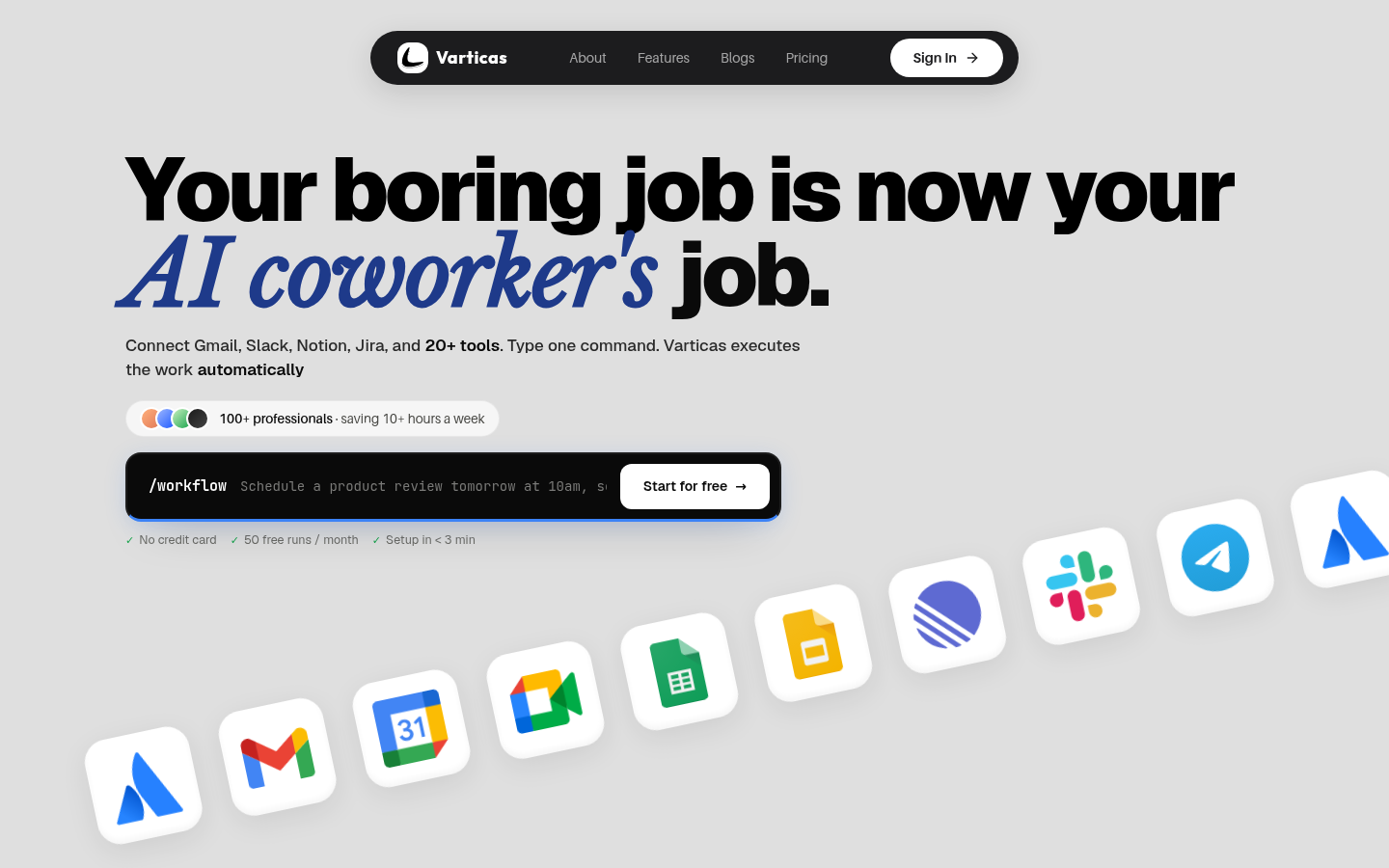
Screenshot archived from the listing page, for preview only.











