vaethat
AI rendering enhancer built specifically for architectural visualization.Sharper archviz renders, no prompts or sliders.
Highlights
What you can do with it
- 3D artists sharpen competition entries and portfolio images
- Building firms improve property marketing renderings
- Studios batch-enhance hundreds of renderings for large projects
How to use it
- 1 Visit the Vaethat website and sign up or log in
- 2 Drag and drop your archviz renderings into the multi-image workspace
- 3 Choose the appropriate enhancement preset
- 4 Click Enhance and let the specialized AI process the images
- 5 Review and download the enhanced renderings
Who it is for
Pros
- Purpose-built for archviz, so results fit the domain
- Simple workflow saves time over general AI tools
- Free trial lets you compare quality before paying
Limitations
- Focused only on archviz, so it is not a general image editor
- Enhancement cannot fix fundamentally flawed base renders
- Trial terms and plan limits can change over time
What Vaethat is
Vaethat is an AI rendering enhancer built specifically for architectural visualization professionals, such as 3D artists and architects. Unlike general-purpose AI image tools, its algorithms are trained specifically for archviz workflows, which means it understands materials, lighting, and detail typical of 3D renderings. The workflow is deliberately simple: there are no prompts to write and no sliders to tune. You upload your renderings, pick a preset, and the AI performs high-precision upscaling and enhancement. A multi-image workspace lets you drop an entire project folder at once, common file formats are supported, and a free trial is available with flexible plan upgrades and downgrades.
What you can do with it
- Enhance blurry or soft renderings into clear, vivid presentation images
- Batch-process all renderings of a large project in a single workspace session
- Quickly prepare competition entries, portfolio pieces, and marketing visuals
- Keep client project data private, since renderings are not used for model training
Who it is for
- 3D artists who need faster, better-looking output from their rendering pipeline
- Architects whose presentations and reports depend on high-quality imagery
- Architectural visualization studios that process high render volumes regularly
- Property marketers who need polished images on tight deadlines
What to watch out for
Vaethat enhances existing renders; it cannot rescue a fundamentally flawed base image with bad geometry, lighting, or composition, so your rendering quality still sets the ceiling. It is also a specialist tool: if you need general photo editing, you will still use other software. Enhancement presets simplify work but limit fine artistic control compared to manual post-production. The free trial is a good way to compare results against your current process, though trial terms and plan details can change over time. Always keep your original files, since AI enhancement is an added layer rather than a replacement for good rendering practice.
FAQ
Do I need to write prompts?
No. Vaethat requires no prompts or slider adjustments. You upload the rendering, choose a preset, and the AI enhances it.
Can I process many renderings at once?
Yes. The multi-image workspace lets you drag and drop an entire project folder and enhance all the renderings in one pass.
Is my data safe?
Vaethat does not use users' architectural renderings to train its AI model, protecting the privacy of your project data.
Why it is free
What the official page says: free trial
Free limits, trial length and features are decided by the official site and can change at any time.
Product preview
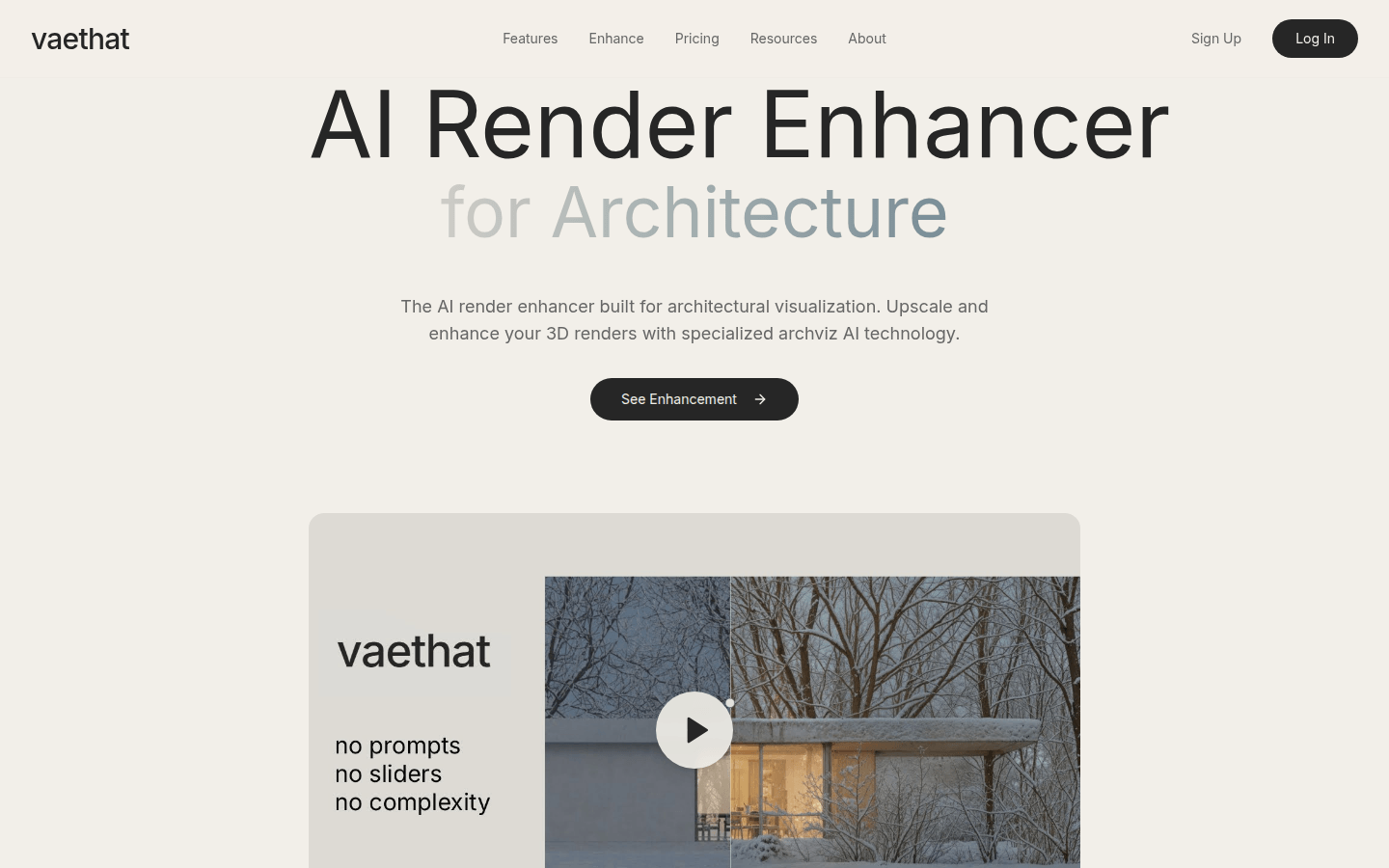
Screenshot archived from the listing page, for preview only.