
Vadu AI
AI video and image makerTurn text and photos into video
Highlights
What you can do with it
- Turn a short text prompt into a high-definition social media video.
- Animate a product photo into a short promotional clip.
- Generate design images and artwork from a written description.
How to use it
- 1 Visit Vadu AI, register an account, and log in.
- 2 Claim the 20 free credits offered to new users.
- 3 Pick a function such as text-to-video or image-to-video and add your prompt or file.
- 4 Choose a model, click generate, then download or edit the result.
Who it is for
Pros
- One platform covers both video and image generation.
- 20 free credits let new users test before paying.
- Multiple models and 17 languages cover varied creative needs.
Limitations
- Free credits run out, and continued use means paying for more.
- Credit cost varies by model, so heavy use adds up quickly.
- The service relies on upstream AI models that can change over time.
What Vadu AI is
Vadu AI is a video and image generation platform built for people without editing skills. It supports 17 languages and gives new users 20 free credits to explore. The toolset spans text-to-video, image-to-video, video-to-video, text-to-image, and image-to-image, so a single account can cover both moving and still visuals. Several AI models sit behind those functions, each with its own credit cost, letting you trade speed against quality. Everything runs in the browser after registration, so there is no software to install. The flow is simple: register, pick a function, add a prompt or upload a file, choose a model, and generate.
What you can do with it
- Turn a written prompt into a high-definition video clip.
- Animate a static photo into a short video with motion and camera moves.
- Restyle or sharpen an existing video with the video-to-video tools.
- Generate images, artwork, and designs from text descriptions.
Who it is for
- Content creators who publish video to social platforms.
- Marketers who need quick promotional clips from product photos.
- Designers who want fast visuals from written ideas.
What to watch out for
The 20 free credits are a starting allowance, not an unlimited free service, and the credit price of each model differs, so costs scale with use. Quality varies by model, and the platform relies on upstream AI services that can change or update over time. Generation time depends on the model and the complexity of your prompt. The free credit rules may also change as the platform adjusts its pricing. Check current pricing and credit terms on the official site before planning regular production.
FAQ
Is Vadu AI free?
New users get 20 free credits to try the platform; beyond that, different models consume different amounts of credits.
What can it generate?
It supports text-to-video, image-to-video, video-to-video, text-to-image, and image-to-image.
How many languages does it support?
The platform supports 17 languages.
Why it is free
What the official page says: for freefree credits
Free limits, trial length and features are decided by the official site and can change at any time.
Product preview
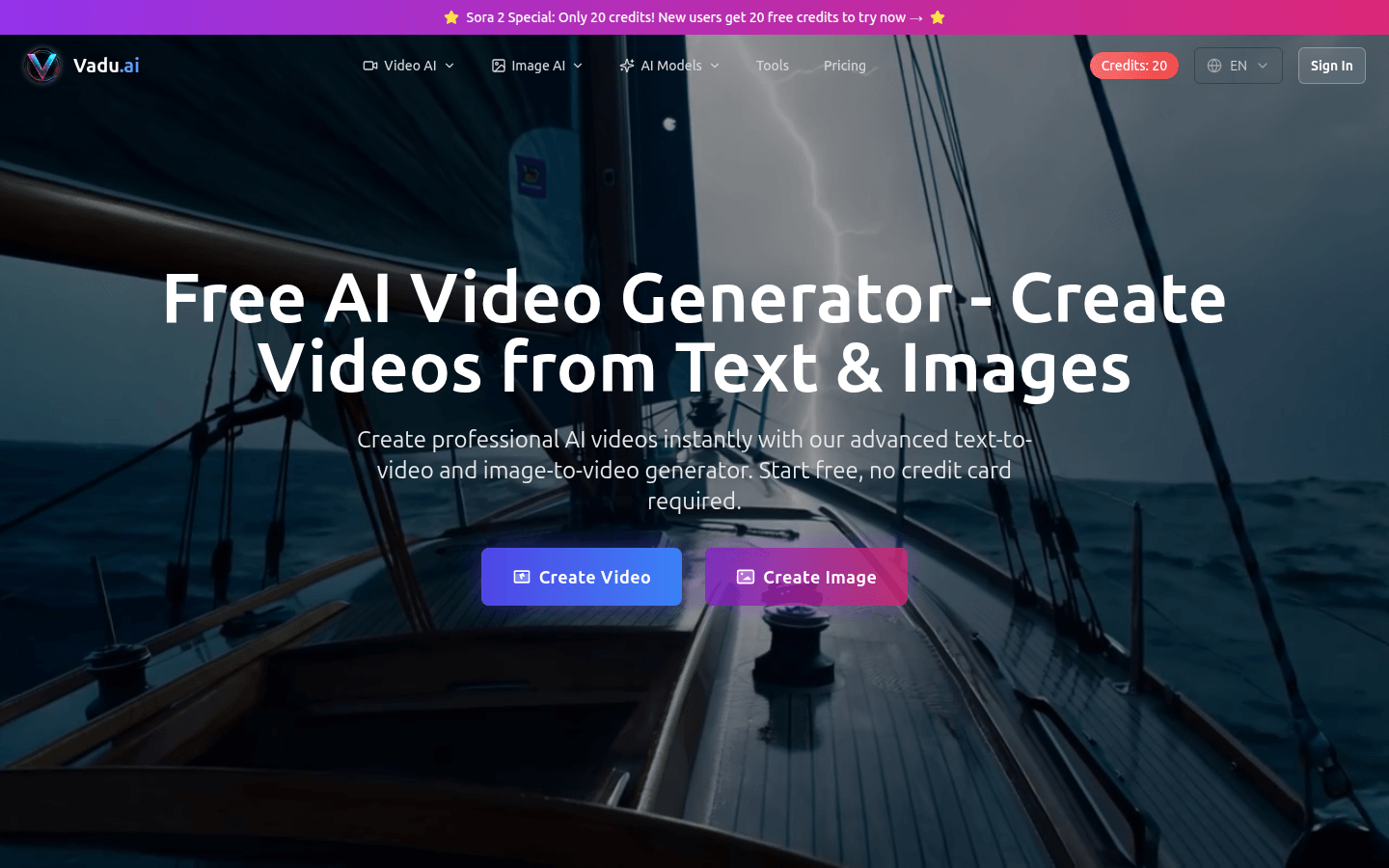
Screenshot archived from the listing page, for preview only.











