
Highlights
What you can do with it
- Turning a set of photos into a short video
- Making a quick clip to share on social platforms
- Adding motion effects to personal photos
How to use it
- 1 Upload the photos you want to animate
- 2 Choose effects and the length of the clip
- 3 Generate the video and preview the result
- 4 Share or save the finished clip
Who it is for
Pros
- Free to use
- Simple workflow that beginners can pick up fast
- Rich dynamic effects add visual interest to plain photos
Limitations
- Free access rules can change at any time
- Output quality depends on the photos you start with
- It makes short clips, not full edited videos
What Usgen is
Usgen is a free AI video creation tool whose core function is turning static photos into lively, dynamic videos. It is built for people who want a usable clip quickly, without complex operations or professional editing skills. Because it is free to use, more people can try it without spending anything, and the workflow is designed so that even beginners can get started without a tutorial. Its appeal comes from rich dynamic effects and varied forms of expression, which give ordinary photos more attraction and creative space than a plain slideshow would. The whole idea is convenience: you bring photos, the tool handles the motion, and you get a short clip you can share.
What you can do with it
- Turn a set of static photos into a moving video clip
- Add dynamic effects that give photos more life
- Produce short clips for social sharing without an editor
- Experiment with different effects on the same photos
Who it is for
- Beginners who want video output without editing skills
- Social users who turn photos into shareable clips
- Anyone who wants a free and quick photo to video option
- People who want motion and effects without learning a timeline
What to watch out for
Free access rules can change at any time, so check the current terms before you build a routine around it. Output quality also depends on the photos you start with: low-resolution or badly lit images will not improve just because they are animated, so pick your frames carefully. Scope matters too, since Usgen is aimed at short clips rather than full video editing, which means longer projects with dialogue, music editing, and multiple scenes still need a real editor. There is also a limit to how much story a set of effects can carry, so keep expectations realistic for anything longer than a quick highlight reel.
FAQ
Is Usgen free?
Yes, it is described as a free AI video creation tool.
What does it actually do?
It turns static photos into dynamic short videos with effects.
Do I need editing skills?
No, the tool is built for simple operation so beginners can start quickly.
Why it is free
What the official page says: 免费使用免费
Free limits, trial length and features are decided by the official site and can change at any time.
Product preview
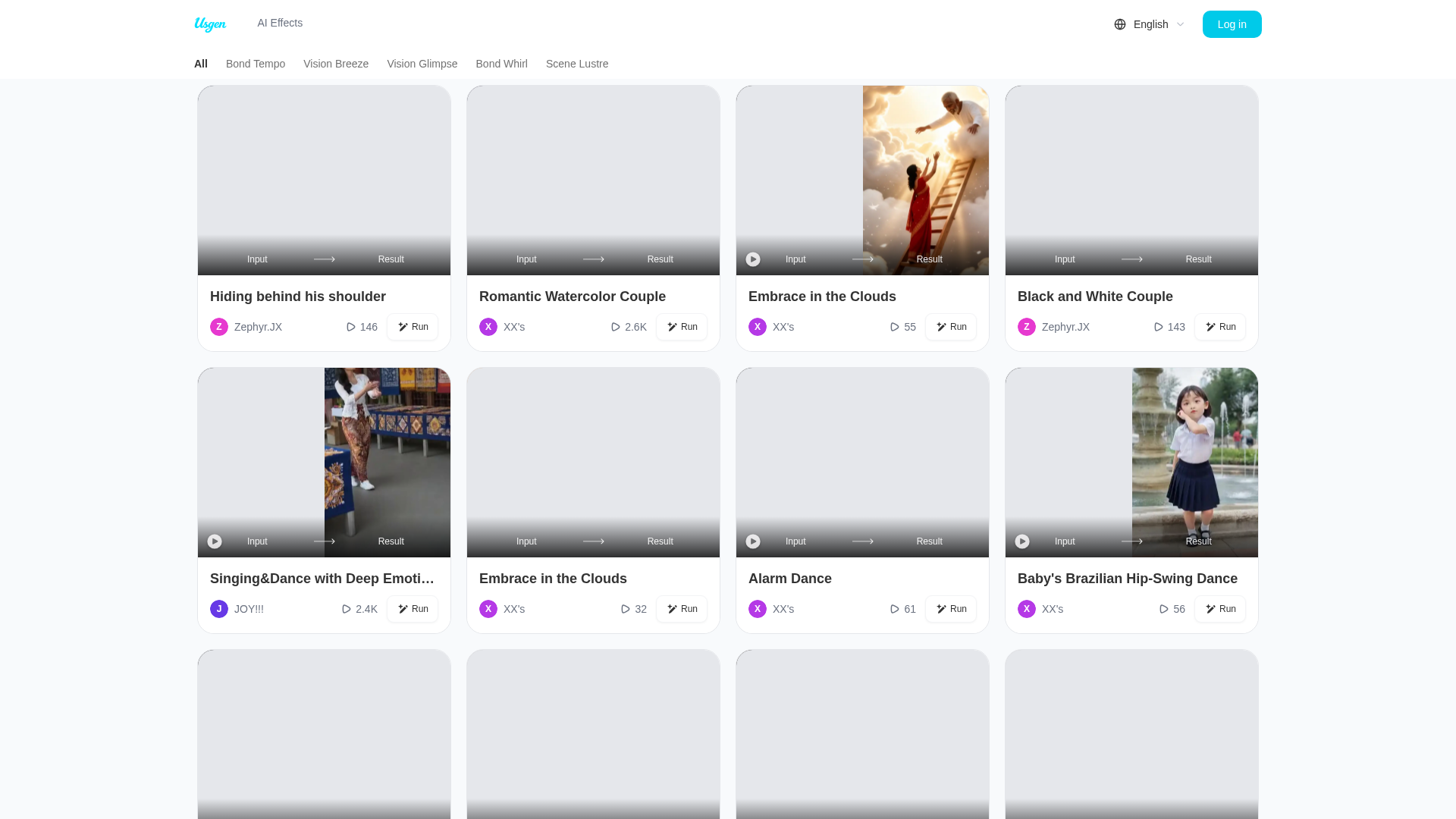
Screenshot archived from the listing page, for preview only.