
Userdoc
Requirements management with user storiesStories, personas and journeys in one place
Highlights
What you can do with it
- Capturing requirements for a new feature before the build starts
- Building personas during discovery work
- Handing a requirements document to stakeholders as Word or Excel
How to use it
- 1 Start a free trial on userdoc.fyi
- 2 Create a project and set up the requirements area
- 3 Write user stories with acceptance criteria
- 4 Generate personas and map user journeys
- 5 Link and version the requirements, then export when needed
Who it is for
Pros
- Stories plus acceptance criteria keep scope testable
- AI persona generation shortens discovery work
- Exports fit stakeholders who prefer documents
Limitations
- Free trial is limited and long-term use is paid
- Requires discipline to keep stories and journeys current
- Integrations depend on the other tools your team already uses
What Userdoc is
Userdoc is a requirements management tool aimed at product teams. The organising idea is that everything lives in one place: requirements captured as user stories with acceptance criteria, personas generated with AI, and user journeys that describe how a system is supposed to behave. From there the tool handles the housekeeping that usually gets neglected. Requirements can be organised, linked to each other and version controlled, which matters when scope changes and someone asks what the original ask was. It integrates with project management tools and other systems, supports collaboration with both your team and your customers, and exports to Word, Excel or CSV for stakeholders who want a document rather than a link. A free trial is available.
What you can do with it
- Capture requirements as user stories with acceptance criteria
- Generate user personas with AI during discovery
- Map user journeys to detail system workflows
- Organise, link and version control requirements
- Export requirements as Word, Excel or CSV
Who it is for
- Product managers maintaining a long requirement list
- Business analysts documenting how a system should work
- Teams that must share requirements with customers and get sign-off
What to watch out for
The free trial is limited and ongoing use is paid, so check whether the whole team needs seats before you commit. Like any requirements tool, the value comes from maintenance: stories and journeys that are not updated become actively misleading, and the tool will not remind you. Integration coverage depends on what your team already runs, so confirm your project management system is supported rather than assuming it. Finally, AI-generated personas are a draft, not research. Treat them as a starting point to validate with actual users.
FAQ
What is the core unit of work?
User stories with acceptance criteria, supported by personas and user journeys.
Can I export requirements?
Yes, requirements can be exported as Word, Excel or CSV files.
Is there a free trial?
Userdoc can be tried for free.
Why it is free
What the official page says: for free
Free limits, trial length and features are decided by the official site and can change at any time.
Product preview
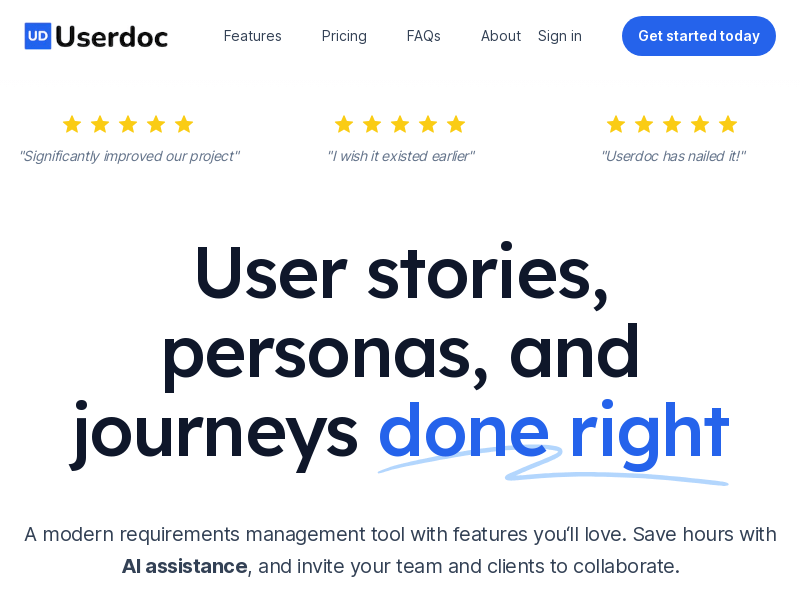
Screenshot archived from the listing page, for preview only.











