
Uptrace
OpenTelemetry-native observability with tracing, metrics, and logs at lower cost.Full observability, predictable pricing, free self-hosting.
Highlights
What you can do with it
- E-commerce platforms trace order flows and find performance bottlenecks
- Financial systems monitor trading throughput and response times in real time
- Technology teams locate security issues quickly through log analysis
How to use it
- 1 Review functions and pricing on the Uptrace website
- 2 Choose self-hosting or Uptrace Cloud and follow the setup documentation
- 3 Integrate the OpenTelemetry SDK into your applications
- 4 Use search and analysis tools to inspect traces, metrics, and logs
- 5 Apply the findings to optimize and troubleshoot your systems
Who it is for
Pros
- Free self-hosting gives full data control
- Predictable pricing contrasts with usage-based billing surprises
- OpenTelemetry-native design avoids vendor-specific agents
Limitations
- Self-hosting requires server setup and ongoing maintenance
- OpenTelemetry integration has a learning curve for new teams
- Cloud plan terms and pricing details can change over time
What Uptrace is
Uptrace is an observability platform built natively on OpenTelemetry, the open-source CNCF project for unified cloud-native instrumentation. It provides the three core pillars of observability: distributed tracing that accurately records interactions between system components, comprehensive metric management for monitoring health and performance, and efficient log processing with centralized storage and strong search and filtering. Two deployment paths exist: free self-hosting on your own servers for complete data control, or the managed Uptrace Cloud service. The platform advertises a predictable pricing model, positioning itself as a cost-effective alternative to bills that scale unpredictably with usage.
What you can do with it
- Trace requests across services to find where latency and failures originate
- Collect and analyze system metrics to watch throughput, response times, and errors
- Search and filter centralized logs to troubleshoot issues quickly
- Use visual reports to understand system status and inform decisions
Who it is for
- Software development teams working on complex distributed systems
- Operations teams that must keep services stable and respond to incidents fast
- Enterprise managers who need performance visibility without unpredictable observability costs
- Teams that want to avoid vendor lock-in through OpenTelemetry standards
What to watch out for
Self-hosting is free, but it is not free of effort: you need servers, upgrades, backups, and someone who understands the deployment. OpenTelemetry integration also requires learning; instrumenting an unfamiliar codebase takes planning. The 80 percent cost reduction claim depends on your current setup and usage, so model your own numbers rather than assuming it. Cloud plan pricing and terms can change over time, so review them before standardizing. Finally, observability data is only useful when dashboards and alerts map to real incidents, so invest in configuring alerts that your team will actually act on.
FAQ
Is Uptrace free?
You can self-host the platform for free on your own servers, or choose the managed Uptrace Cloud service with its predictable pricing.
What does OpenTelemetry-native mean?
The platform is built on OpenTelemetry, an open-source CNCF project, so you instrument applications with standard OpenTelemetry SDKs rather than proprietary agents.
What data does it handle?
It covers distributed tracing, metrics, and log management, with centralized log storage and powerful search and filtering.
Why it is free
What the official page says: 免费
Free limits, trial length and features are decided by the official site and can change at any time.
Product preview
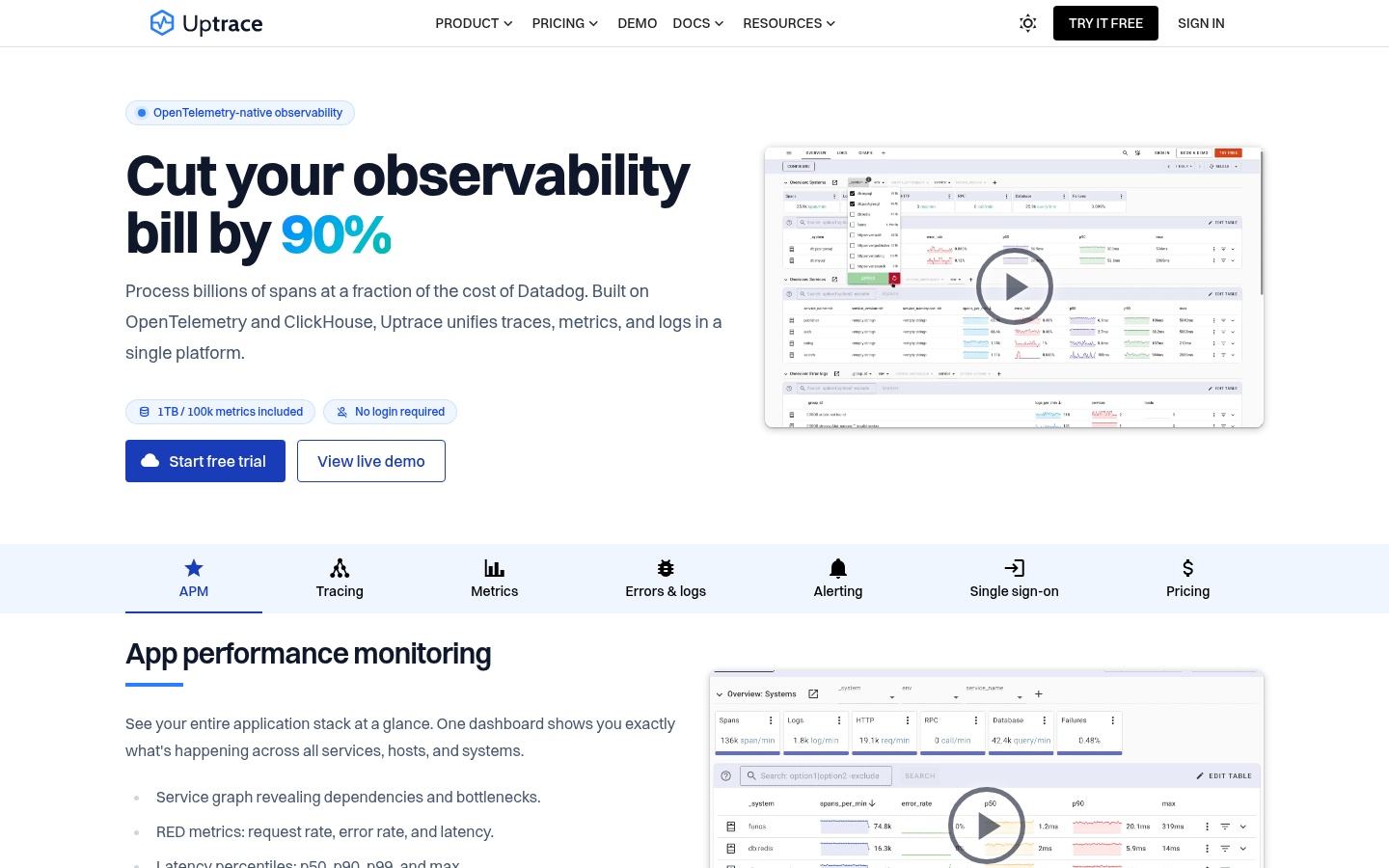
Screenshot archived from the listing page, for preview only.











