
Unwatermark AI
AI watermark removerBrush over the watermark
Highlights
What you can do with it
- Cleaning a watermark from your own photo before sharing
- Removing a mark from footage you have the rights to
- Preparing a clean image for a personal project
How to use it
- 1 Upload the photo or video with the watermark.
- 2 Use the brush tool to select the watermark area.
- 3 Click remove and let the AI fill the region.
- 4 Download the cleaned file.
Who it is for
Pros
- Automatic detection saves manual marking
- Works on both photos and videos
- Files are not stored, according to the listing
Limitations
- Only use it on images you own or have rights to edit, since removing others' watermarks can breach copyright
- Free access can change, and limits are not published
- Filling complex areas can leave visible artefacts
What Unwatermark AI is
Unwatermark AI is an online tool for removing watermarks from photos and videos. It finds and marks the watermark automatically, then fills the area with surrounding pixels so the result looks natural rather than patched. A brush tool is there for cases where the automatic detection picks the wrong region or the mark sits over a busy part of the frame. The listing also claims fast processing, use across PC, Android, and iOS, and no storage of uploaded or processed files, and it positions the service as free to use.
What you can do with it
- Remove a watermark from a photo automatically
- Select a region by hand with the brush tool
- Process video files as well as stills
- Download the cleaned file after processing
Who it is for
- People cleaning marks from their own photos and videos
- Photographers and editors working with files they have licensed
- Anyone who needs a quick browser-based cleanup
What to watch out for
Use it only on content you own or have permission to edit. Watermarks exist to mark ownership and licensing, and removing them from someone else's image or video can breach copyright and platform rules, and the consequences fall on you. Free access is how it is positioned today, and that can change, with limits not published in the listing, so check before you rely on it for regular work. Quality also varies: fine text, moving video, and busy backgrounds are where automatic filling leaves visible traces, so keep the original file and check the result at full size before you use it anywhere that matters. When quality matters, export a small draft first to confirm the result before producing the final file.
FAQ
Does it work on video?
Yes, both photos and videos are listed.
Are my files stored?
The listing says uploaded and processed images are not stored.
Is it free?
It is positioned as a free watermark removal service.
Why it is free
What the official page says: 免费
Free limits, trial length and features are decided by the official site and can change at any time.
Product preview
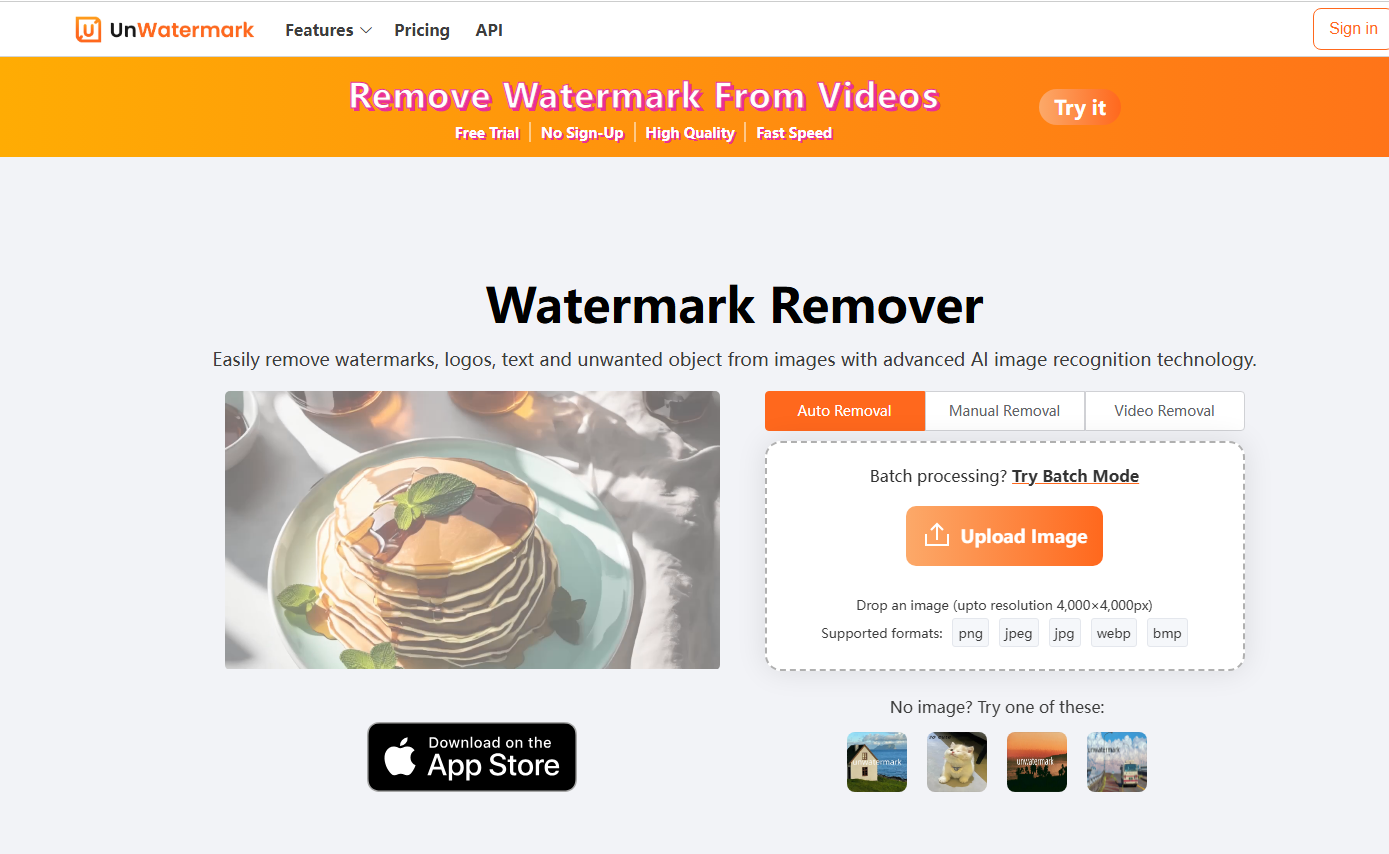
Screenshot archived from the listing page, for preview only.











