
Unvoice
Transcribe WhatsApp voice messages with AITurn WhatsApp voice notes into readable text.
Highlights
What you can do with it
- Read a long voice note when you cannot play audio
- Share a transcript with someone who prefers text
- Keep a text record of important voice instructions
How to use it
- 1 Open the Unvoice website.
- 2 Send or forward the WhatsApp voice message to the service.
- 3 Wait for the instant transcription to finish.
- 4 Read, copy, or share the text result.
Who it is for
Pros
- First 5 minutes are free
- Transcription is described as instant
- Automatic deletion of transcribed messages
Limitations
- The free portion is only 5 minutes, then you pay
- It depends on WhatsApp, so changes there affect it
- Accuracy can vary with audio quality and accents
What Unvoice is
Unvoice is an AI-driven transcription service built for one narrow job: turning WhatsApp voice messages into readable text. You forward the voice note, the service transcribes it, and you get a transcript you can scan, copy, or send to someone else. The pitch is convenience for busy people who cannot always play audio, plus flexible pricing and privacy protection, with transcribed messages deleted automatically. Your first 5 minutes are free, which is enough to test whether the accuracy works for the way your contacts speak.
What you can do with it
- Transcribe a WhatsApp voice message into readable text.
- Read a long note quickly instead of listening in real time.
- Share the transcript with someone who prefers text.
- Keep a written record of instructions or details sent by voice.
Who it is for
- People who receive many voice notes from family or colleagues.
- Busy users who would rather scan text than play audio.
- Anyone who needs a written record of what a voice message said.
What to watch out for
The free portion covers only 5 minutes, so regular use means moving to a paid plan. Because the service works through WhatsApp, changes to WhatsApp can affect how the integration behaves. Accuracy depends on recording quality, background noise, and accents, so important messages should be checked against the original audio. Treat the transcript as a helpful draft, not a perfect record. Start with a small sample to confirm the output meets your expectations before processing the full batch. Free tiers and usage limits can change, so check the current rules on the official page before relying on it long term.
FAQ
Is Unvoice free?
Your first 5 minutes are free. Beyond that it uses flexible paid plans, so check the current pricing before heavy use.
What does it transcribe?
WhatsApp voice messages, turning them into readable text you can read and share.
What happens to my messages?
The listing says transcribed messages are automatically deleted and that privacy protection is part of the service.
Why it is free
What the official page says: 免费
Free limits, trial length and features are decided by the official site and can change at any time.
Product preview
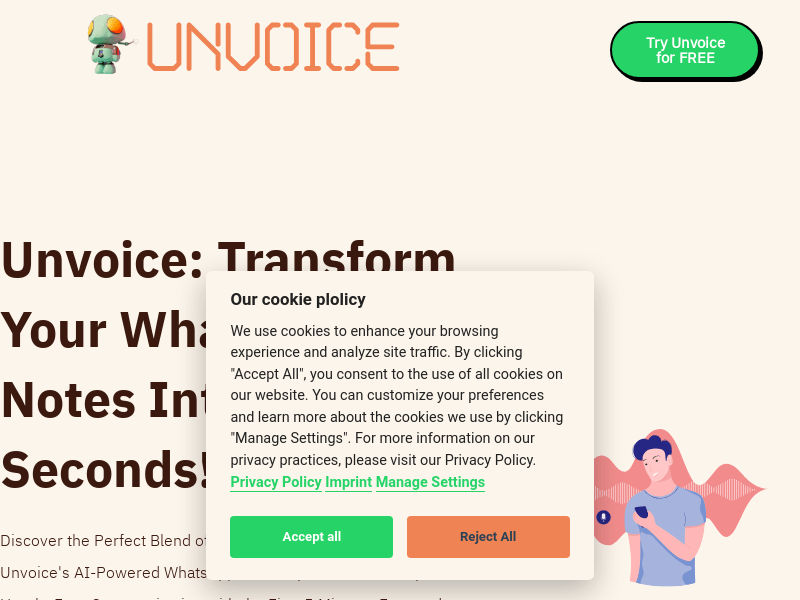
Screenshot archived from the listing page, for preview only.











